Exact2Pass

Last Update 11 hours ago Total Questions : 35
The Microsoft Word (Word and Word 2019) content is now fully updated, with all current exam questions added 11 hours ago. Deciding to include MO-100 practice exam questions in your study plan goes far beyond basic test preparation.
You'll find that our MO-100 exam questions frequently feature detailed scenarios and practical problem-solving exercises that directly mirror industry challenges. Engaging with these MO-100 sample sets allows you to effectively manage your time and pace yourself, giving you the ability to finish any Microsoft Word (Word and Word 2019) practice test comfortably within the allotted time.
In the ‘’Depaning’’ section, insert a thermometer symbol before the phrase ‘’The muffin tray will still be hot!’’. Use the Webdings font and character code ‘’225’’ ( the thermometer symbol).
In the ‘’Kids love dinosaurs’’ section, copy the formatting of the first paragraph and apply it to the second paragraph.
Accept all tracked insertion and deletions, Reject all formatting changes.
This project has only one task.
You have been assigned the task of keeping meeting, notes for your company ' s Board of Directors.
Save a copy of the document as a Word 2019 template named " Notes " that is compatible with the latest Word features and does not support macros. Save the template file in the default location.
You work for Fourth Coffee. You are finalizing a training manual for employees who will bake muffins for the coffee shop.
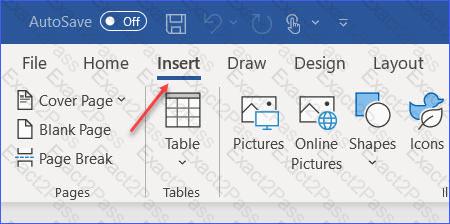
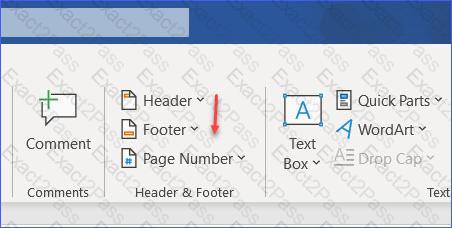
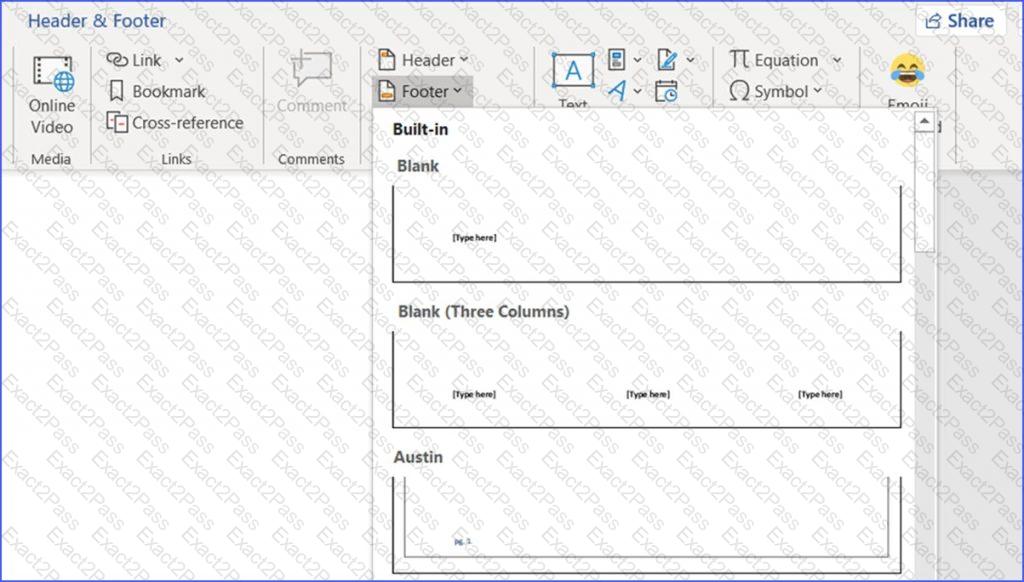
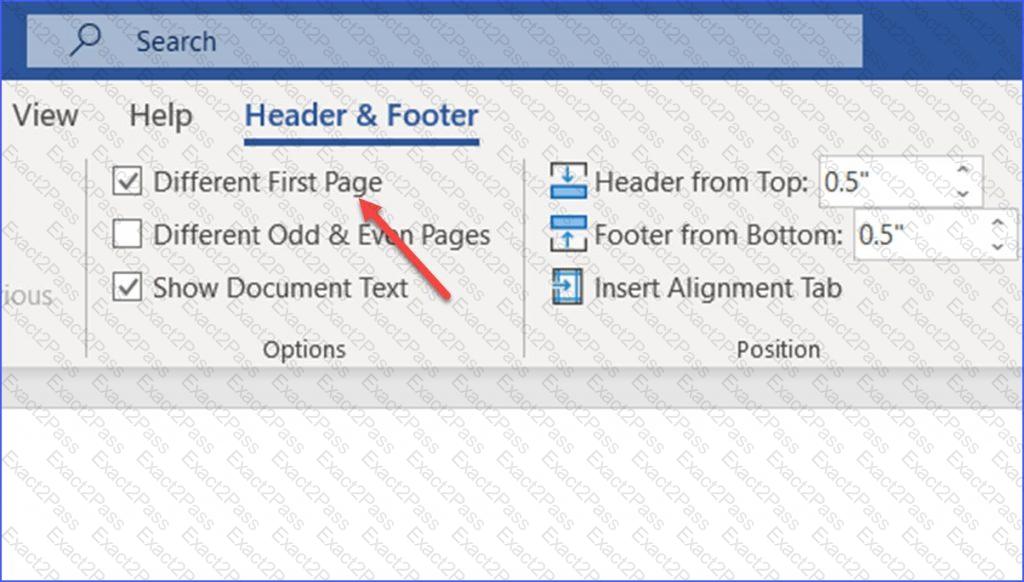
Display the Integral header on all pages of the documents except page 1.
In the " Fill Material " section, resize the table so that each column is " 2.2 " ( ' 5.59 cm " ) wide.
In the " Checking Accounts ' section, in the dark blue text box, insert the text " Anytime Account Access " .
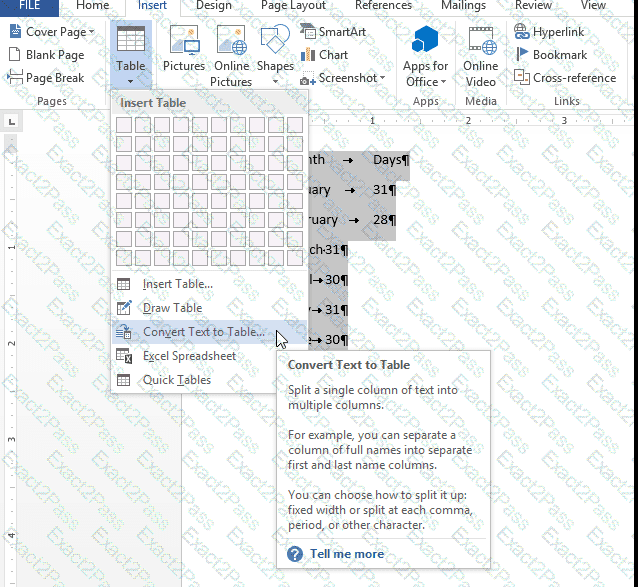
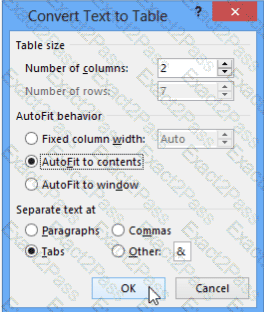
In the " Banking Fees " section, convert the tab-delimited text to a two-column table. Accept the default AutoFit behavior.
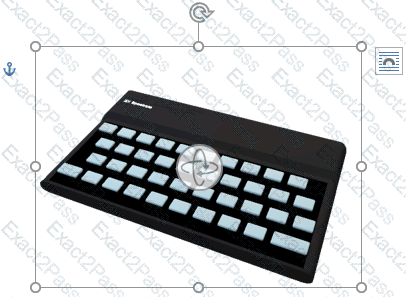
In the ‘’Favorite dinosaurs’’ section, in the blank paragraph at the end of the page, use the 3D Model feature to insert the Triceratops from the 3D objects folder.
Position the model in Line with Text.
In the " Manufacturing Process " section, assign the alt text description " Process flow " to the SmartArt graphic, (Be sure to select the entire SmartArt graphic.)


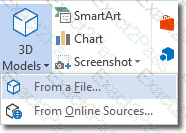 Insert A 3D Model
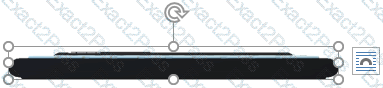 3D Handles
 Rotate 3D Model