Exact2Pass

Last Update 12 hours ago Total Questions : 273
The Apple Device Support Exam (SUP-2026) content is now fully updated, with all current exam questions added 12 hours ago. Deciding to include Apple-Device-Support practice exam questions in your study plan goes far beyond basic test preparation.
You'll find that our Apple-Device-Support exam questions frequently feature detailed scenarios and practical problem-solving exercises that directly mirror industry challenges. Engaging with these Apple-Device-Support sample sets allows you to effectively manage your time and pace yourself, giving you the ability to finish any Apple Device Support Exam (SUP-2026) practice test comfortably within the allotted time.
Which device can you use to unlock your Mac computer ' s screen saver and approve authentication requests from macOS and other apps?
How should you check the progress of an installation and error entries when troubleshooting an application installation issue on a Mac?
You use Apple Watch 6 to track your physical activity and health metrics, but you have some trouble seeing the screen and using the watch controls.
Which iPhone feature can you use to help you see and operate Apple Watch more easily?
Where should you go in macOS to limit AirPlay Receiver ONLY to devices signed in to your Apple ID?
Where can you add a VPN configuration in macOS?
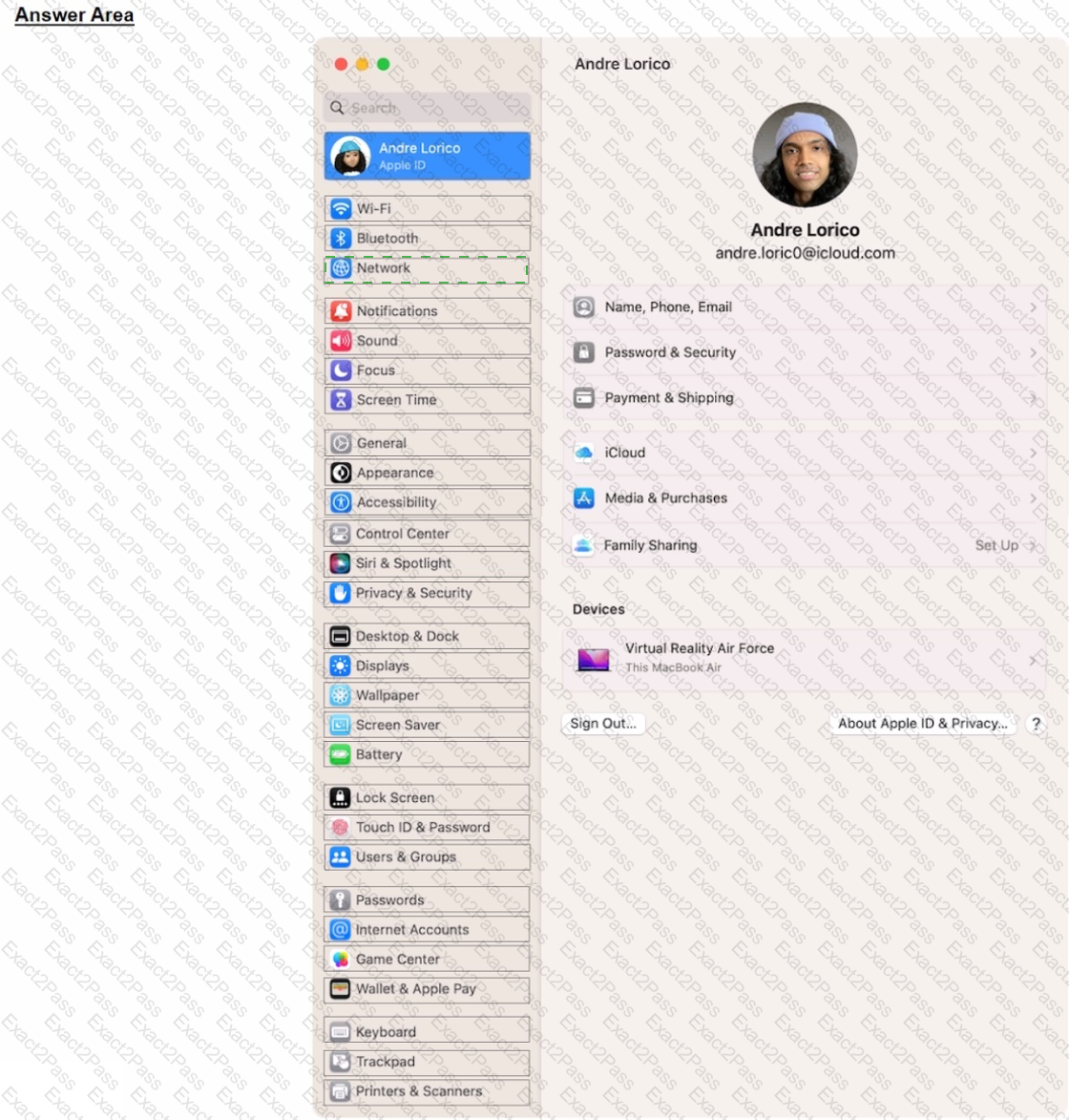
Select the setting in the sidebar that you should you use to copy the password of a known Wi-Fi network.
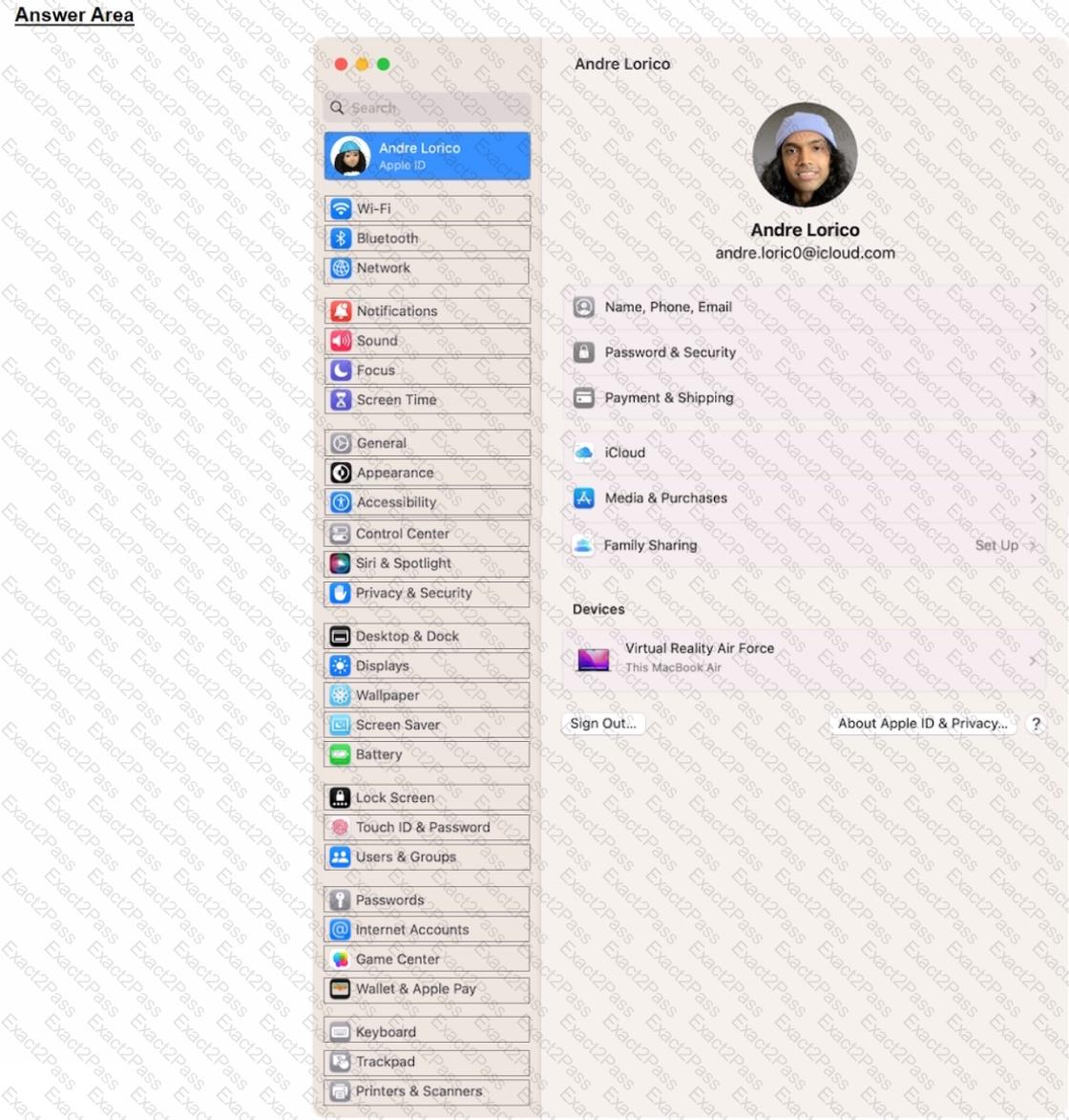
Which macOS feature allows you to use your iPhone as a webcam?
Scenario
You ' re setting up a new MacBook Pro to replace your current MacBook. Both Mac computers are using the current version of macOS.
Which utility should you use to move data from your current MacBook to your new Mac using Setup Assistant?
Scenario
You ' re migrating your Windows PC to a new Mac.
Which software should you download on your Windows PC to aid the migration process?
Scenario:
Ozzy contacted you about issues obtaining 5G service on his iPhone. You confirmed that his device is compatible with the carrier ' s 5G service, in a coverage area, and using the latest version of iOS. The carrier ' s support website indicates that a carrier settings update is needed to fully support its 5G service.
Where in Settings should you go to manually check for carrier settings updates on iPhone?