Exact2Pass

Last Update 21 hours ago Total Questions : 96
The ArcGIS Desktop Associate content is now fully updated, with all current exam questions added 21 hours ago. Deciding to include EADA10 practice exam questions in your study plan goes far beyond basic test preparation.
You'll find that our EADA10 exam questions frequently feature detailed scenarios and practical problem-solving exercises that directly mirror industry challenges. Engaging with these EADA10 sample sets allows you to effectively manage your time and pace yourself, giving you the ability to finish any ArcGIS Desktop Associate practice test comfortably within the allotted time.
An ArcGIS user has an .mxd file with layers referencing data from ArcSDE.
What should a user do to check the ArcSDE geodatabase versioning information of a layer ' s feature class?
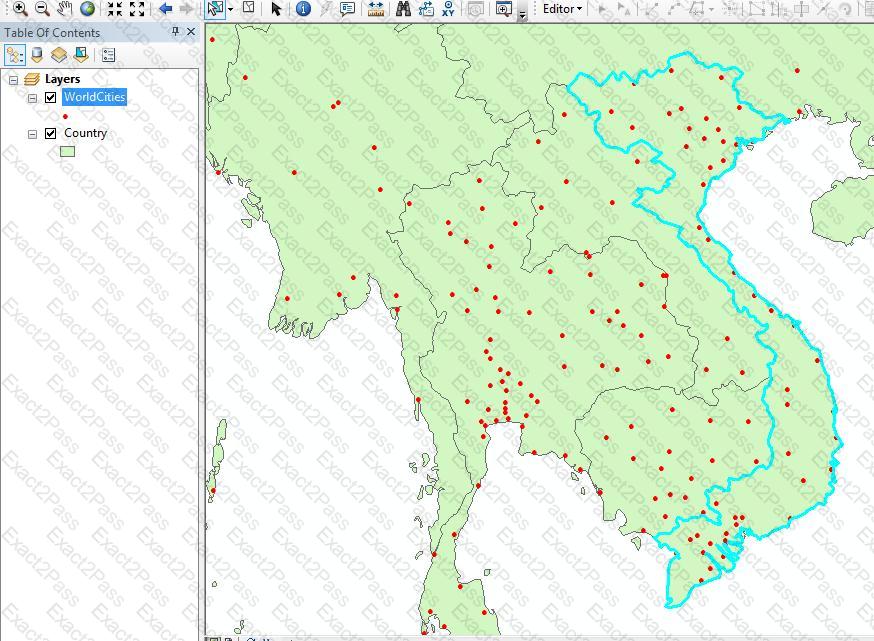
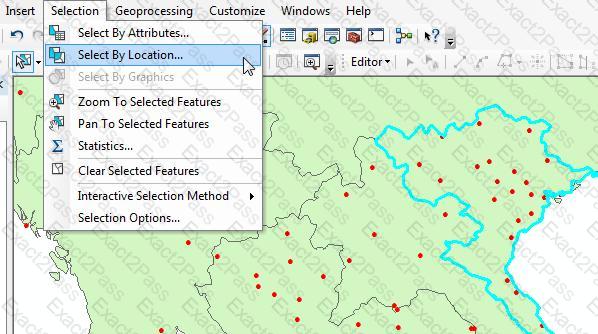
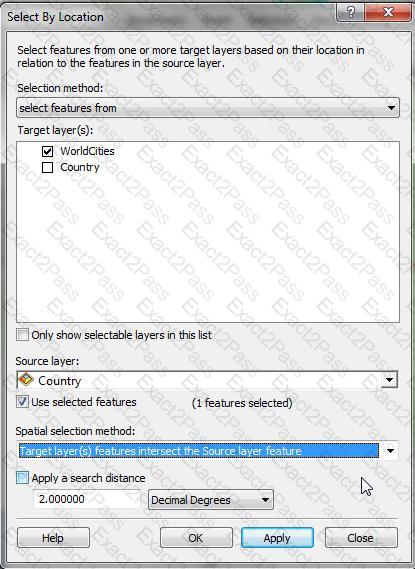
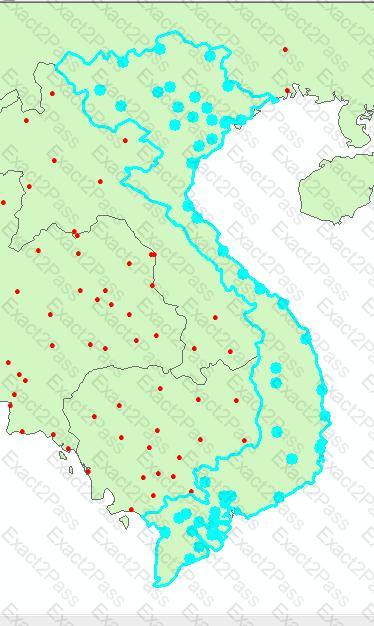
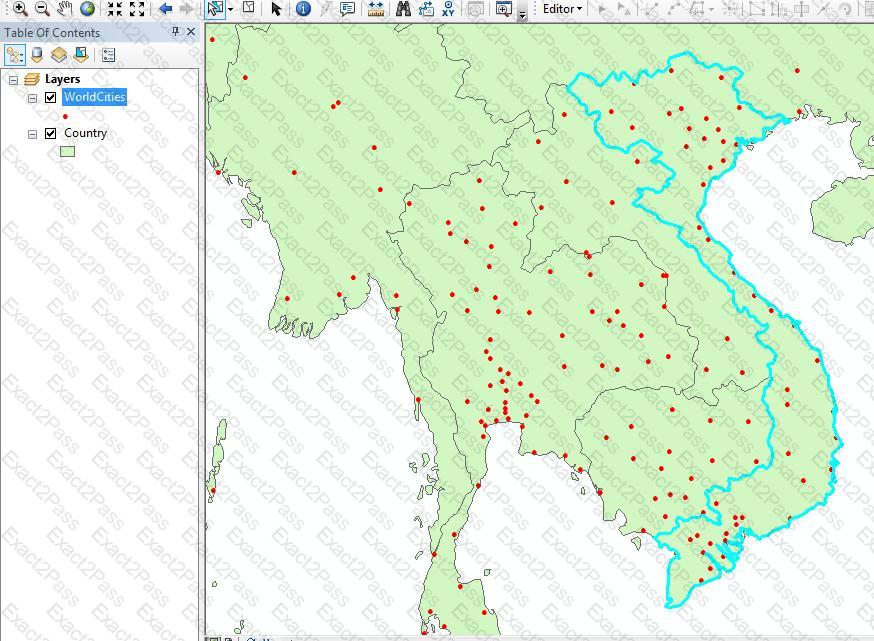
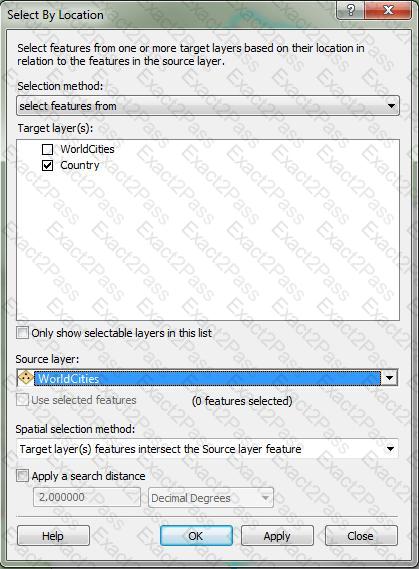
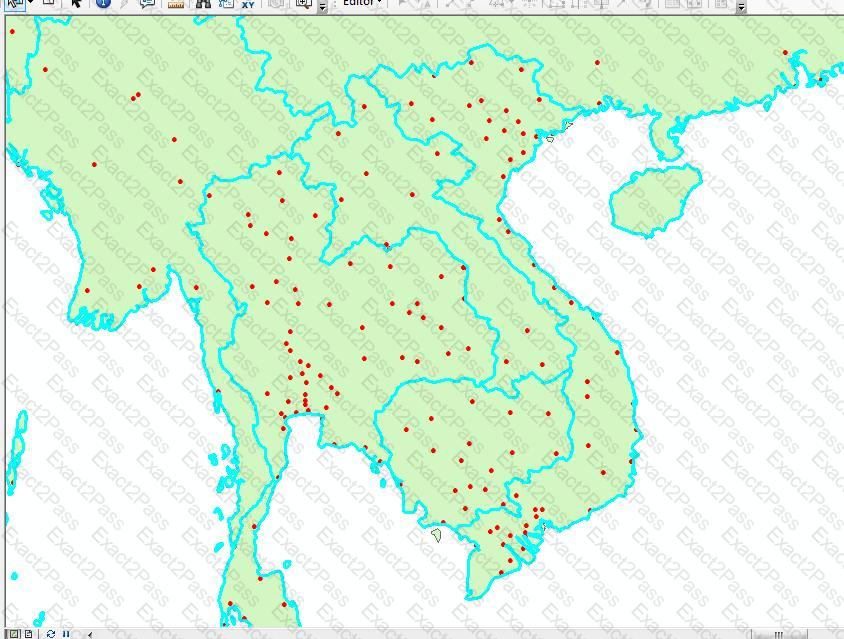
An ArcGIS user has City Points and Country Polygons feature classes and is selecting city points within a country polygon. Starting with a country polygon selected which spatial query will select city points within the selected country?
An ArcGIS User has a faster dataset that represents continuous data. When added to the map, the raster appears dark and grainy.
Which process should the ArcGIS user perform to visually enhance the appearance of the raster?
What can be used to ensure that an .mxd file can be opened in a previous version of ArcGIS?
What can cause bitmapped, banded, or low-quality display printed maps?
An ArcGIS user is creating an attribute domain from values in a table using the Table to Domain tool. Which two fields are required in the table to utilize this tool? (Choose two)
Which coordinate system is appropriate for storing a worldwide scale dataset using measures of latitude and longitude, while also allowing for the data to be easily projected for editing and analysis at a local level?
A feature class contains the following:
the point locations of several airplanes flying over a city
a text field with time and date information in a standard ESRI format
a text field that uniquely identifies each individual airplane
An ArcGIS user is performing a temporal analysis to play back the data through time. It is essential to be able to display the most current observation for each airplane with special symbology and display lines indicating the path of each airplane
Without any customization or modification of the data how can this be accomplished in ArcGIS Desktop?