Exact2Pass

Last Update 13 hours ago Total Questions : 250
The UiPath Specialized AI Associate Exam (2023.10) content is now fully updated, with all current exam questions added 13 hours ago. Deciding to include UiPath-SAIAv1 practice exam questions in your study plan goes far beyond basic test preparation.
You'll find that our UiPath-SAIAv1 exam questions frequently feature detailed scenarios and practical problem-solving exercises that directly mirror industry challenges. Engaging with these UiPath-SAIAv1 sample sets allows you to effectively manage your time and pace yourself, giving you the ability to finish any UiPath Specialized AI Associate Exam (2023.10) practice test comfortably within the allotted time.
Having the following list of documents:
Invoice1.pdf, Invoice2.raw, Invoice3.gif, Invoice4.jpg, Invoice5.docx
Please choose all the files that can be used in the DocumentPath property of the Classify Document Scope activity.
How can the code be tested in a development or testing environment in the context of the Document Understanding Process?
What happens to your document and the process of pre-labeling when you choose the "Predict" option from the "Predict" dropdown in Document Manager?
A developer has created a string array variable as shown below:
UserNames = {"Jane", "Jack", "Jill", "John"}
Which expression should the developer use in a Log Message activity to print the elements of the array separated by the string ","?
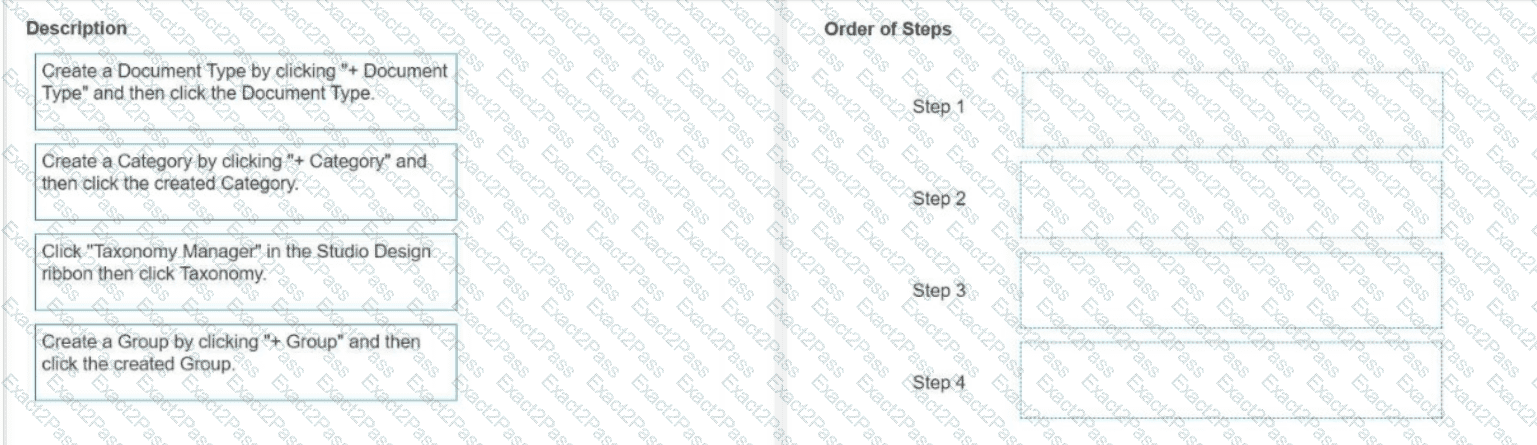
What is the order of the steps needed to create a new Document Type using all the organization levels in the Taxonomy?
Instructions: Drag the Description found on the left and drop on the correct Step found on the right.
Which filter option should be used for the For Each File in Folder activity to iterate between all the Microsoft Word documents in a local folder?
Which role is responsible for building and uploading ML (Machine Learning) models lo Al Center?
Which activity can be used to convert the default taxonomy.json file into a variable for further use?
A developer utilized the Add Data Row activity to insert a row into a data table called "dt_Reports". However, during runtime, UiPath Studio encounters an exception, "Add Data Row: Object reference not set to an instance of an object," because the data table has not been initialized.
To rectify this issue, what should the developer include in an Assign before the Add Data Row activity?
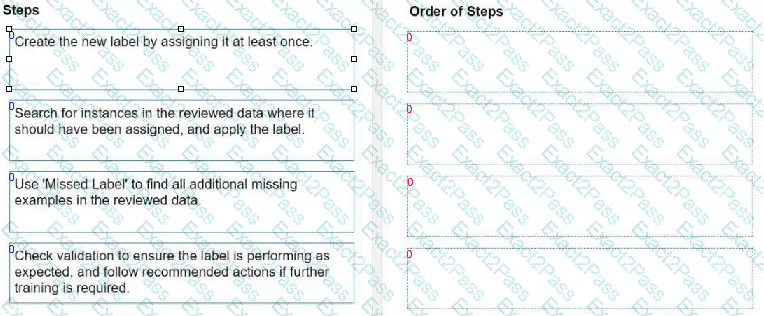
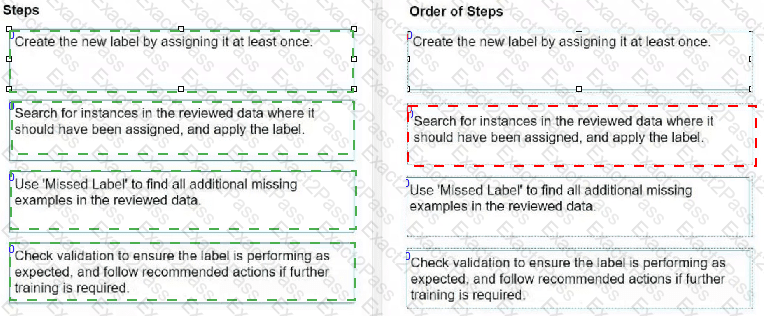
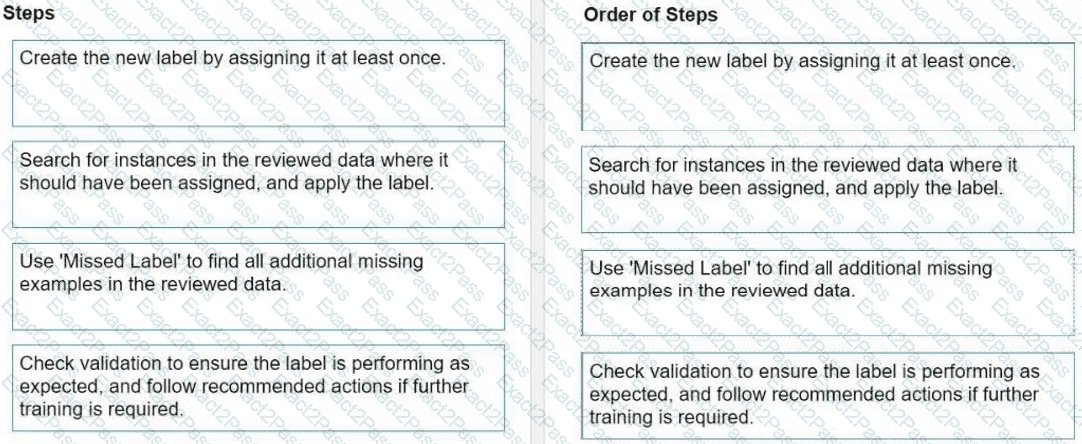
What is the correct order of recommended steps when introducing new labels into a mature taxonomy?
Instructions: Drag the steps found on the "Left" and drop them on the "Right" in the correct order.


 A screenshot of a computer
AI-generated content may be incorrect.
A screenshot of a computer
AI-generated content may be incorrect.