Exact2Pass

Last Update 10 hours ago Total Questions : 83
The Certified Kubernetes Administrator (CKA) Program content is now fully updated, with all current exam questions added 10 hours ago. Deciding to include CKA practice exam questions in your study plan goes far beyond basic test preparation.
You'll find that our CKA exam questions frequently feature detailed scenarios and practical problem-solving exercises that directly mirror industry challenges. Engaging with these CKA sample sets allows you to effectively manage your time and pace yourself, giving you the ability to finish any Certified Kubernetes Administrator (CKA) Program practice test comfortably within the allotted time.
Create a pod that echo “hello world” and then exists. Have the pod deleted automatically when it’s completed
List pod logs named “frontend” and search for the pattern “started” and write it to a file “/opt/error-logs”
Score: 4%
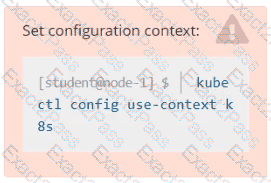
Task
Check to see how many nodes are ready schedulable (not including nodes tainted NoSchedule ) and write the number to /opt/KUSC00402/kusc00402.txt.
Create a file:
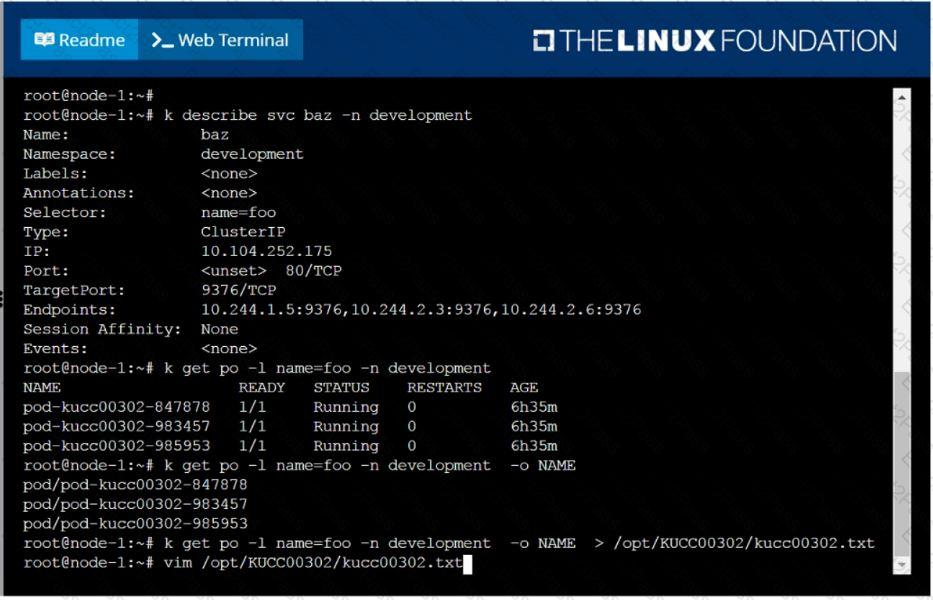
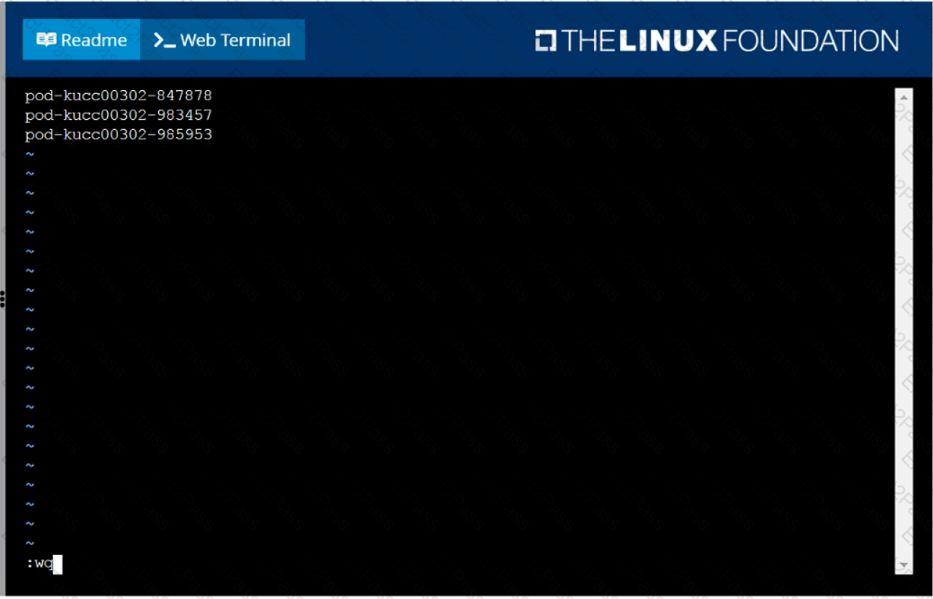
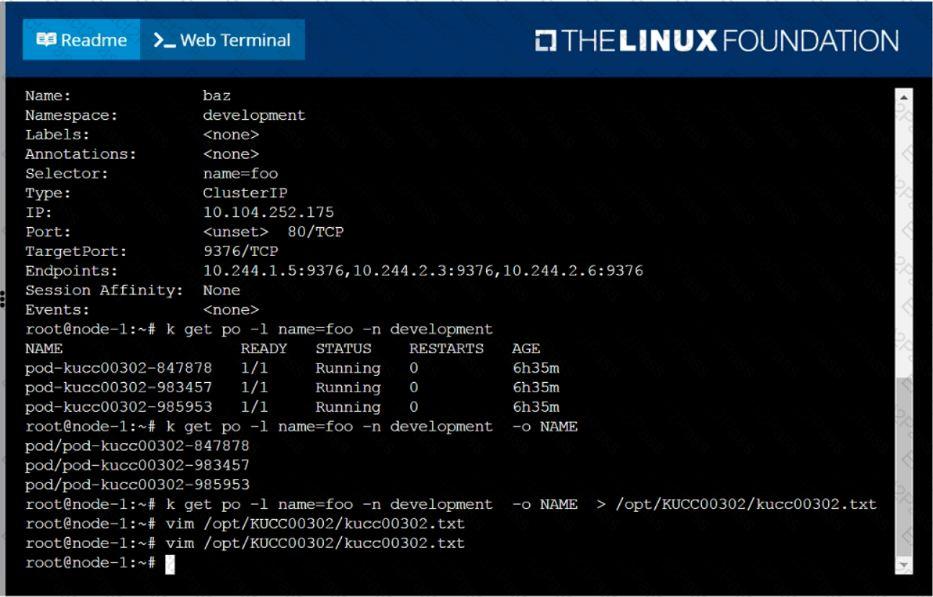
/opt/KUCC00302/kucc00302.txt that lists all pods that implement service baz in namespace development.
The format of the file should be one pod name per line.
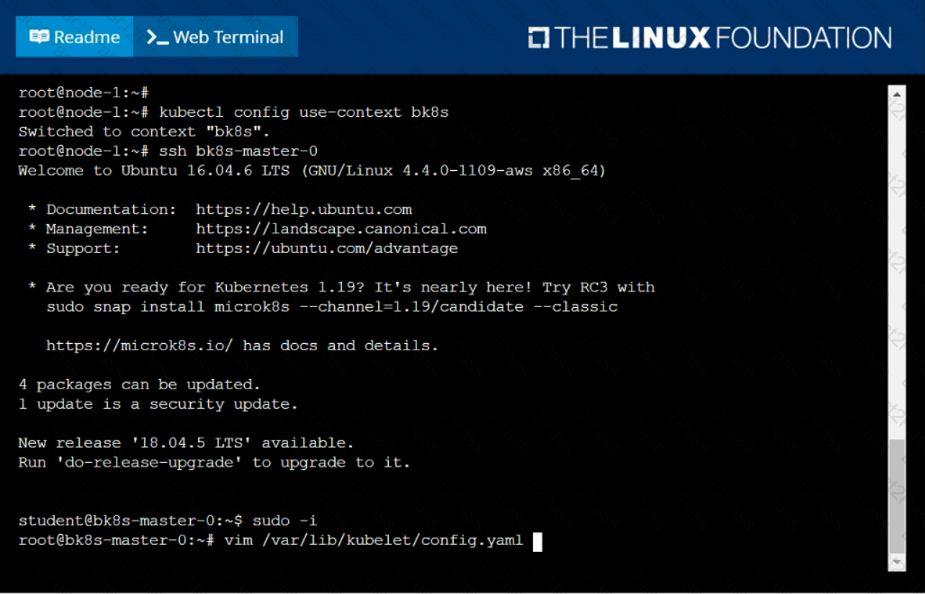
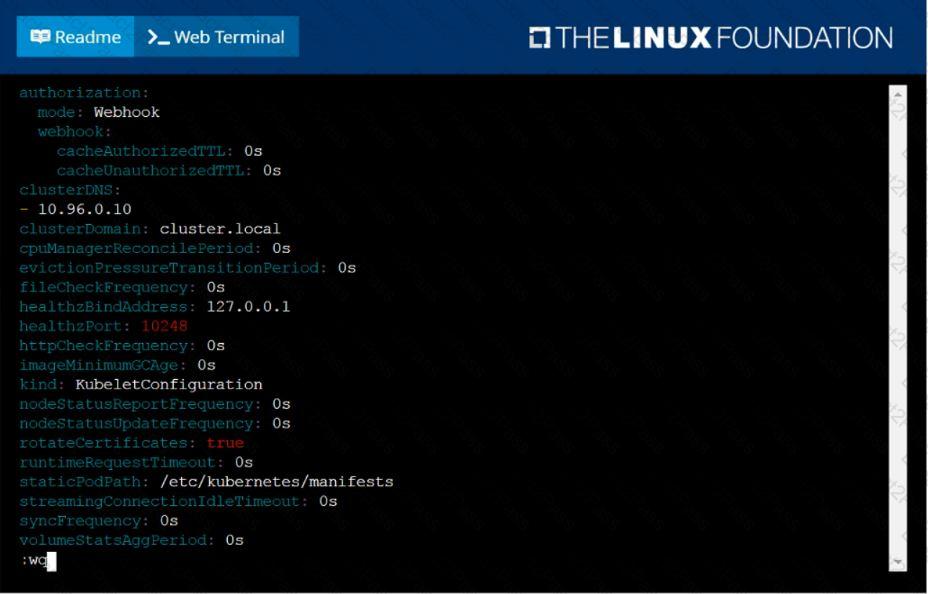
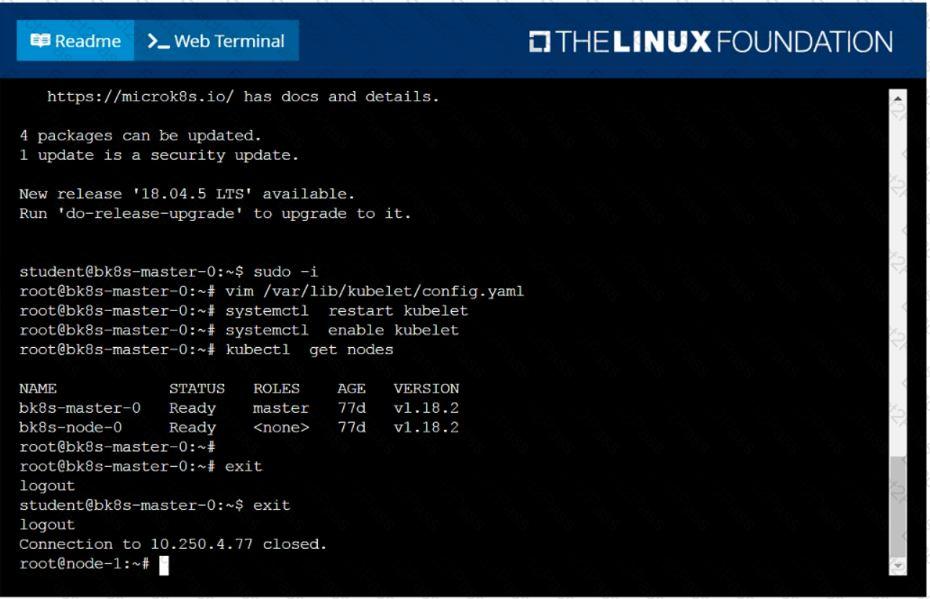
Given a partially-functioning Kubernetes cluster, identify symptoms of failure on the cluster.
Determine the node, the failing service, and take actions to bring up the failed service and restore the health of the cluster. Ensure that any changes are made permanently.
You can ssh to the relevant I nodes (bk8s-master-0 or bk8s-node-0) using:
[student@node-1] $ ssh < nodename >
You can assume elevated privileges on any node in the cluster with the following command:
[student@nodename] $ | sudo –i
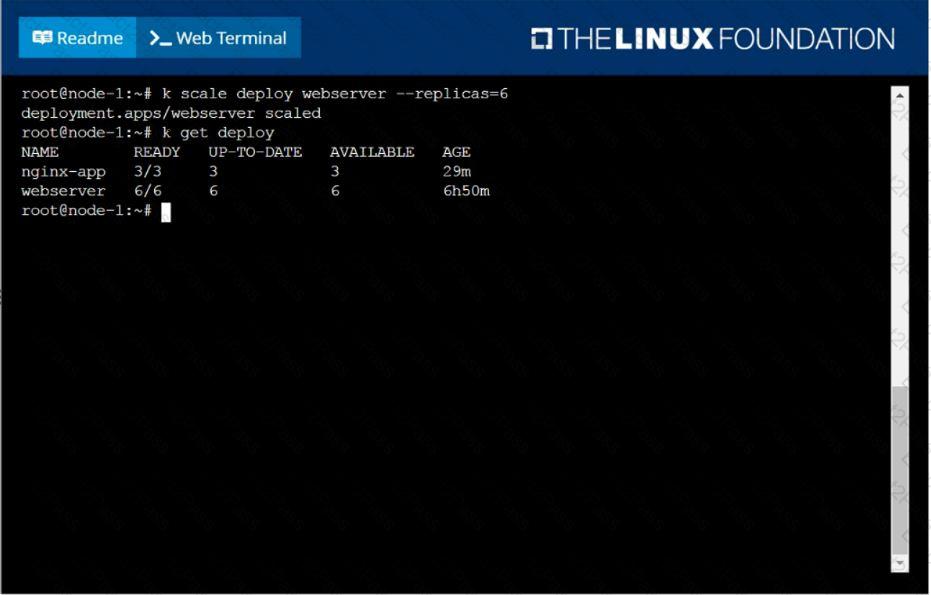
Scale the deployment webserver to 6 pods.
Create a pod with image nginx called nginx and allow traffic on port 80
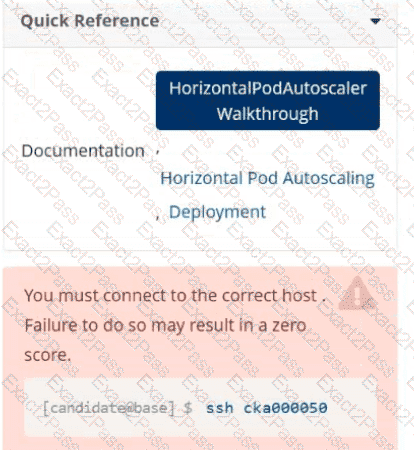
Task
Create a new HorizontalPodAutoscaler (HPA ) named apache-server in the autoscale
namespace. This HPA must target the existing Deployment called apache-server in the
autoscale namespace.
Set the HPA to aim for 50% CPU usage per Pod . Configure it to have at least 1 Pod and no more than 4 Pods . Also, set the downscale stabilization window to 30 seconds.
You must connect to the correct host.
Failure to do so may result in a zero score.
[candidate@base] $ ssh Cka000054
Context:
Your cluster ' s CNI has failed a security audit. It has been removed. You must install a new CNI
that can enforce network policies.
Task
Install and set up a Container Network Interface (CNI ) that meets these requirements:
Pick and install one of these CNI options:
· Flannel version 0.26.1
Manifest:
https://github.com/flannel-io/flannel/releases/download/v0.26.1/kube-flannel.yml
· Calico version 3.28.2
Manifest:
https://raw.githubusercontent.com/project calico/calico/v3.28.2/manifests/tigera-operator.yaml
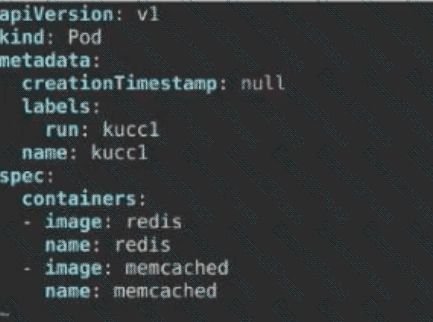
Schedule a Pod as follows:
. Name: kucc1
. App Containers : 2
. Container Name/Images :
redis
Memcached


 F:\Work\Data Entry Work\Data Entry\20200827\CKA\11 B.JPG
 F:\Work\Data Entry Work\Data Entry\20200827\CKA\11 C.JPG
 F:\Work\Data Entry Work\Data Entry\20200827\CKA\11 D.JPG
 F:\Work\Data Entry Work\Data Entry\20200827\CKA\23 C.JPG
 F:\Work\Data Entry Work\Data Entry\20200827\CKA\23 D.JPG
 F:\Work\Data Entry Work\Data Entry\20200827\CKA\23 E.JPG
 F:\Work\Data Entry Work\Data Entry\20200827\CKA\14 B.JPG
 A screen shot of a computer AI-generated content may be incorrect.