Exact2Pass

Last Update 18 hours ago Total Questions : 35
The Excel 2016: Core Data Analysis, Manipulation, and Presentation content is now fully updated, with all current exam questions added 18 hours ago. Deciding to include 77-727 practice exam questions in your study plan goes far beyond basic test preparation.
You'll find that our 77-727 exam questions frequently feature detailed scenarios and practical problem-solving exercises that directly mirror industry challenges. Engaging with these 77-727 sample sets allows you to effectively manage your time and pace yourself, giving you the ability to finish any Excel 2016: Core Data Analysis, Manipulation, and Presentation practice test comfortably within the allotted time.
Project 3 of 7: Tree Inventory
Overview
You are updating the inventory worksheet for a local tree farm.
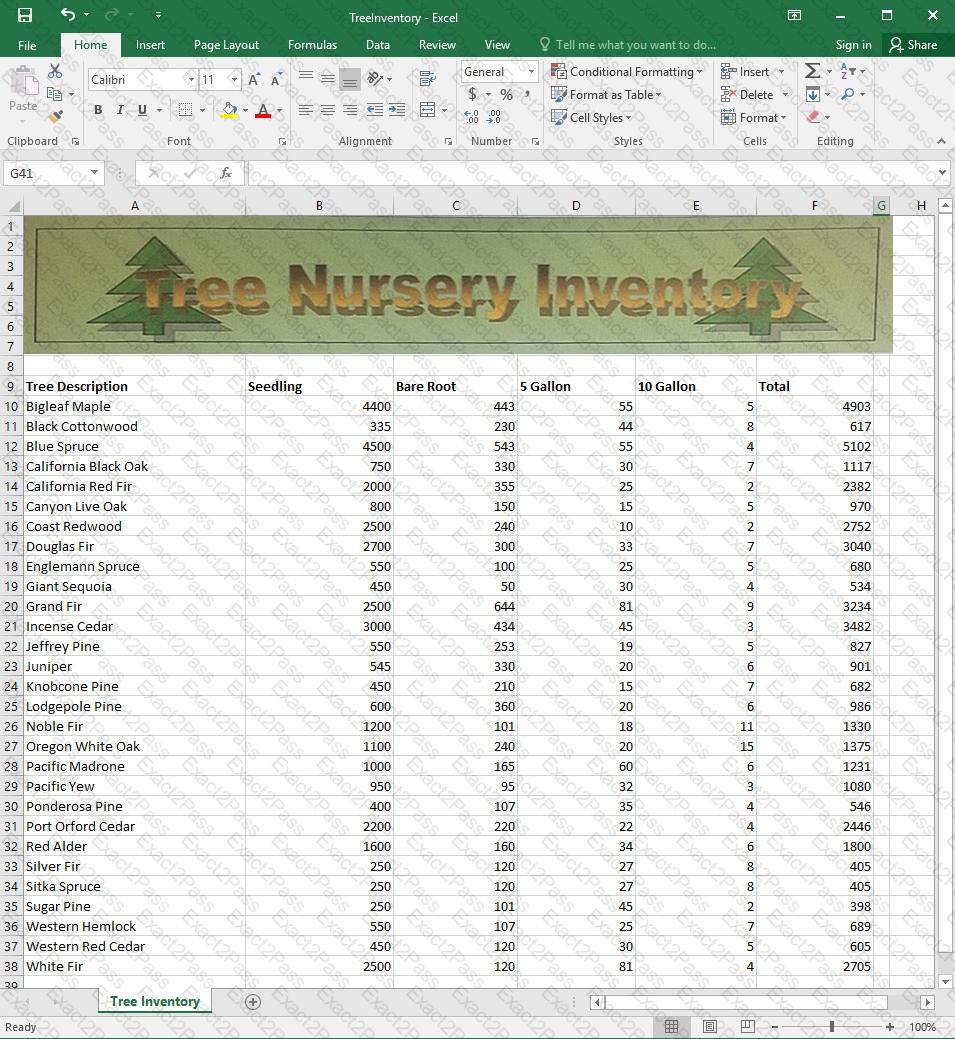
Change the margins to 1.0’’ (2.54 cm) on the top and bottom, 0.75’’ (1.90 cm) on the left and right, with a 0.5’’ (1.27 cm) header and footer.
Project 1 of 7: Tailspin Toys
Overview
You recently opened an online toy store. You have sold products to 500 individual customers. You are evaluating customer data and order data.


On the “Customers” worksheet, format the table so that every other row is shaded. Use a technique that automatically updates the formatting if you insert a new row.
Project 1 of 7: Tailspin Toys
Overview
You recently opened an online toy store. You have sold products to 500 individual customers. You are evaluating customer data and order data.
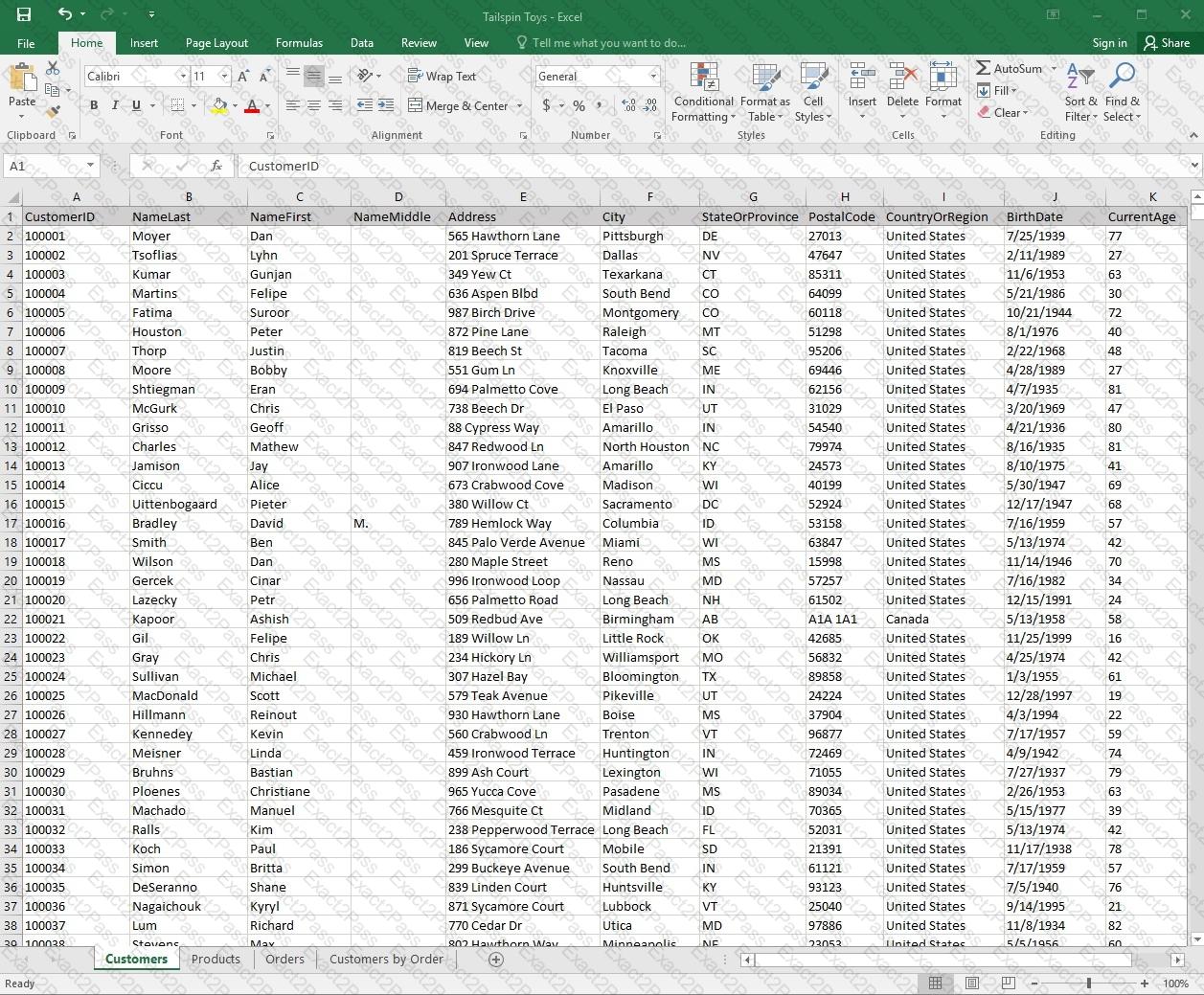
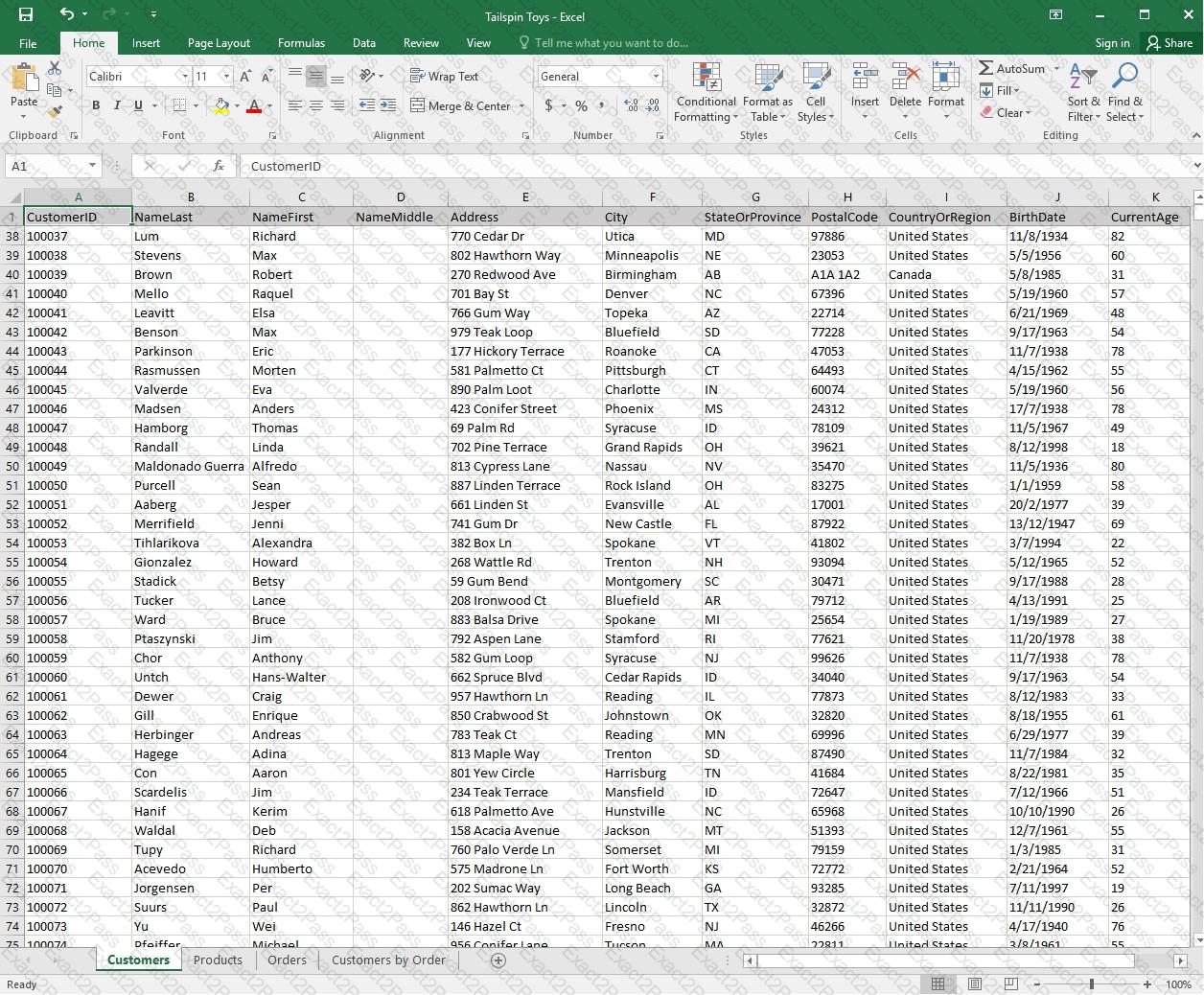
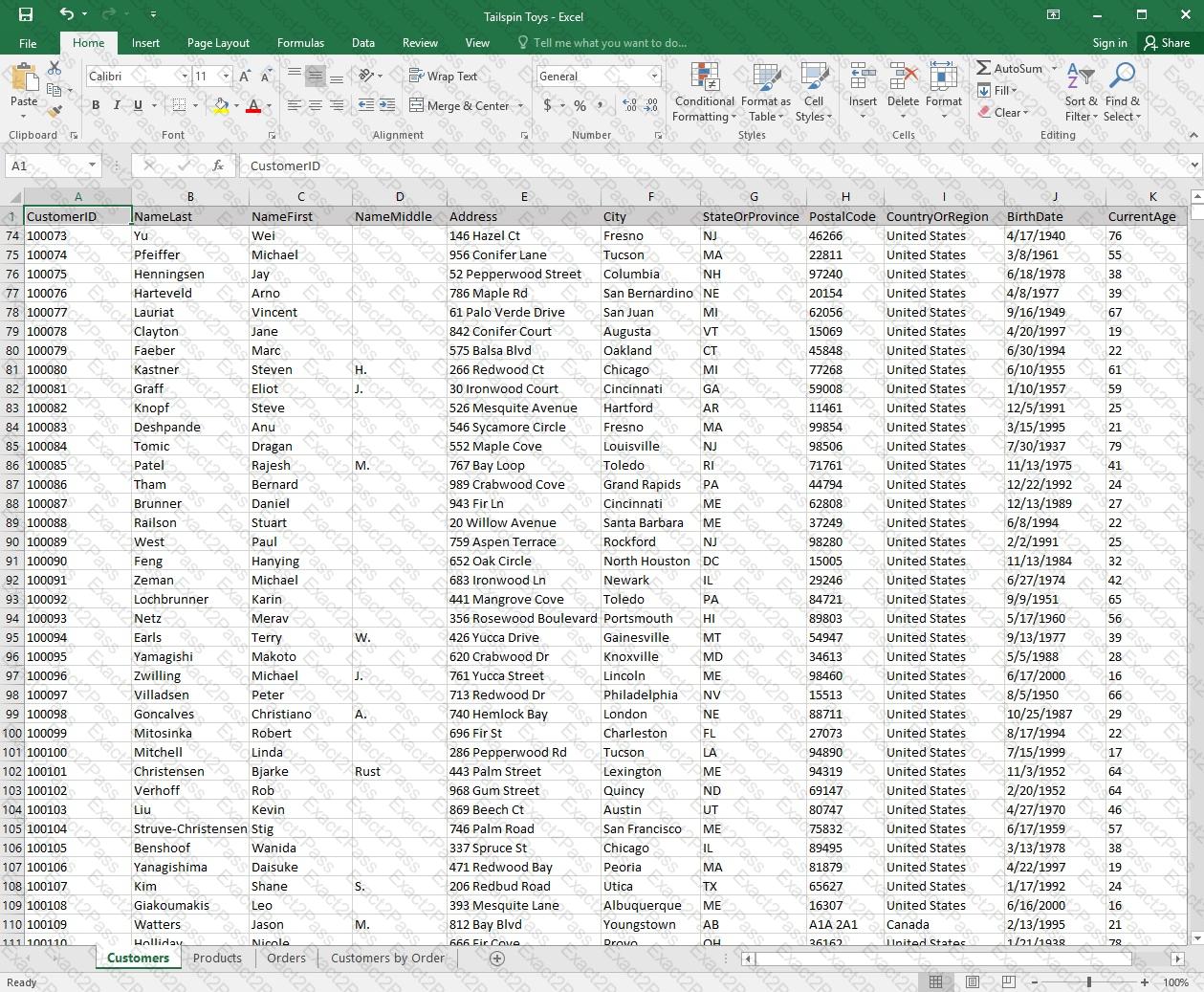
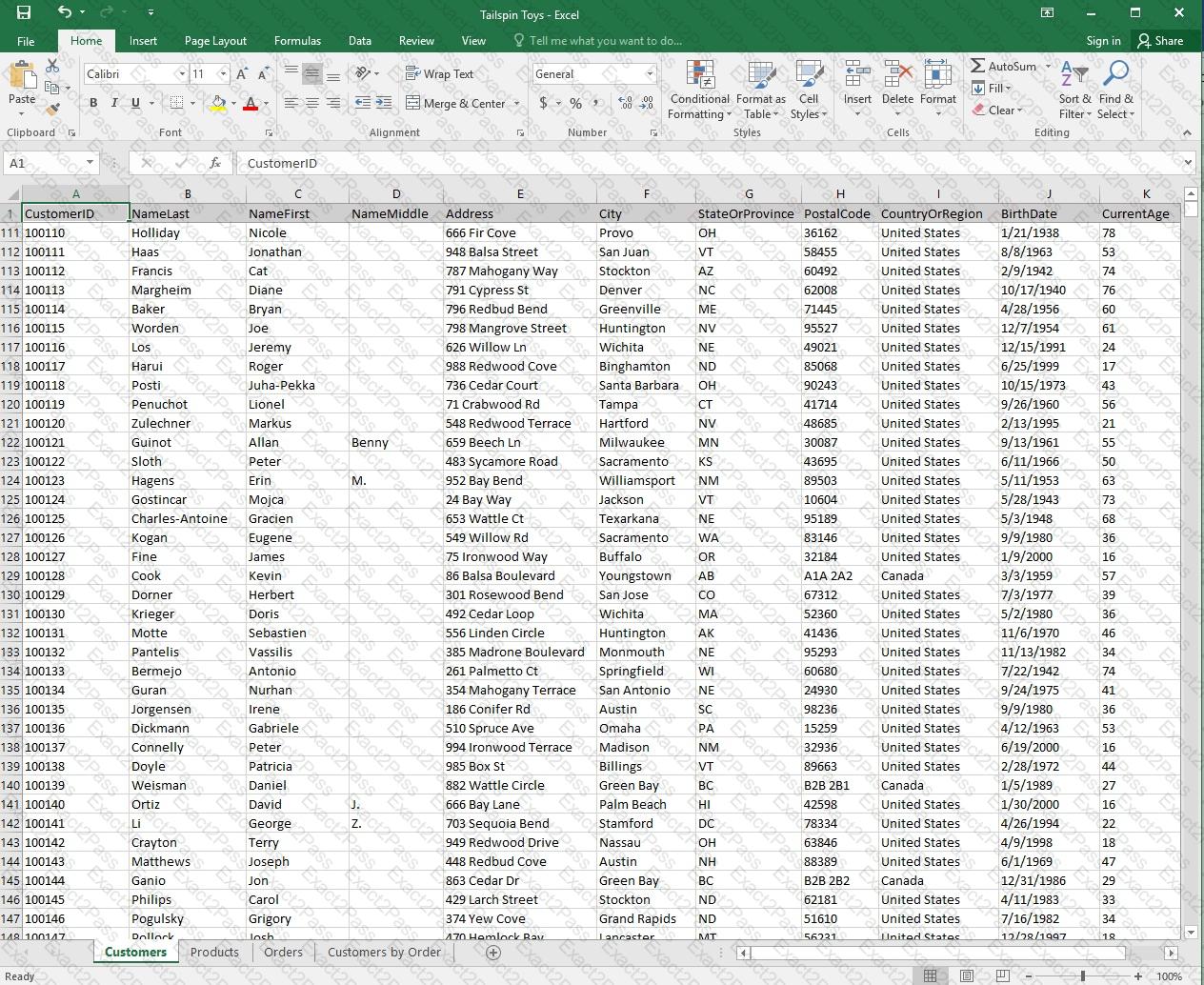
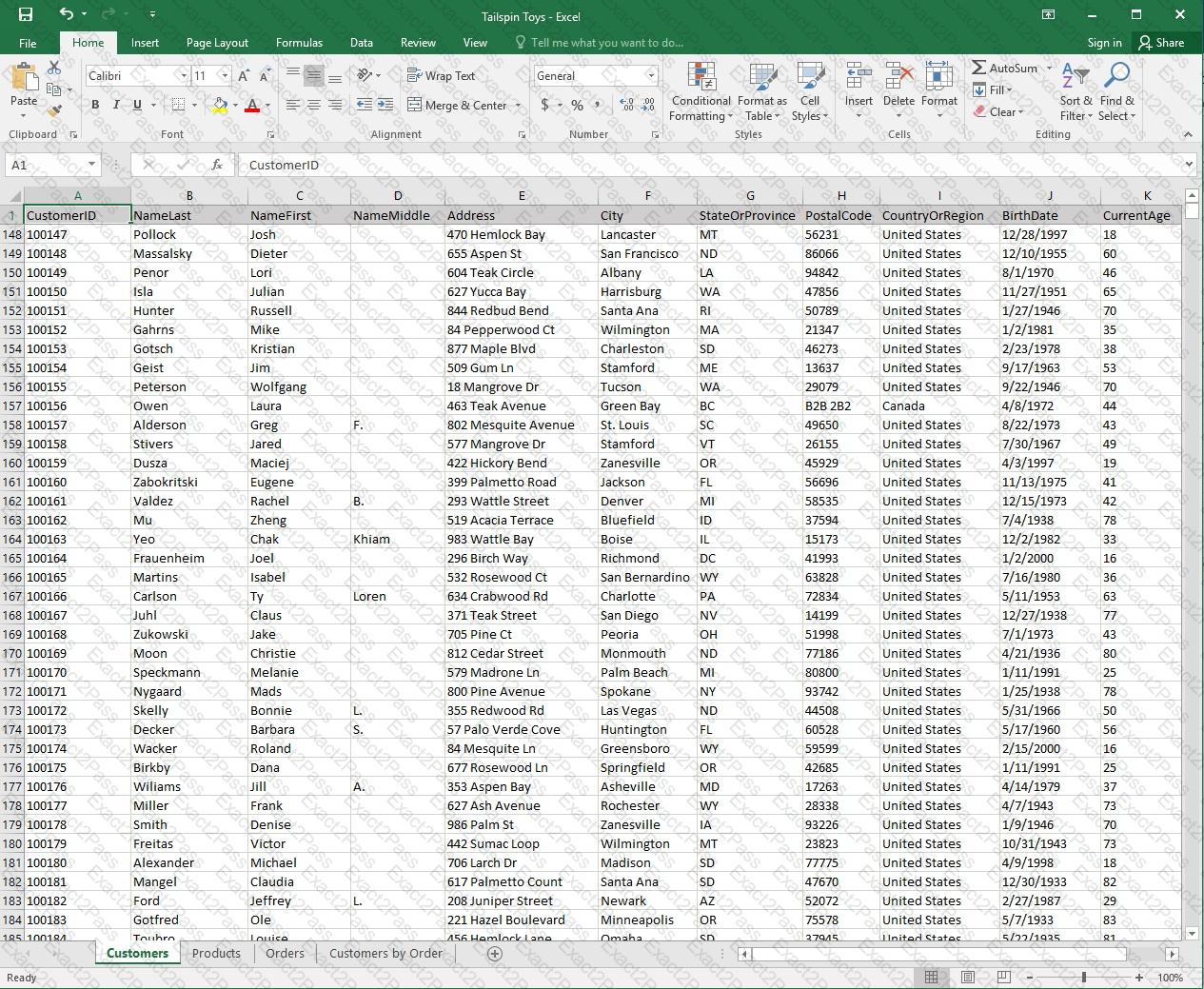
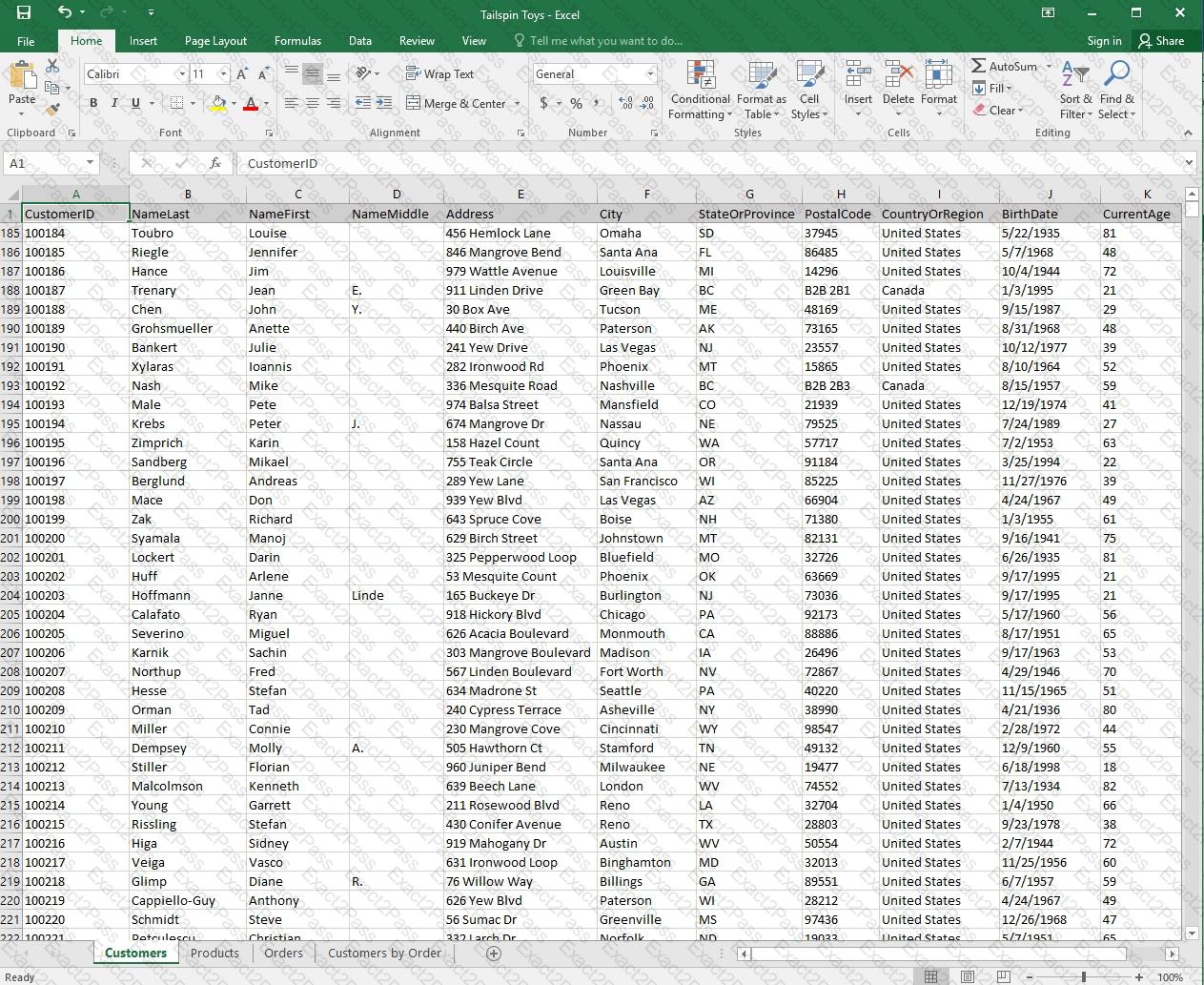
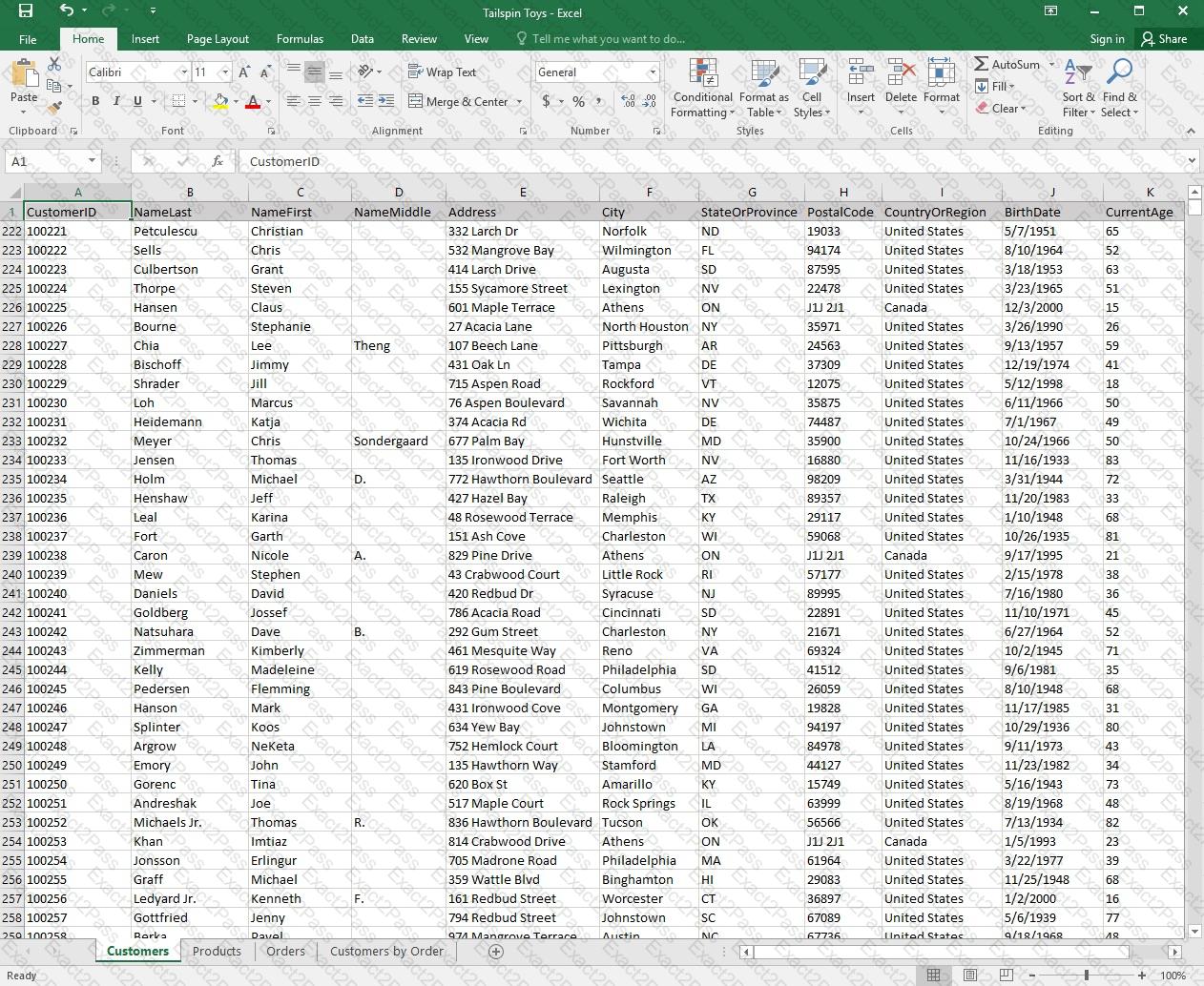
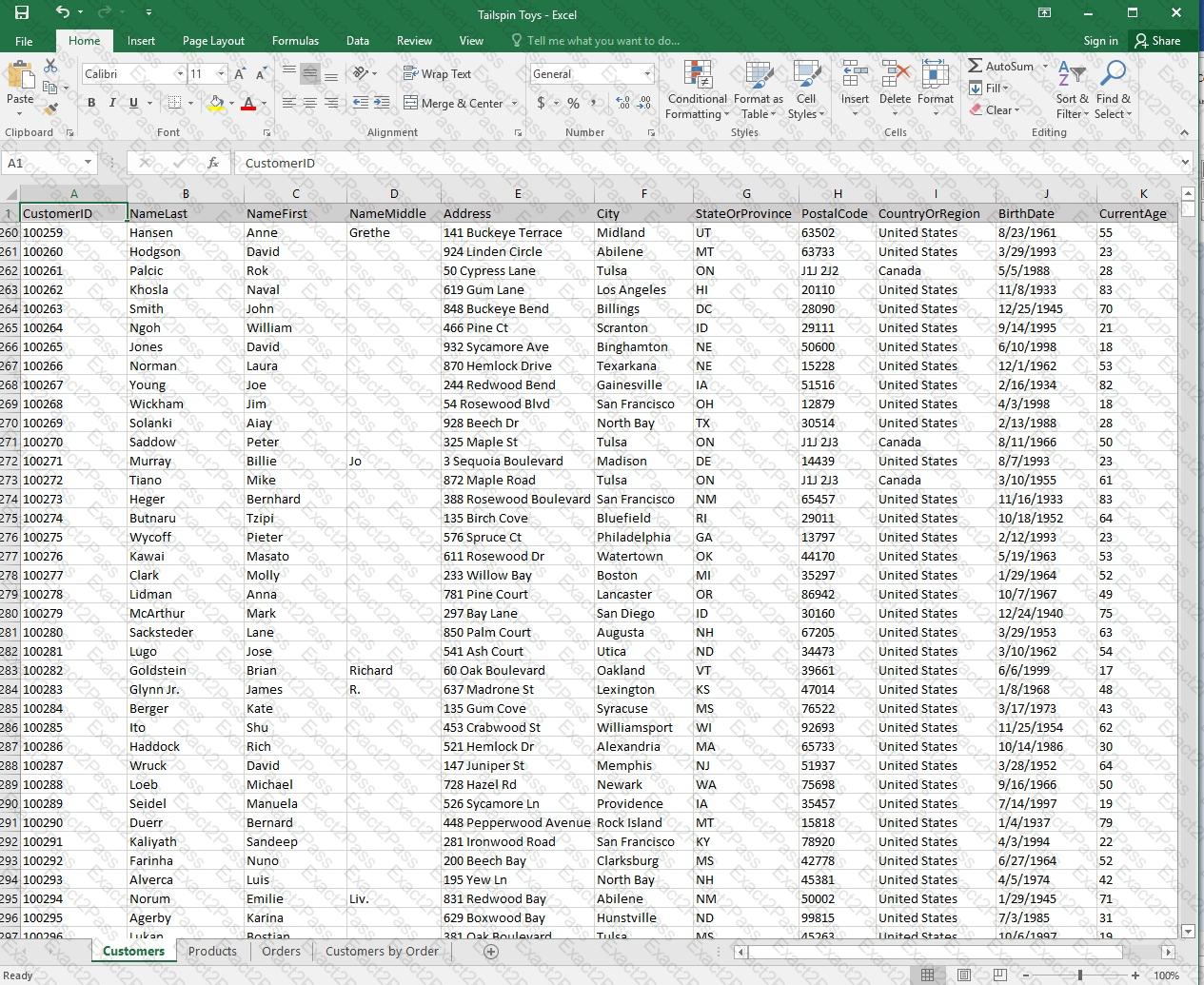
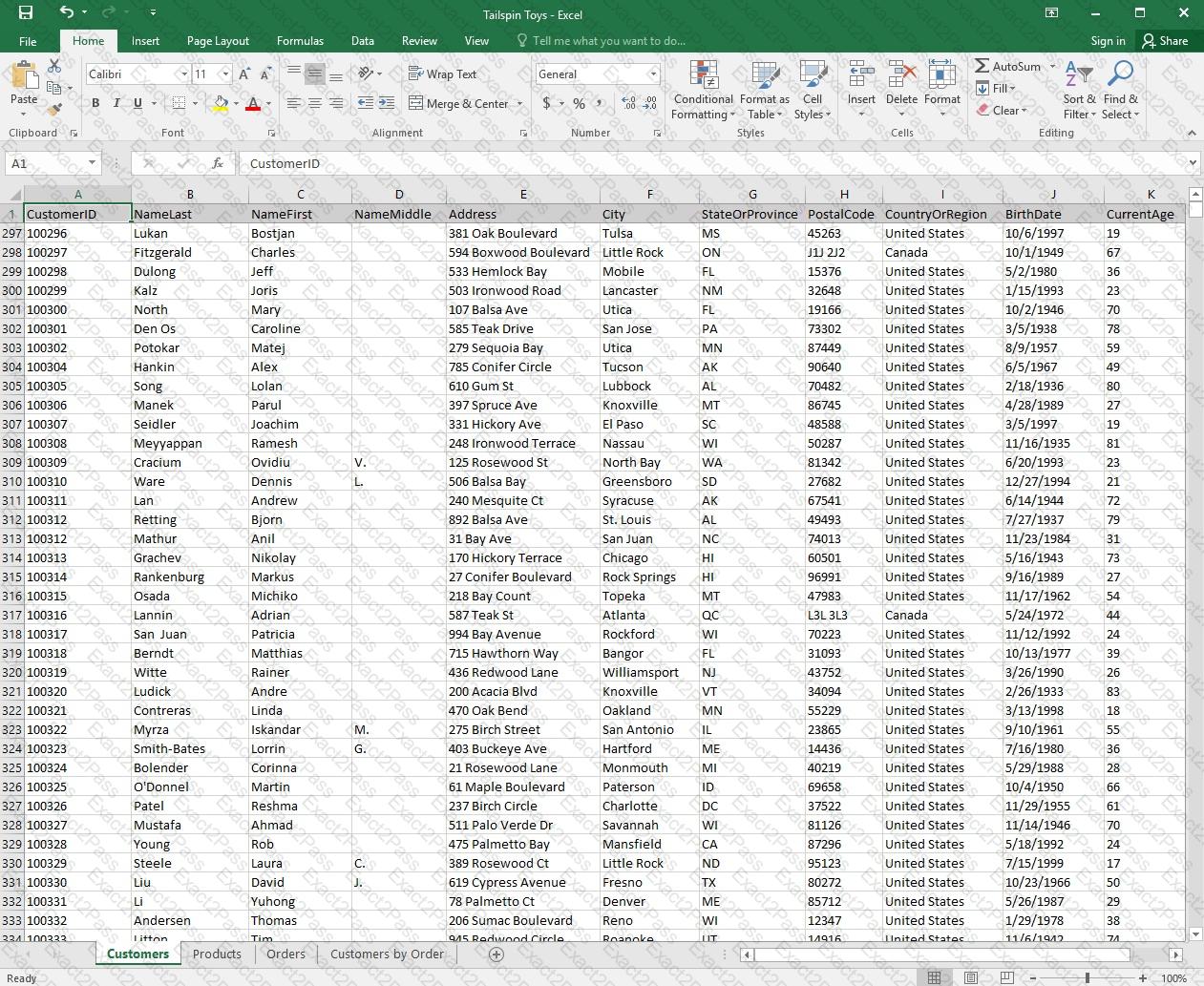
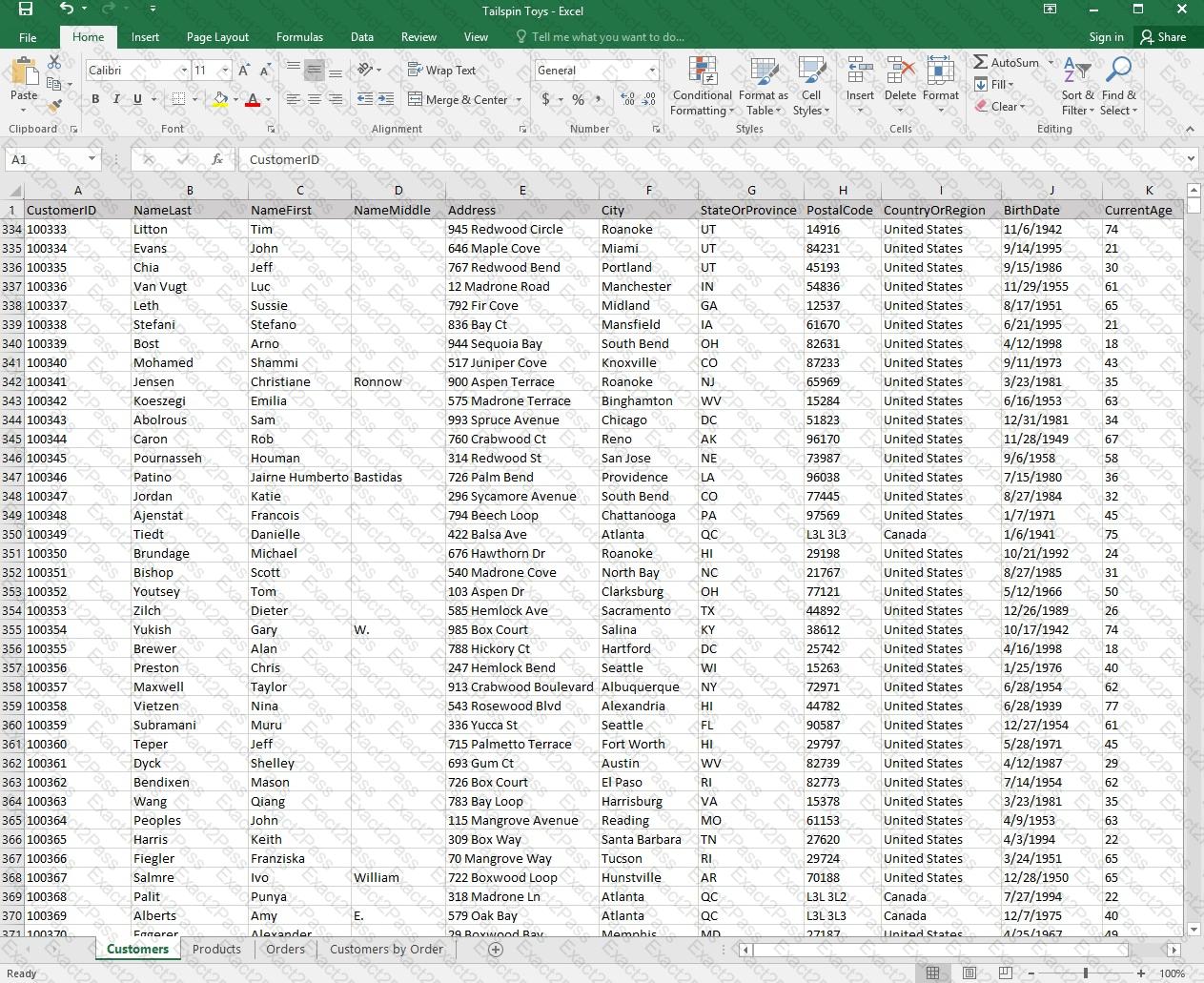
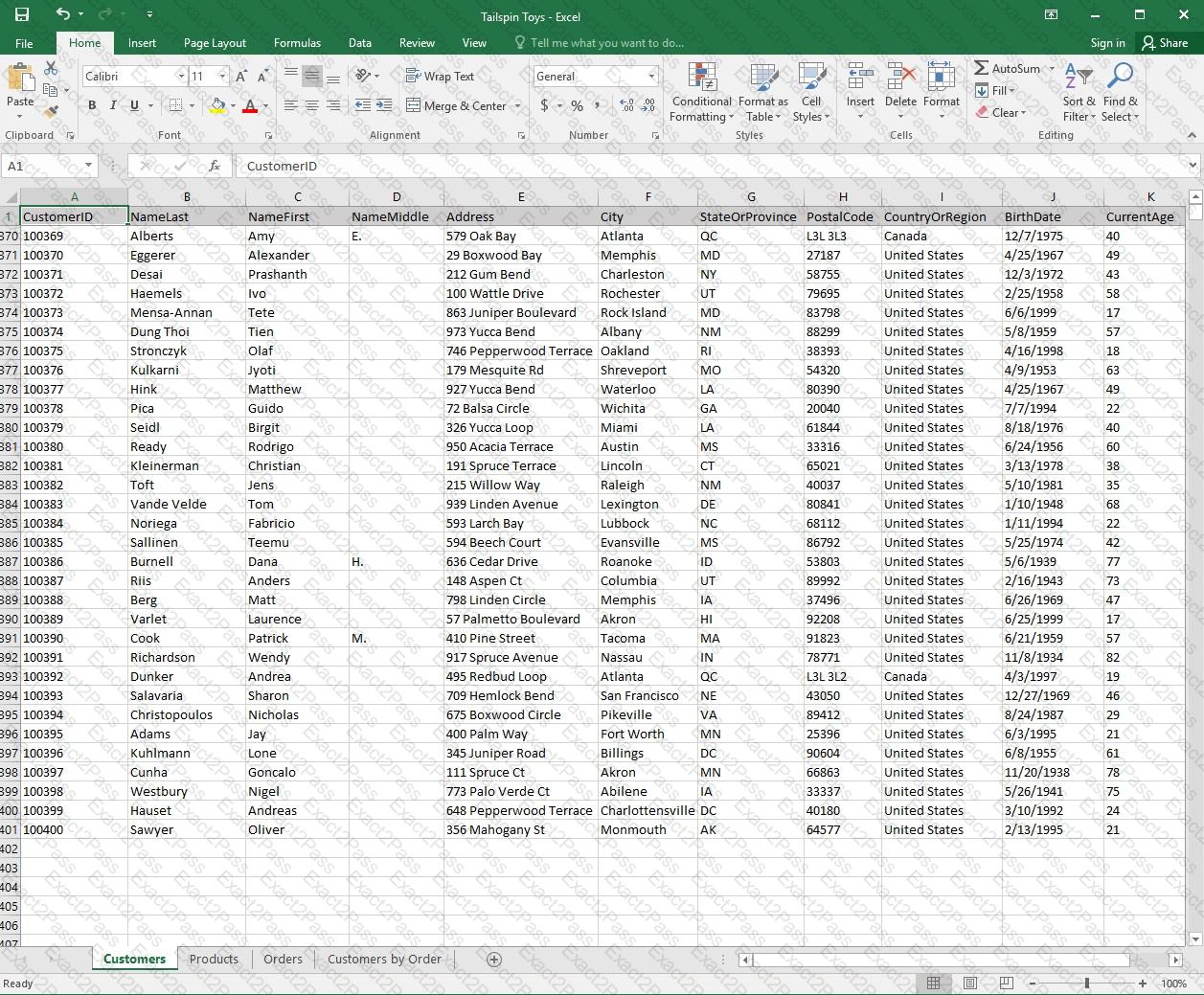
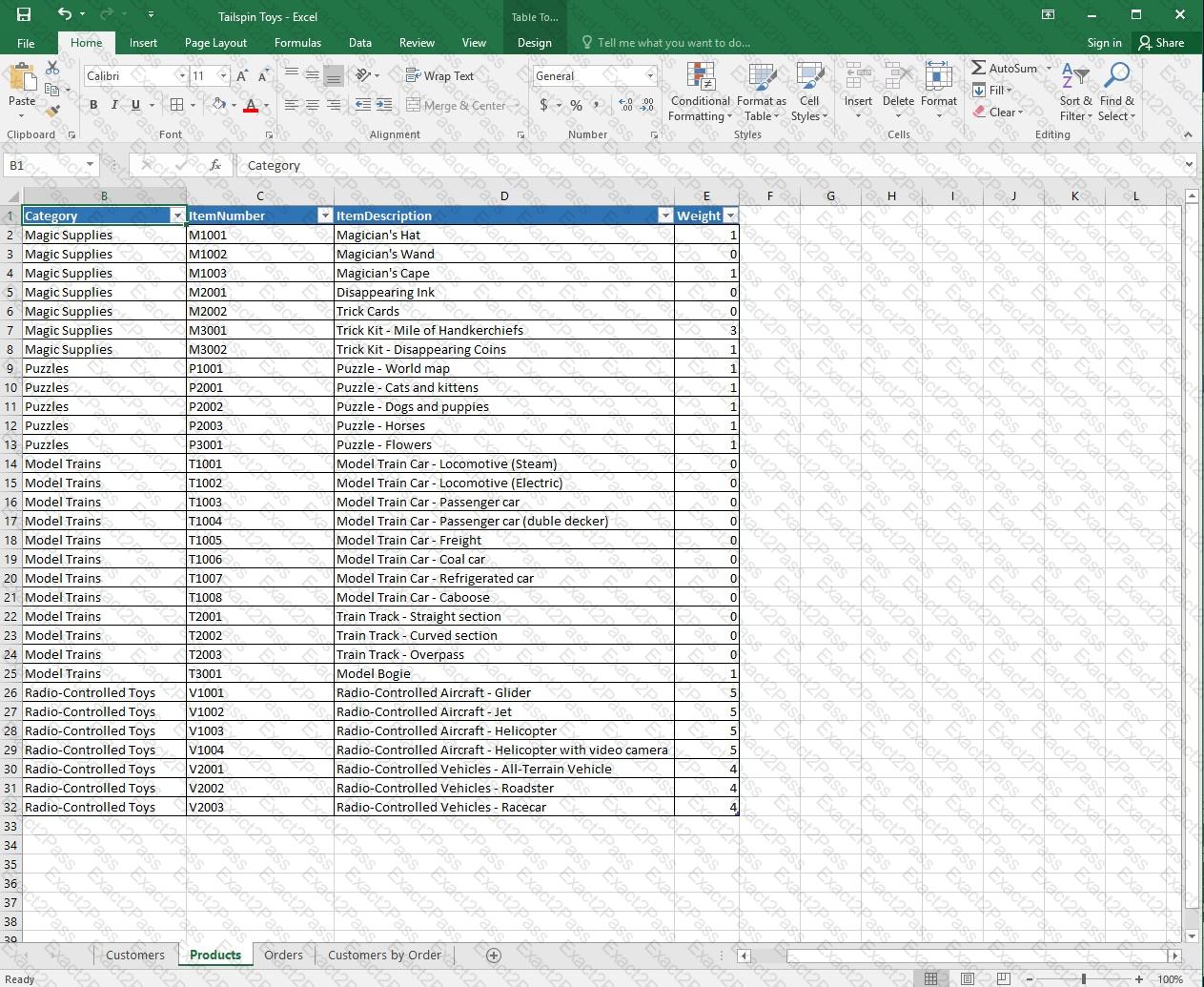
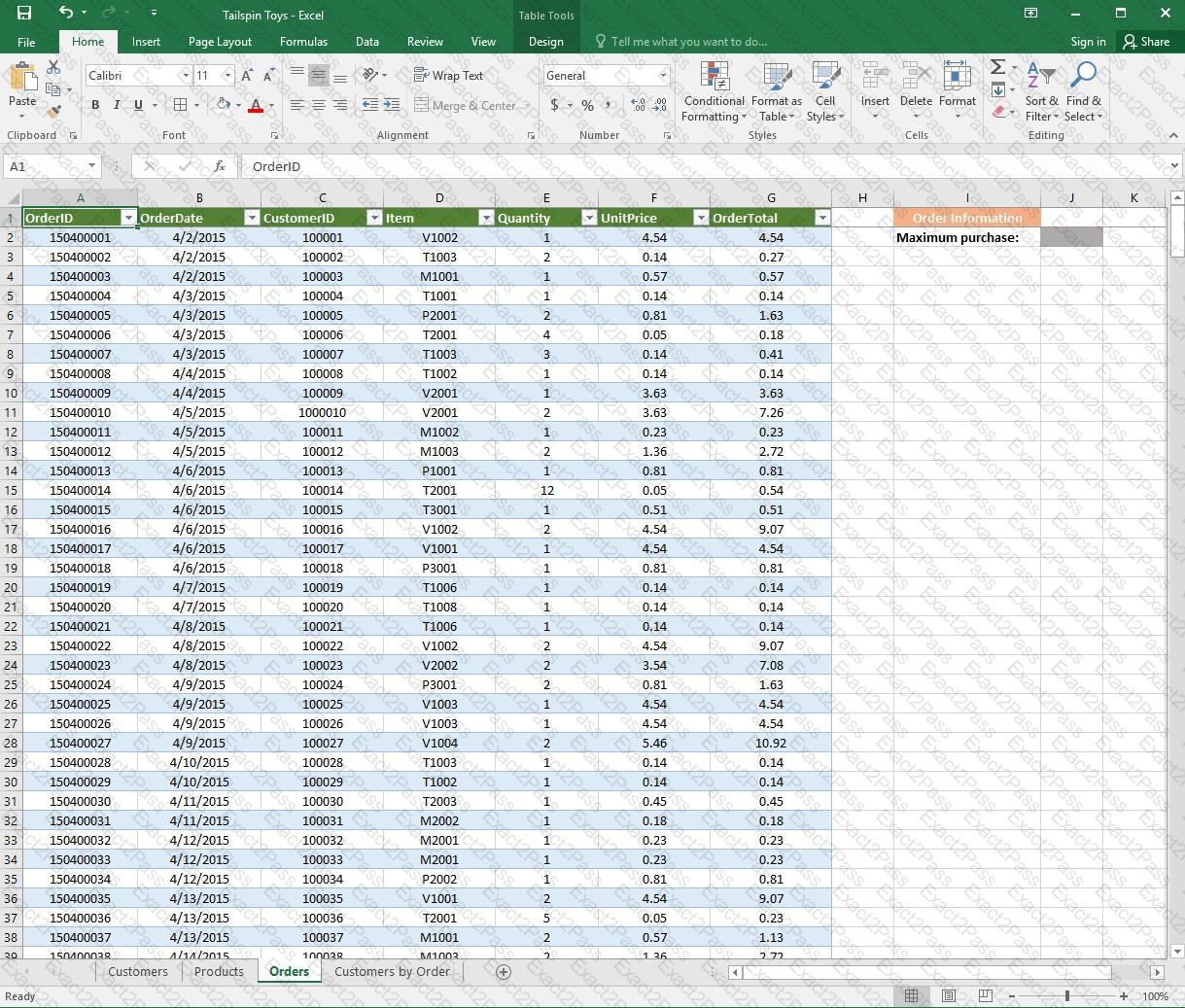
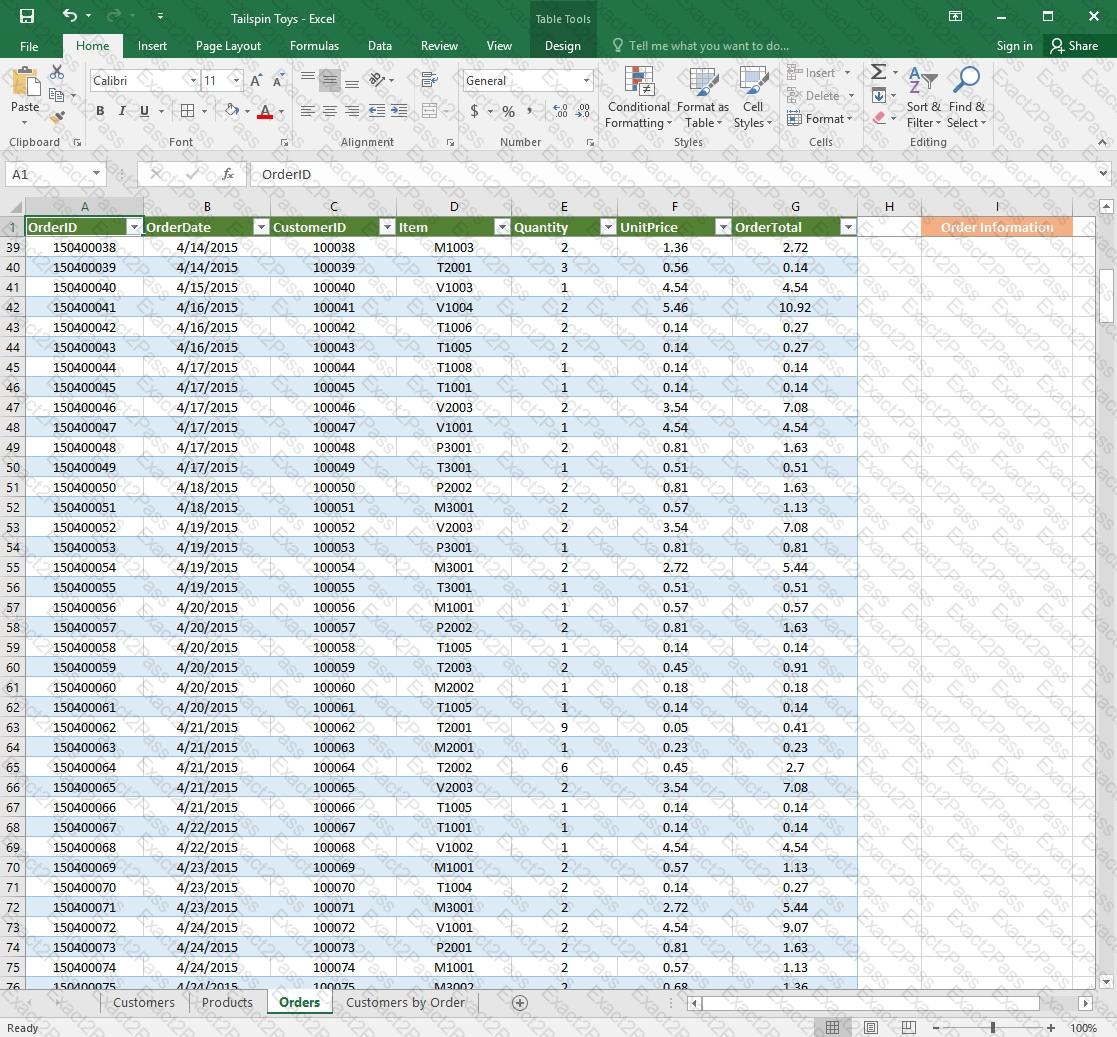
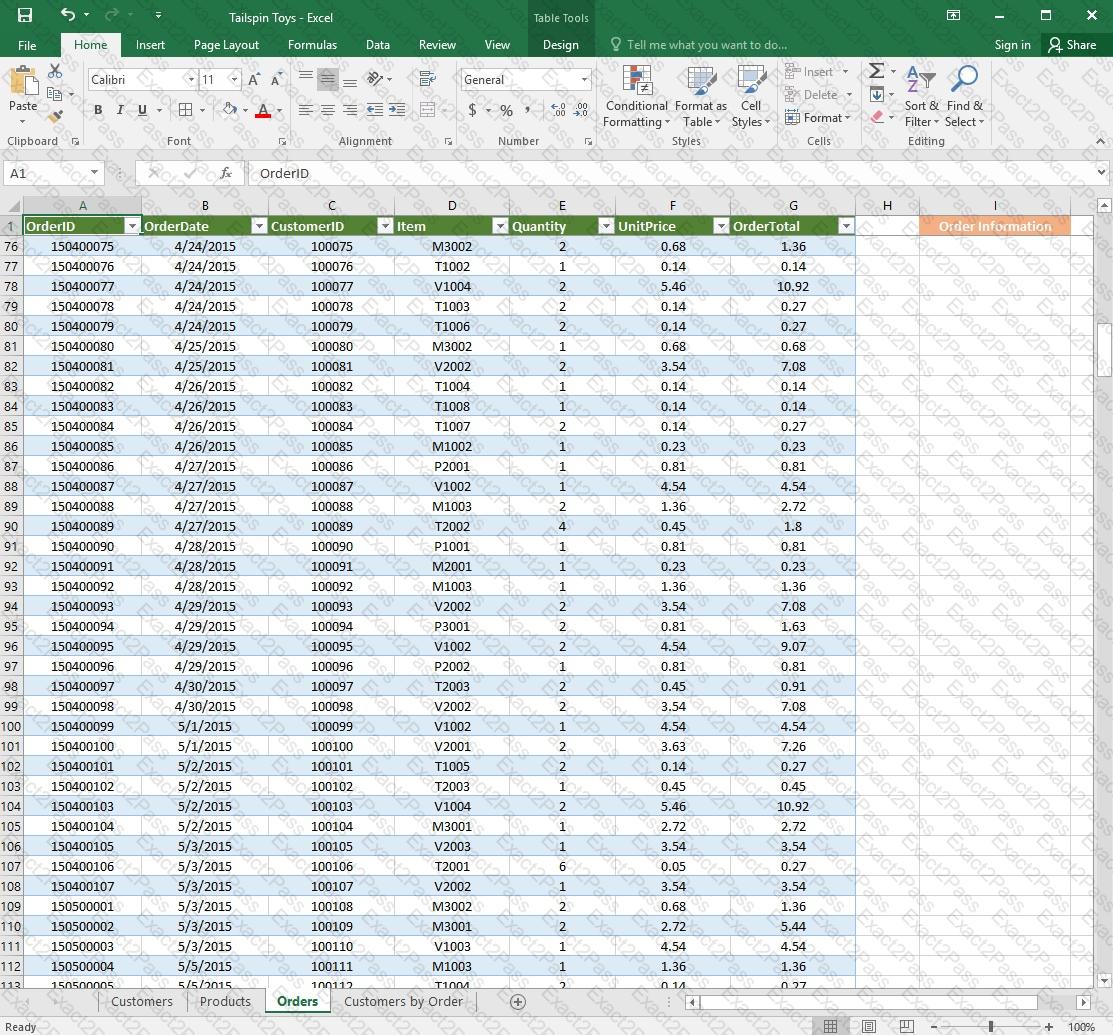
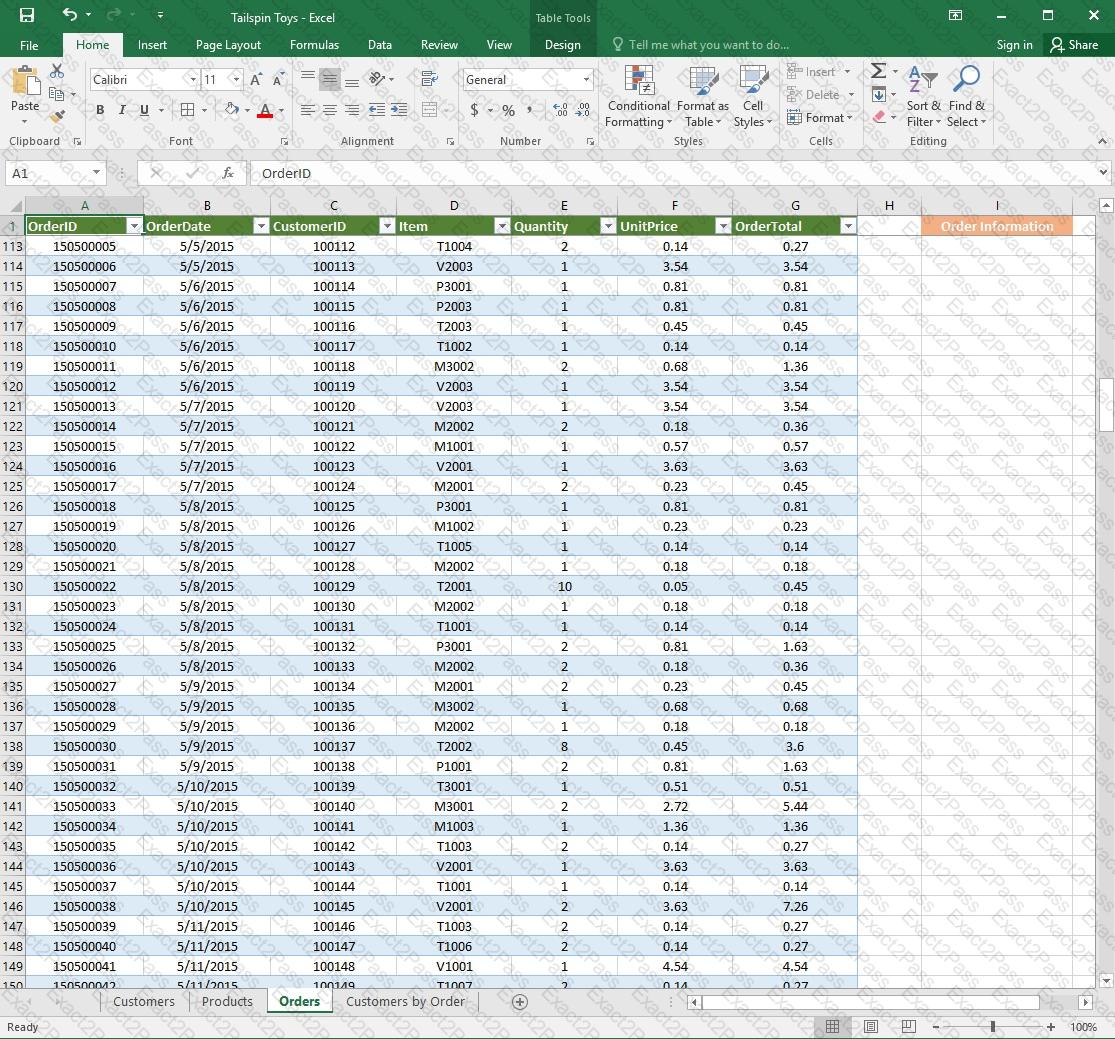
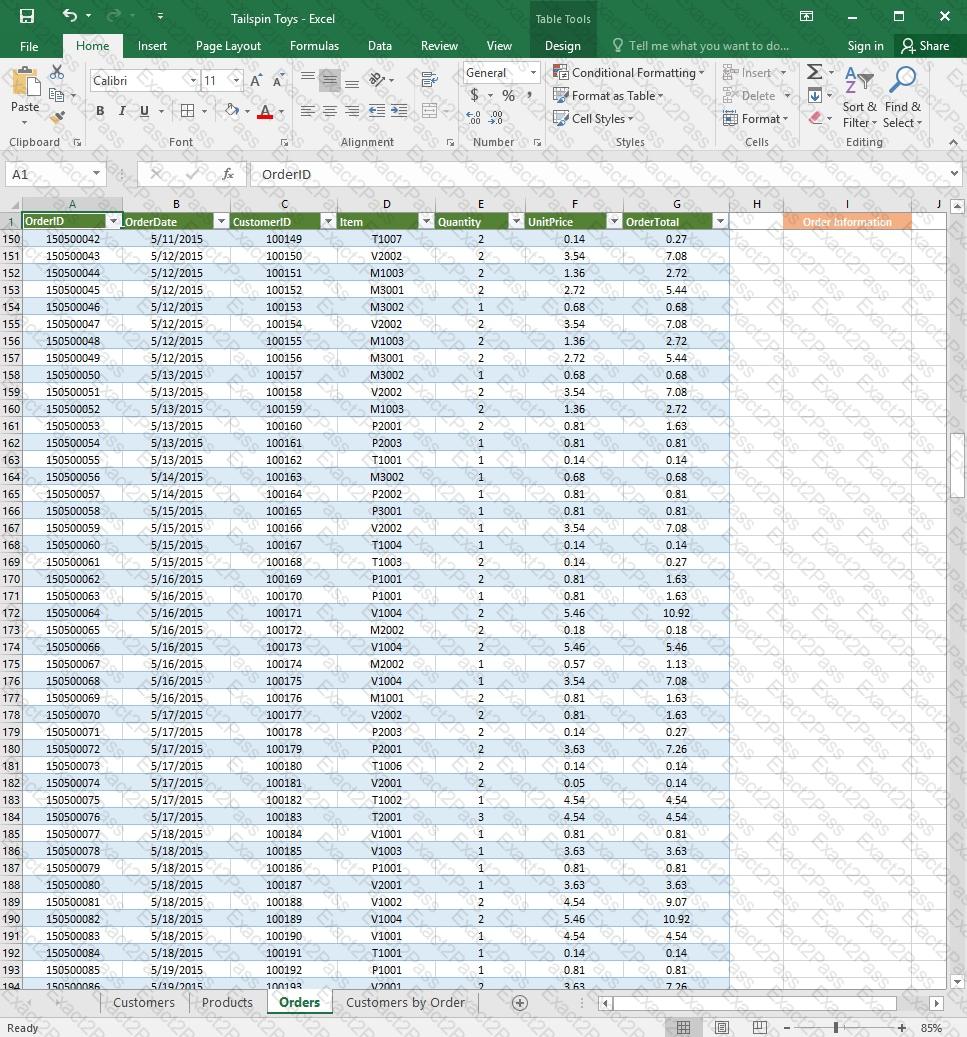
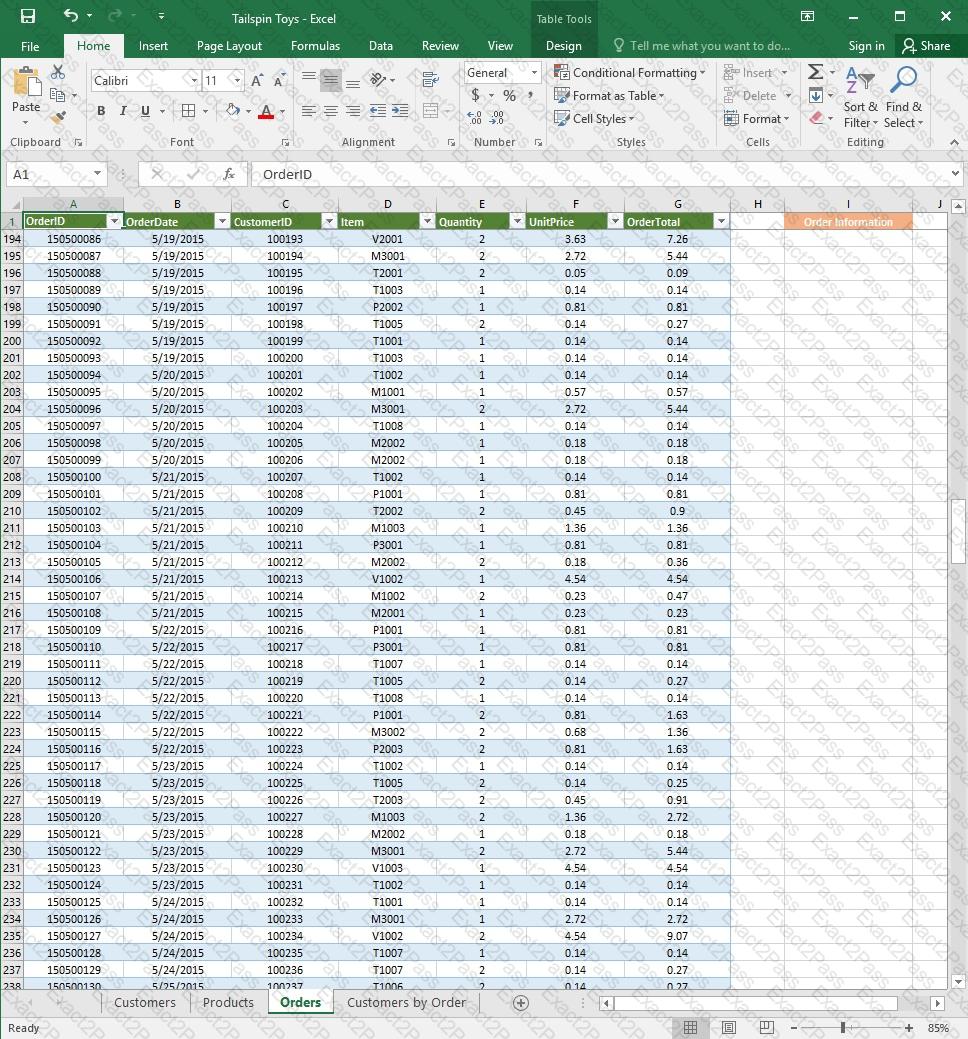
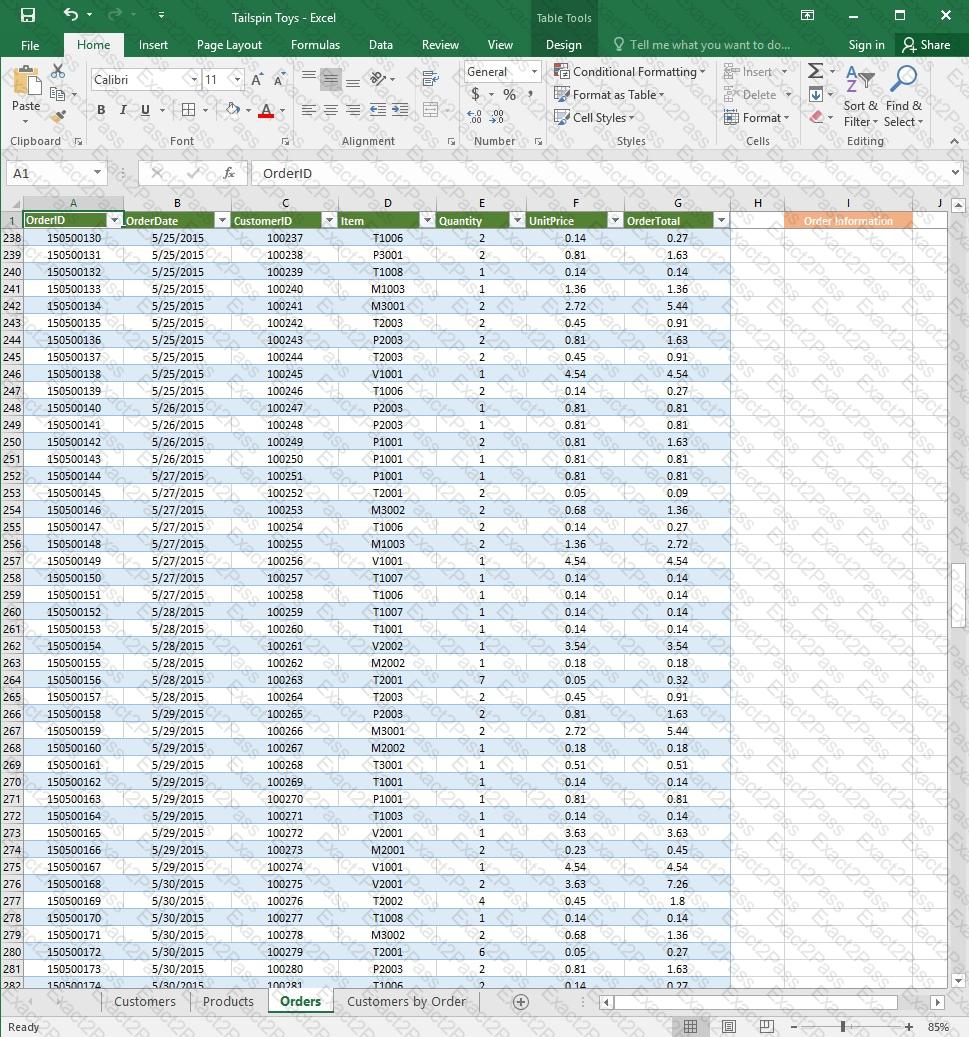
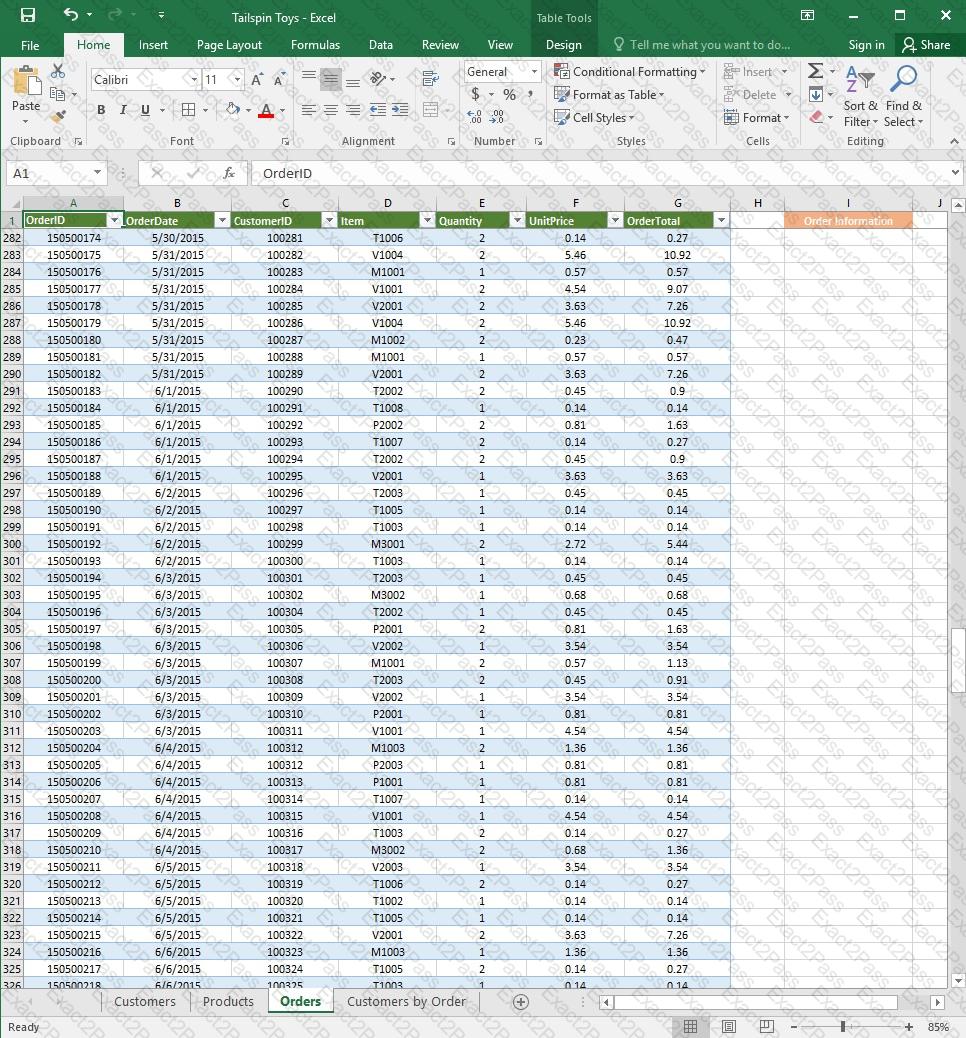
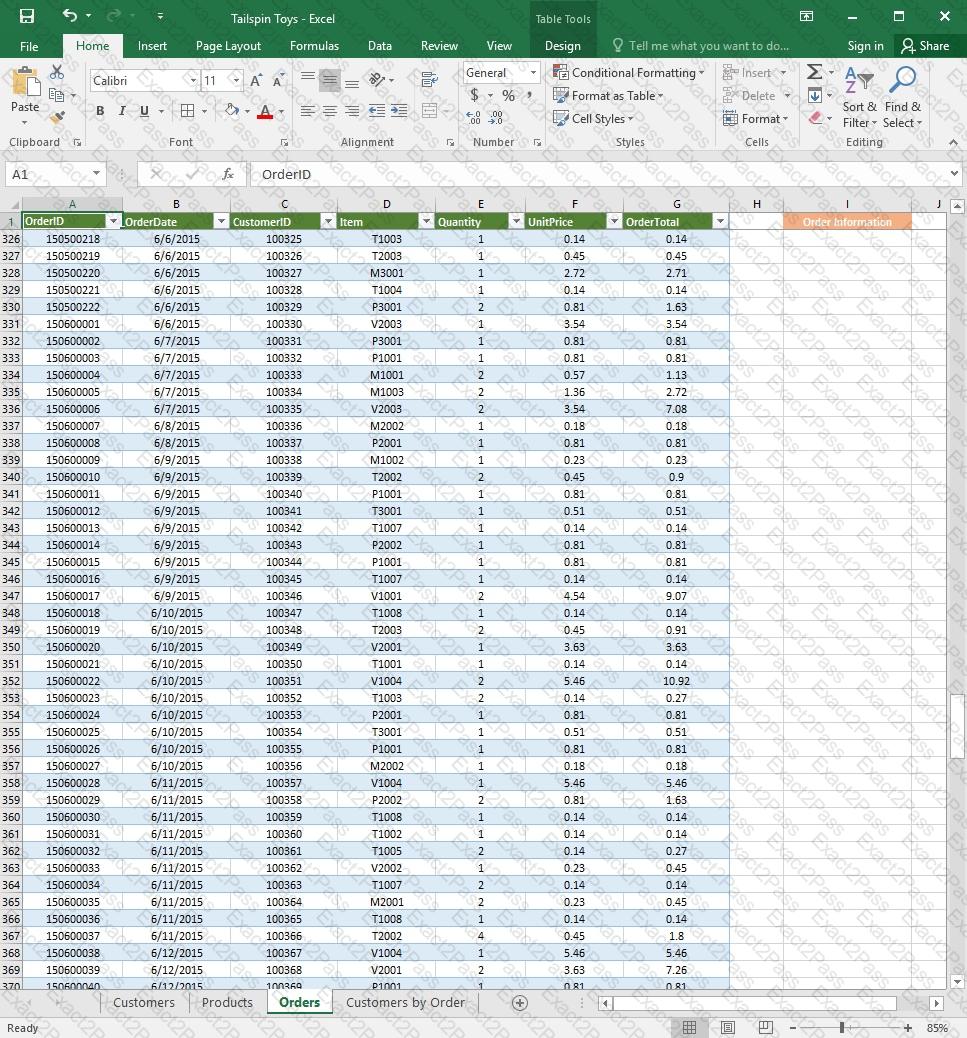
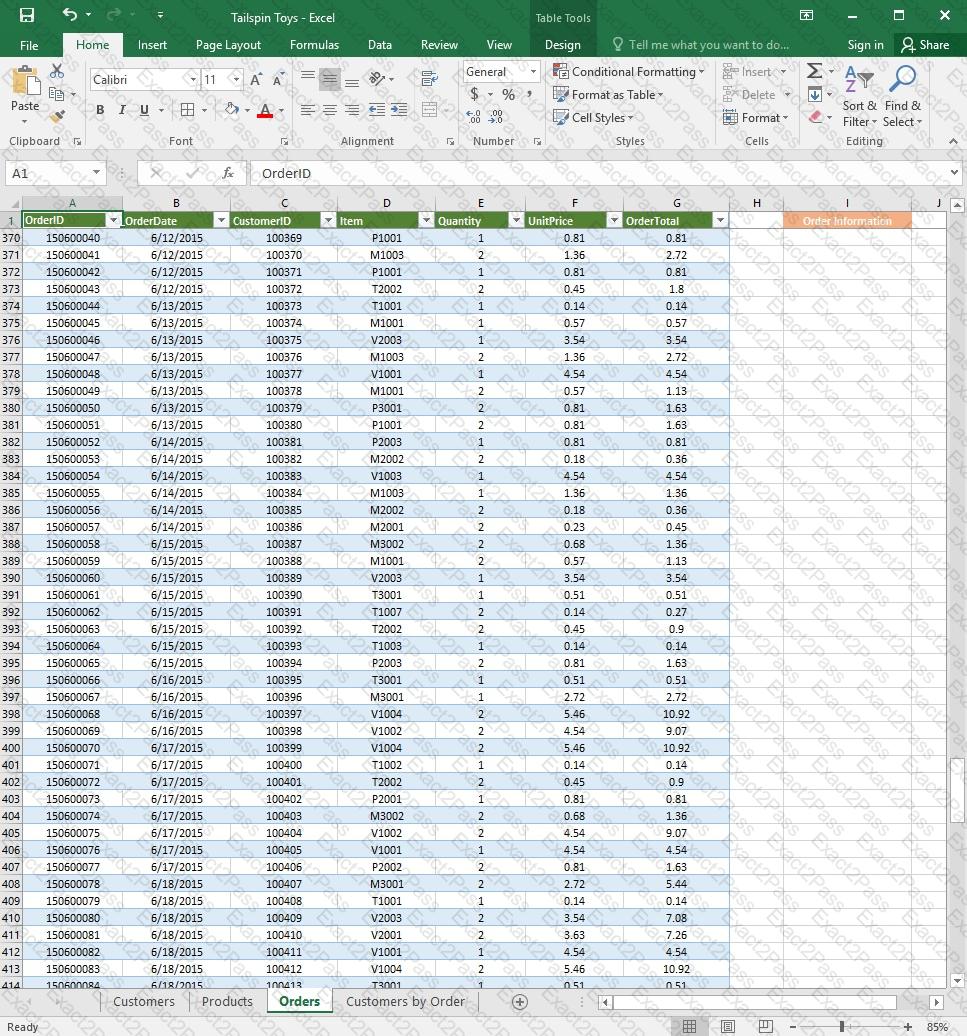
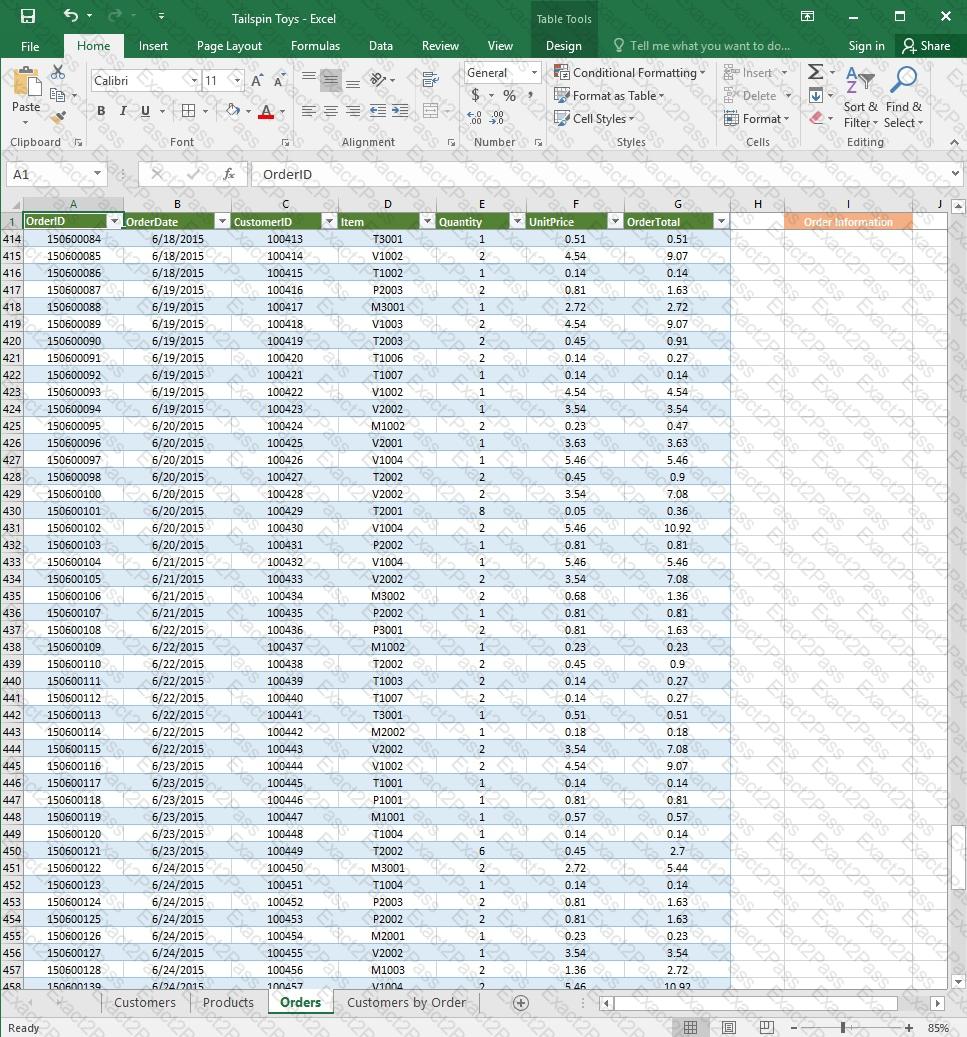
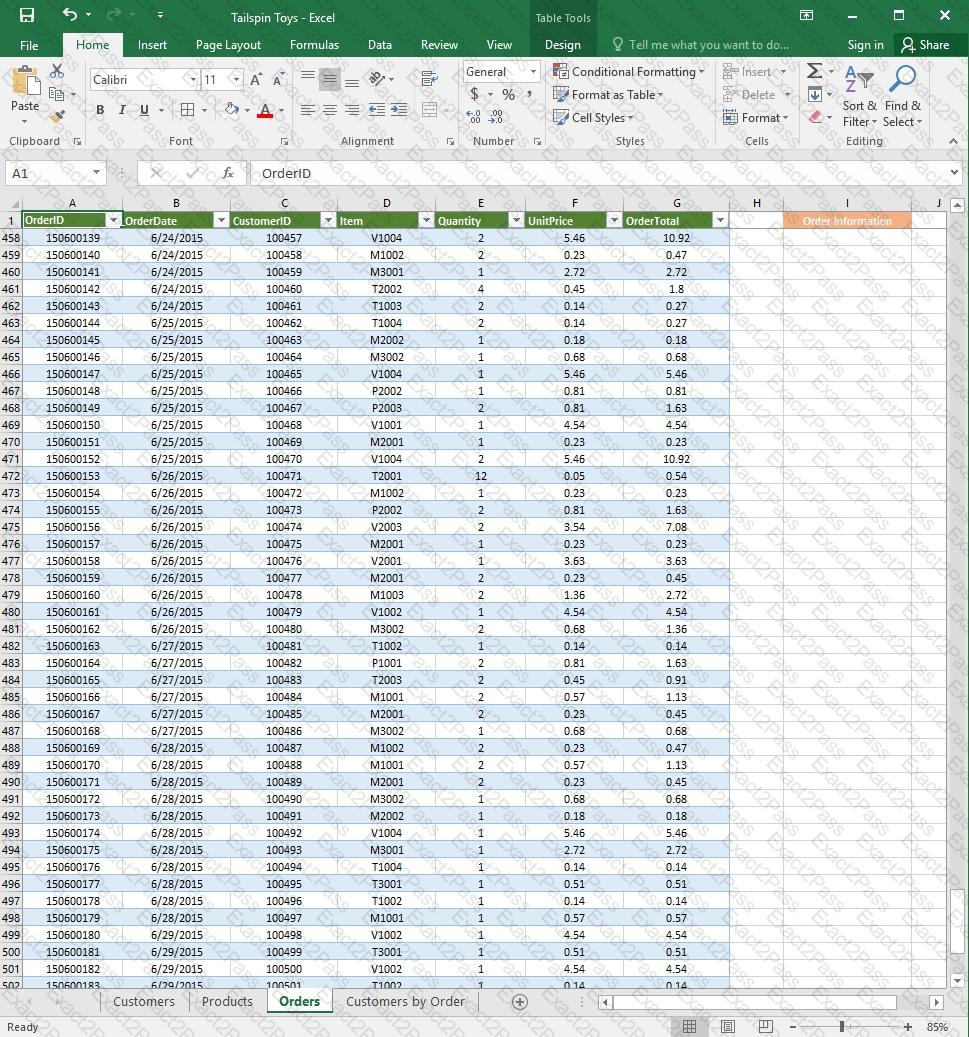
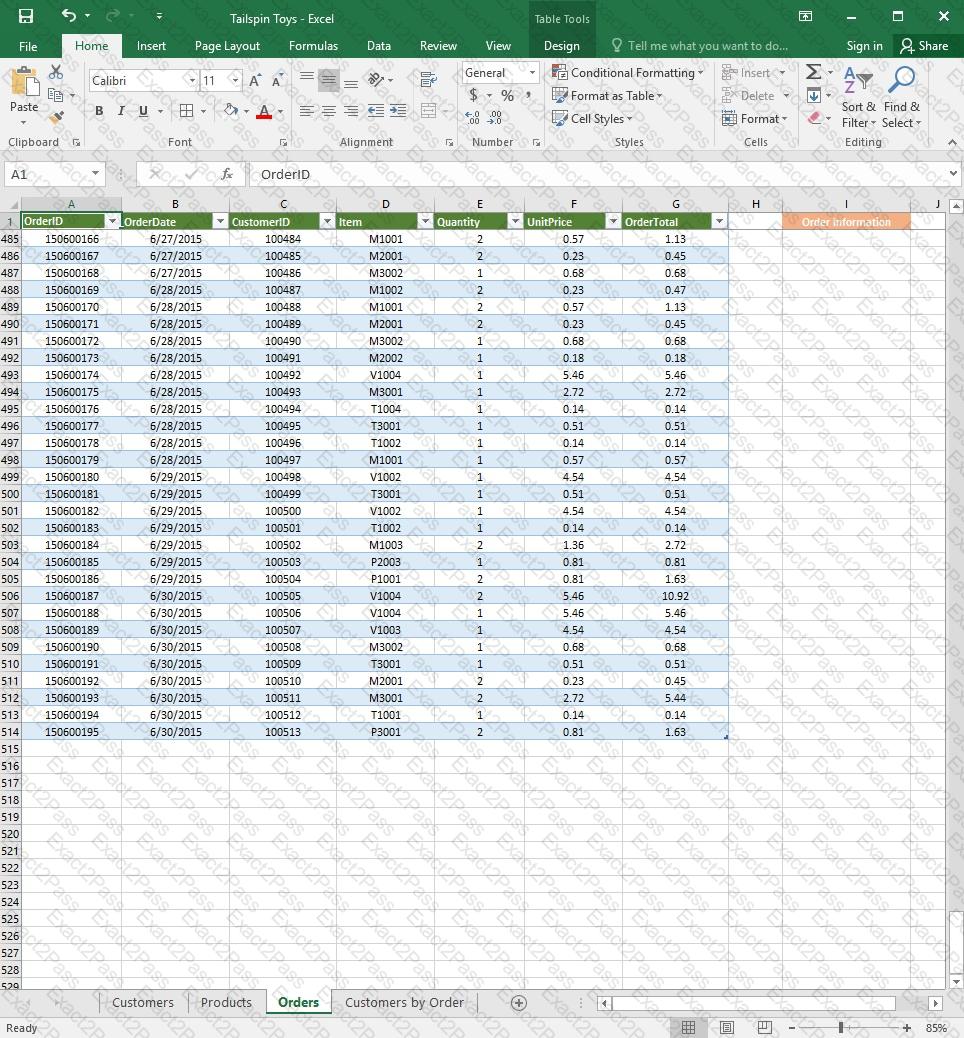
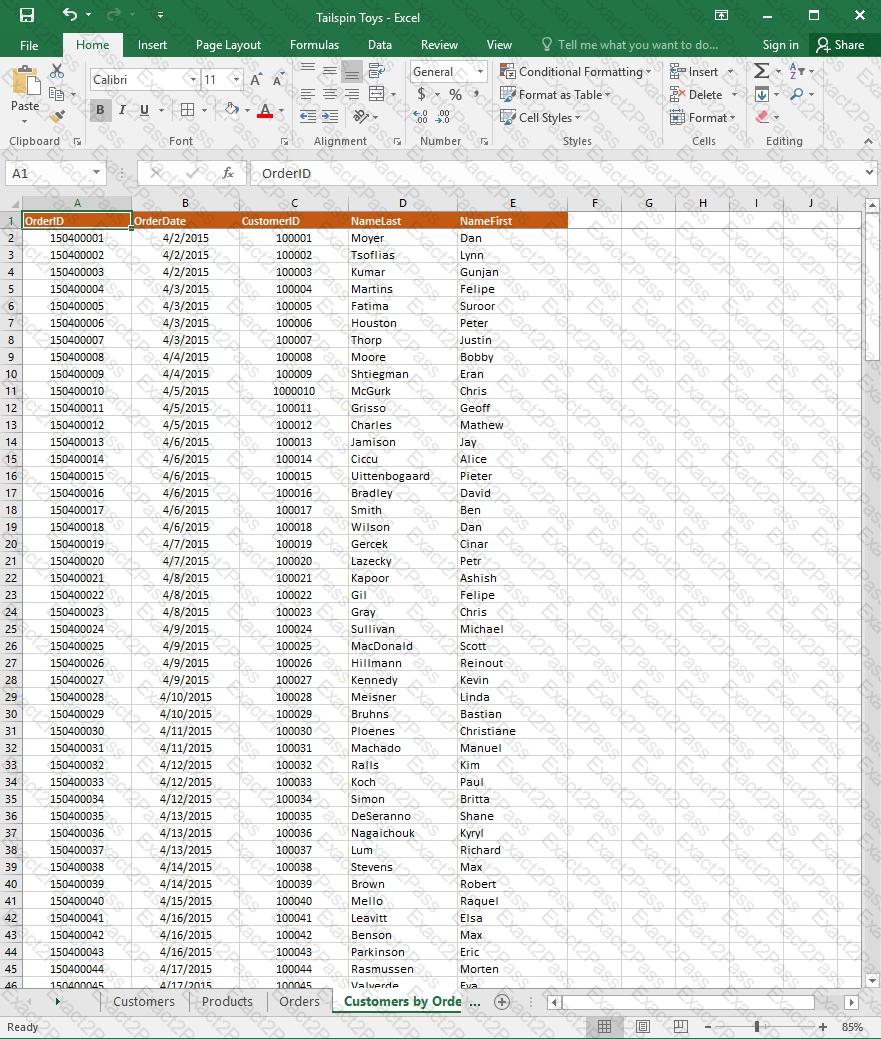
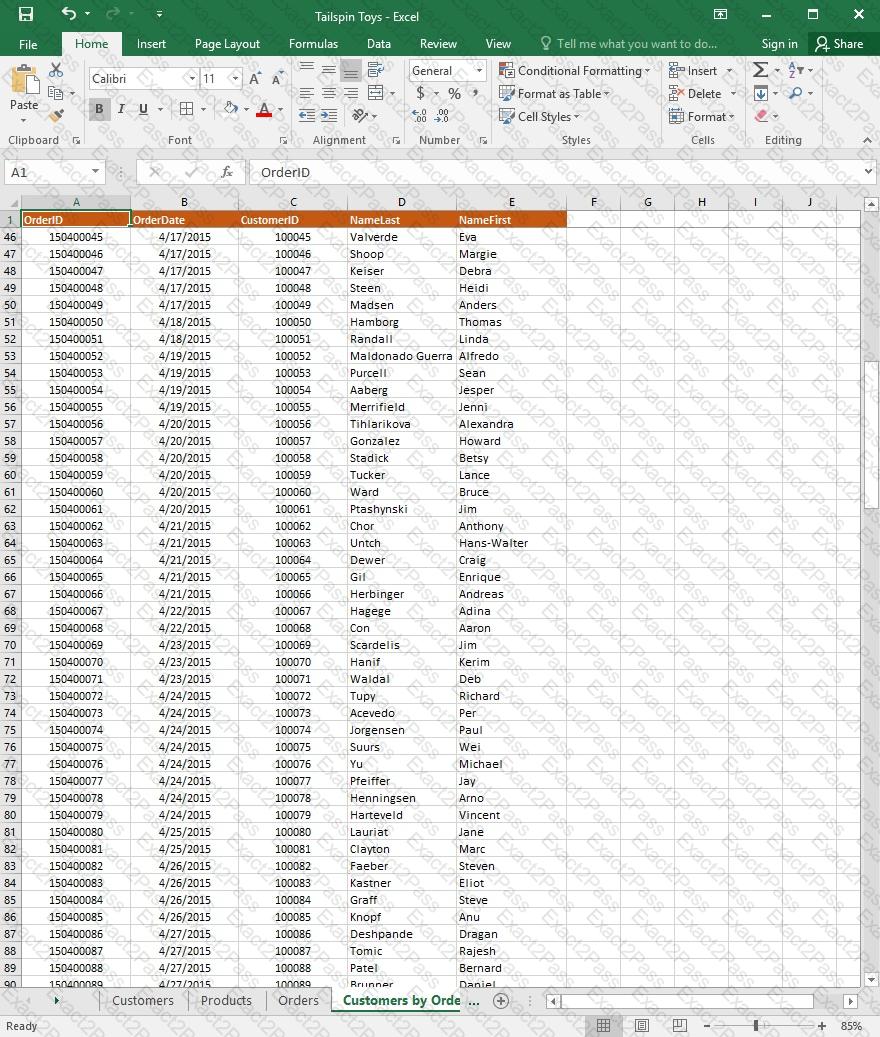
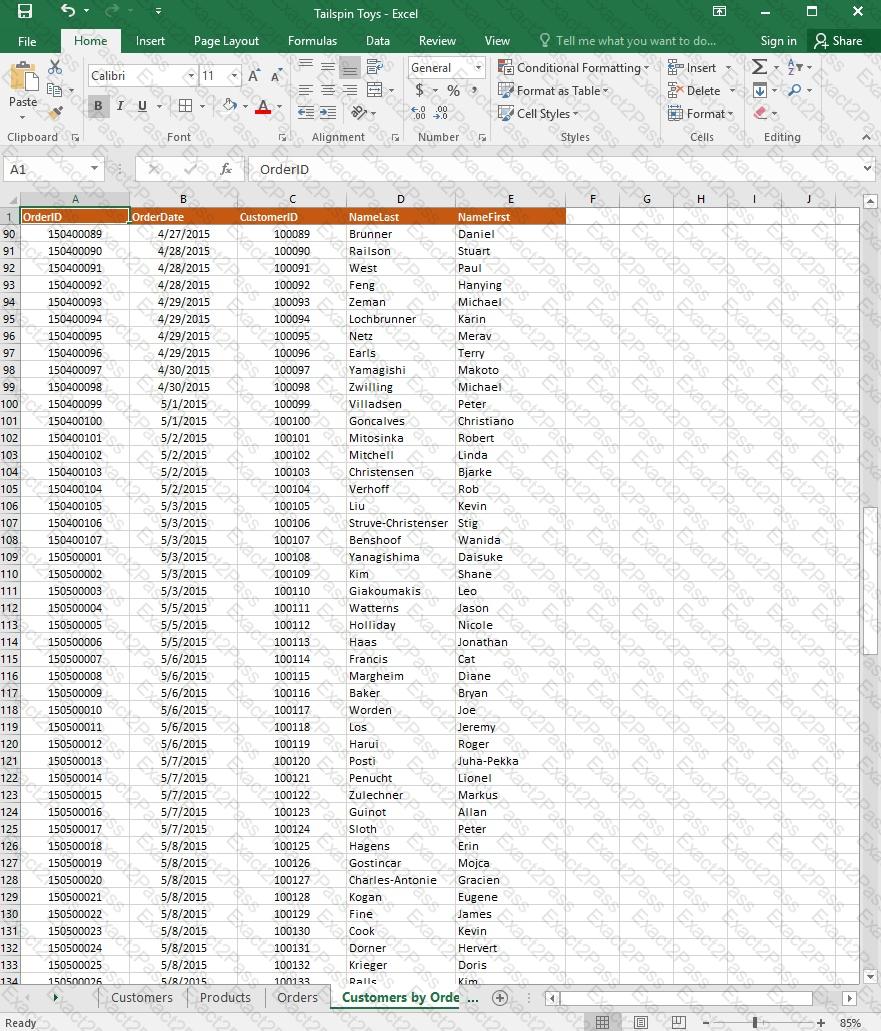
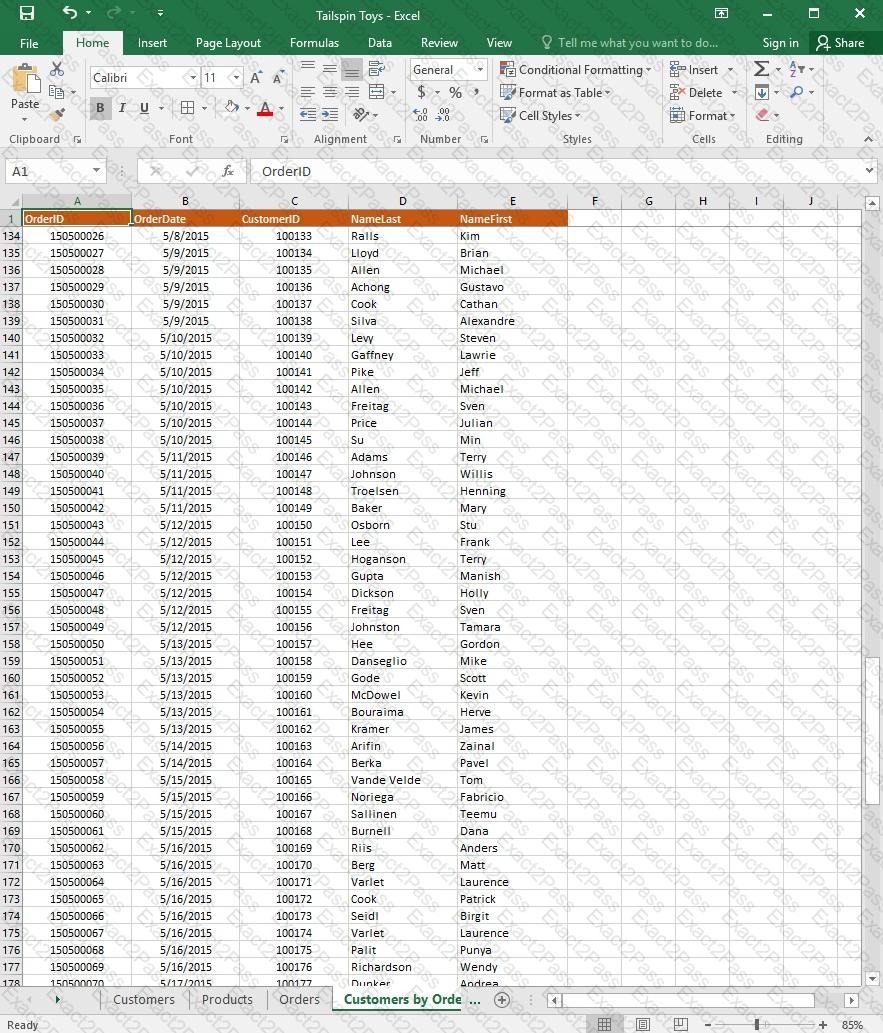
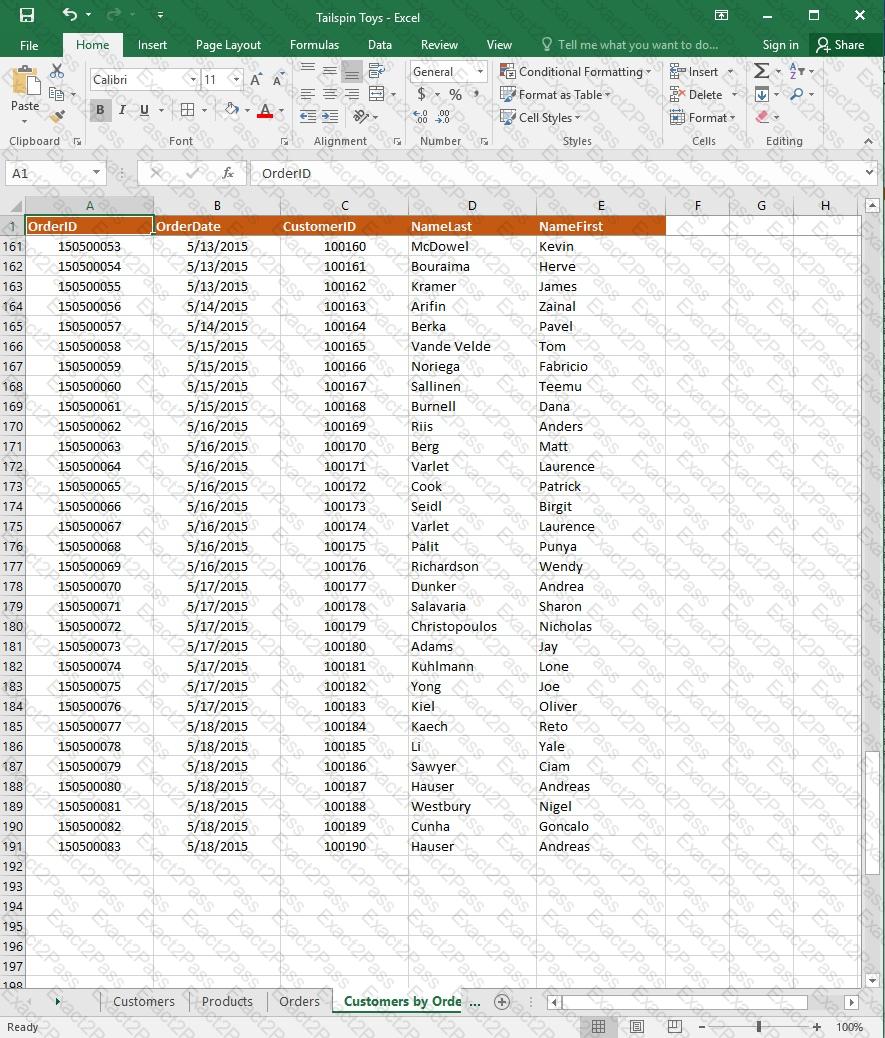
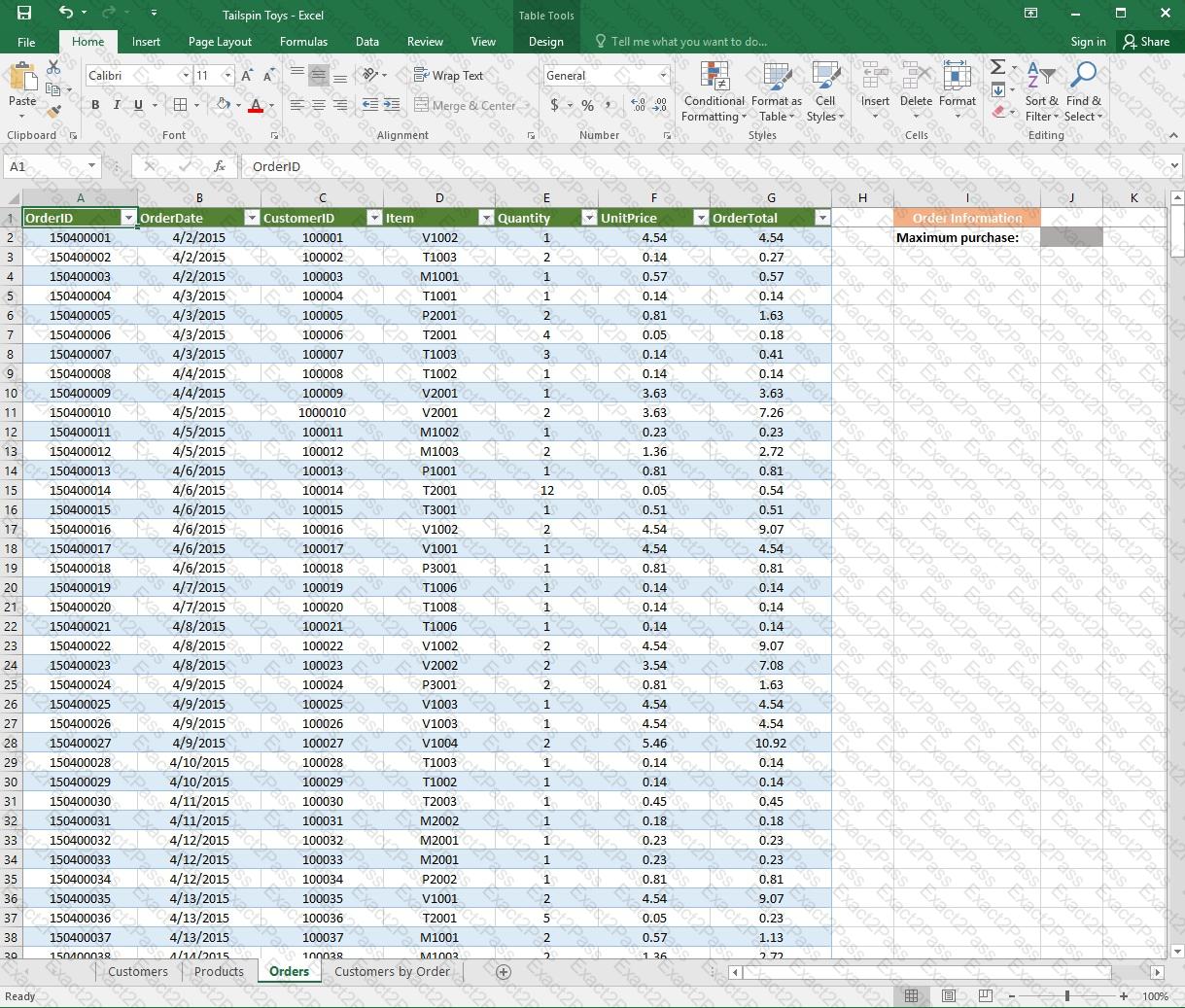
On the “Orders” worksheet, enter a formula in cell J2 that uses an Excel function to return the “OrderTotal” value of the individual order that has the highest “OrderTotal” value.
Project 5 of 7: City Sports
Overview
The city events manager wants to analyze the enrollment changes over the past five years for various adult and youth sports programs. You have been tasked to prepare tables for the analysis.
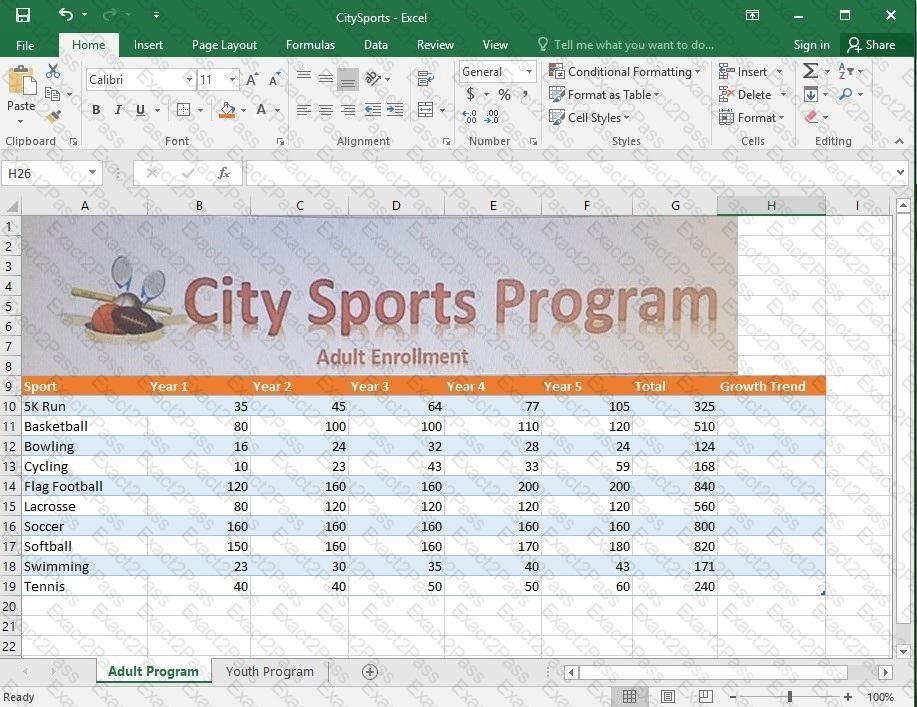
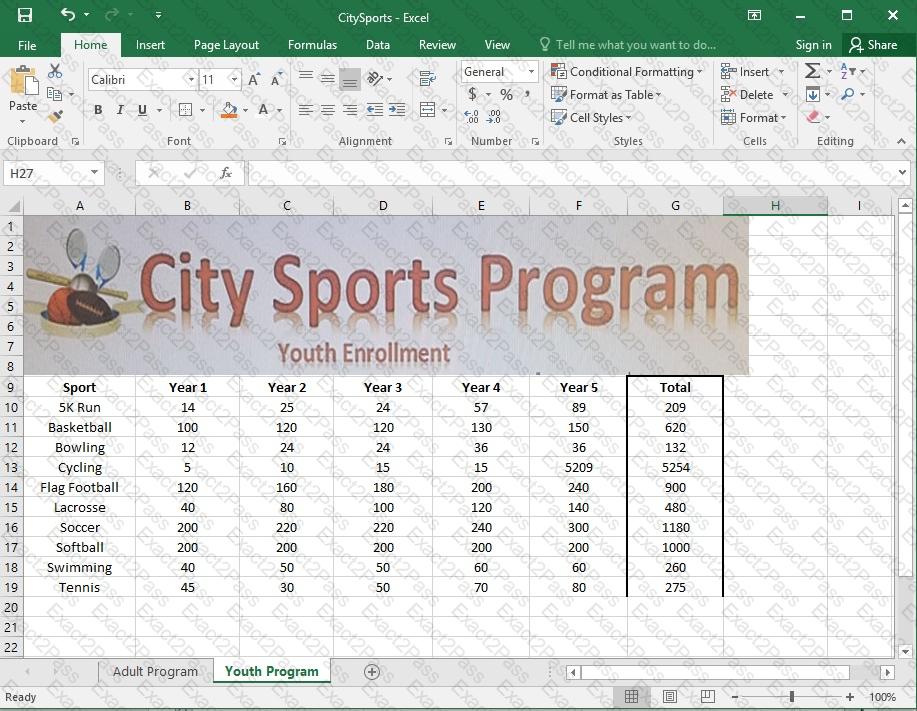
On the “Adult Program” worksheet, insert a Column sparkline for each sport that shows the enrollment for the past five years.
Project 2 of 7: Donor List
Overview
You are an executive assistant for a non-profit organization named Bellows College. You are updating a workbook containing lists of donors.
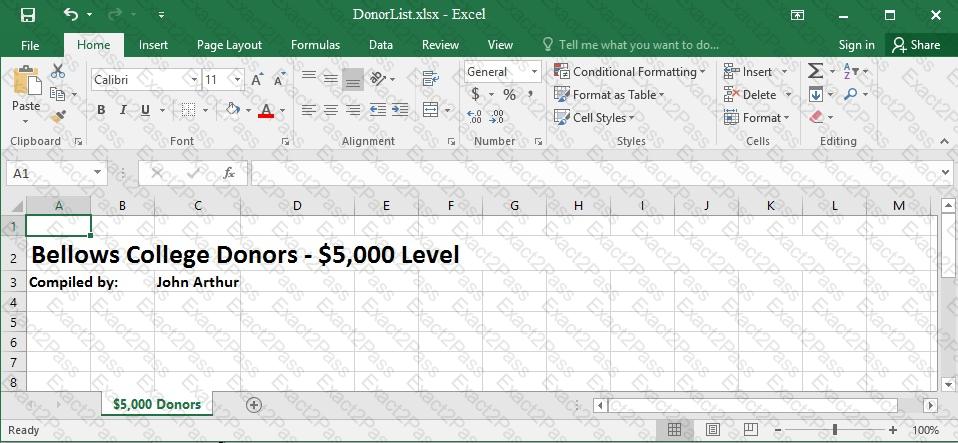
Navigate to the range named “Oregon”, and remove the contents of the selected cells.
Project 7 of 7: Farmers Market
Overview
You are the Director of a local farmers’ market. You are creating and modifying charts for a report which shows the amounts and variety of products sold during the season.
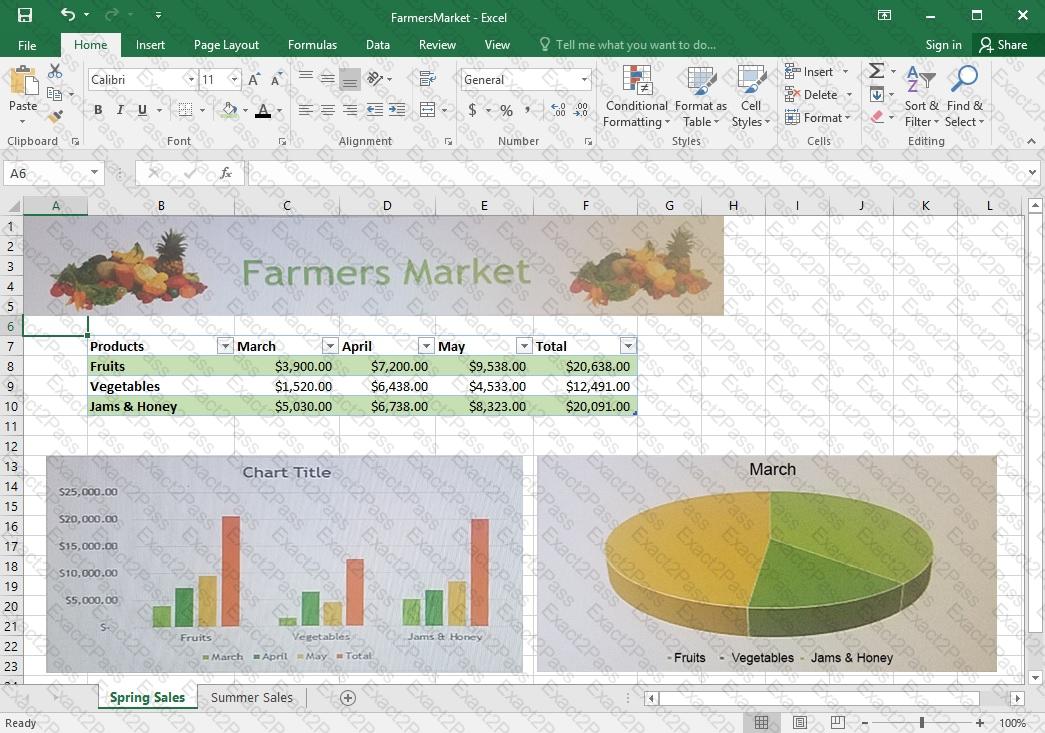
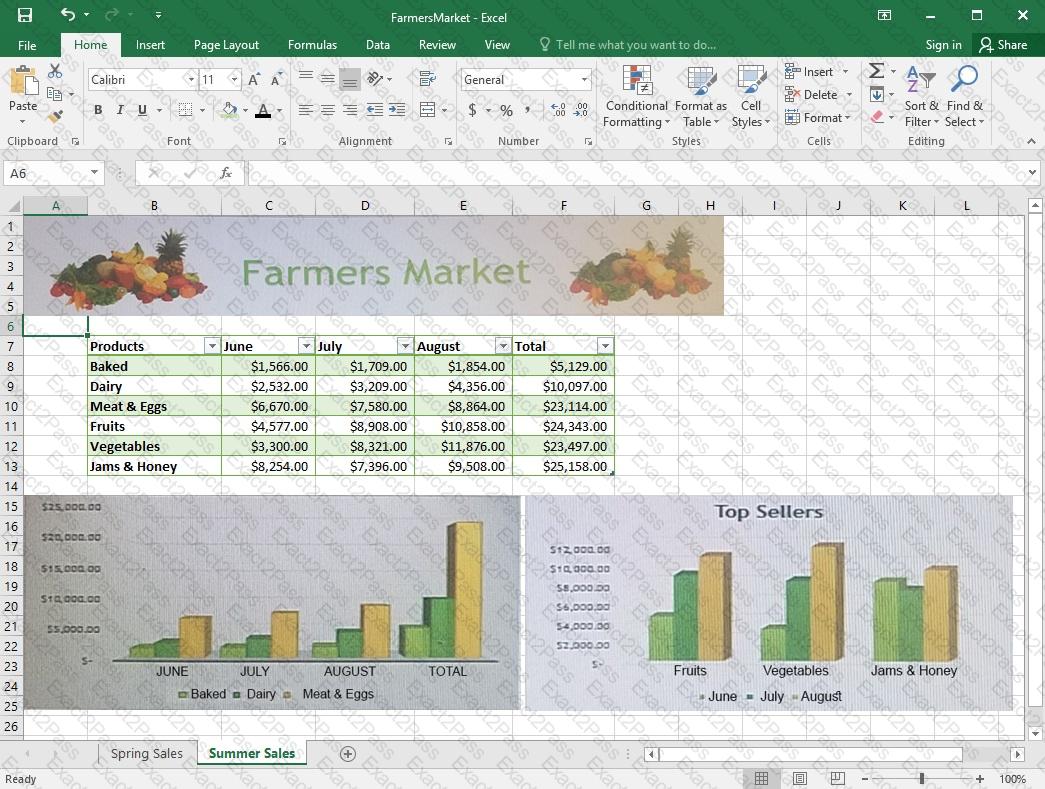
On the “Summer Sales” worksheet, add the “Total” data series to the “Top Sellers” column chart. Include the total only for “Fruits”, “Vegetables”, and “Jams & Honey”.
Project 1 of 7: Tailspin Toys
Overview
You recently opened an online toy store. You have sold products to 500 individual customers. You are evaluating customer data and order data.
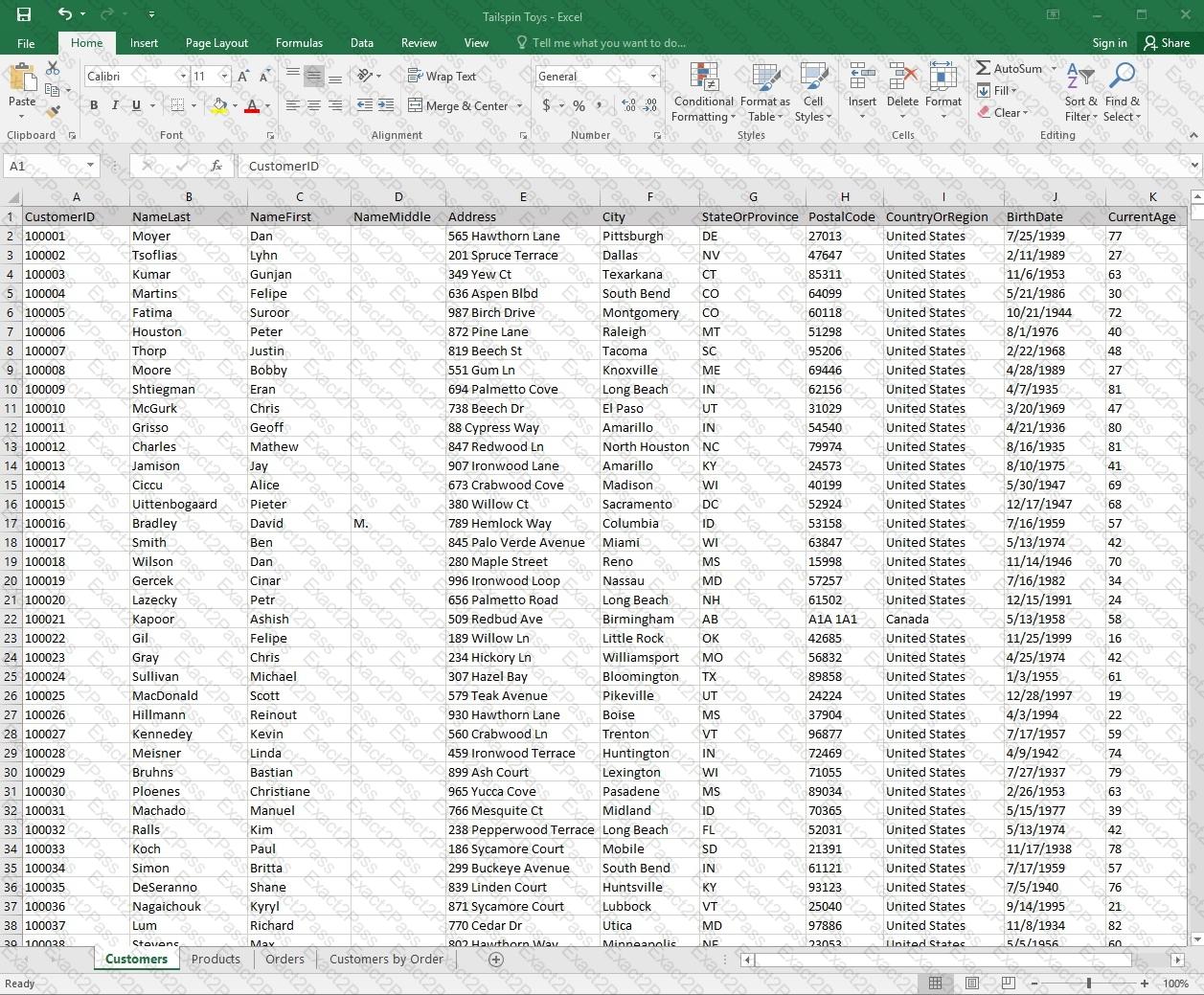
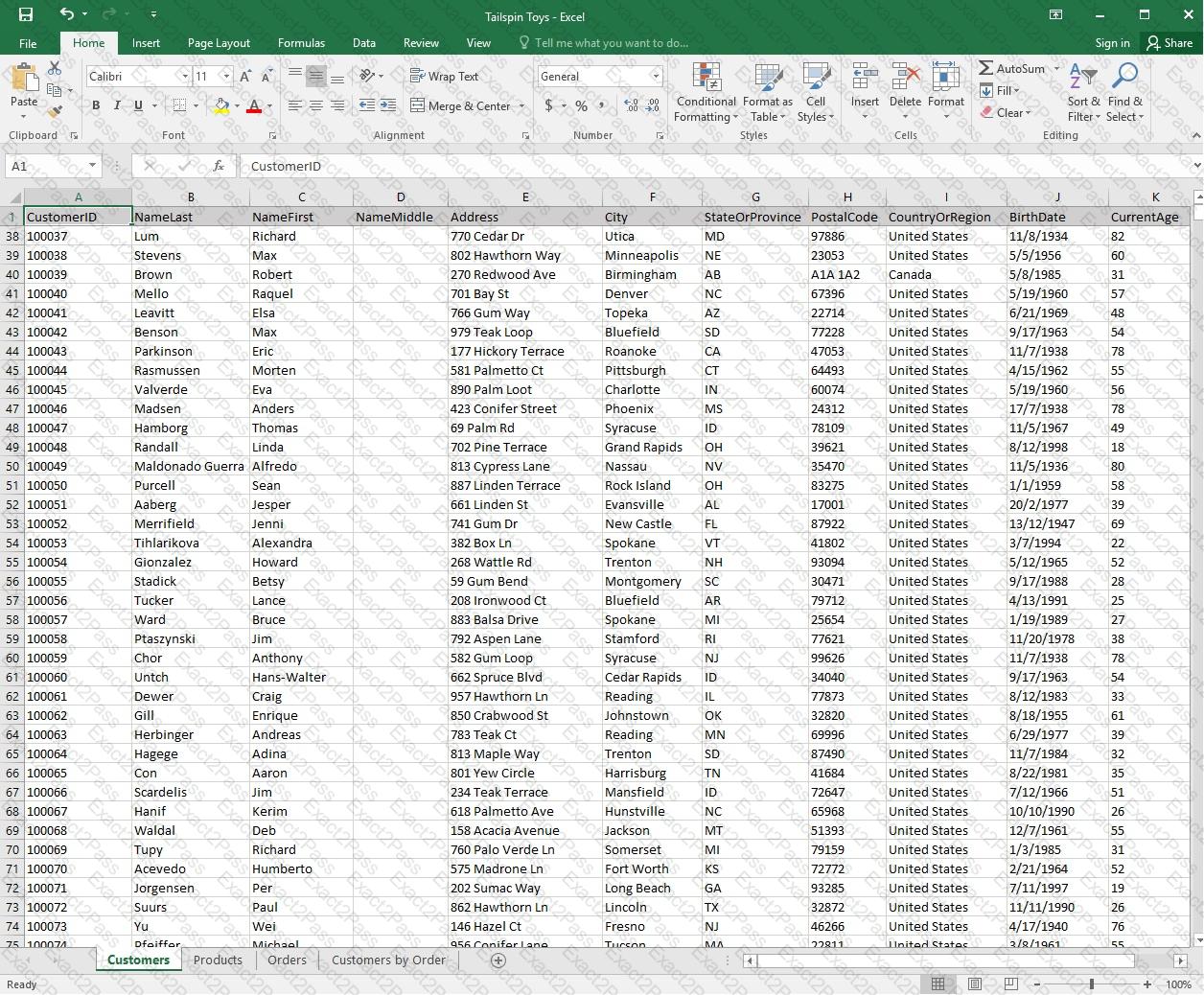
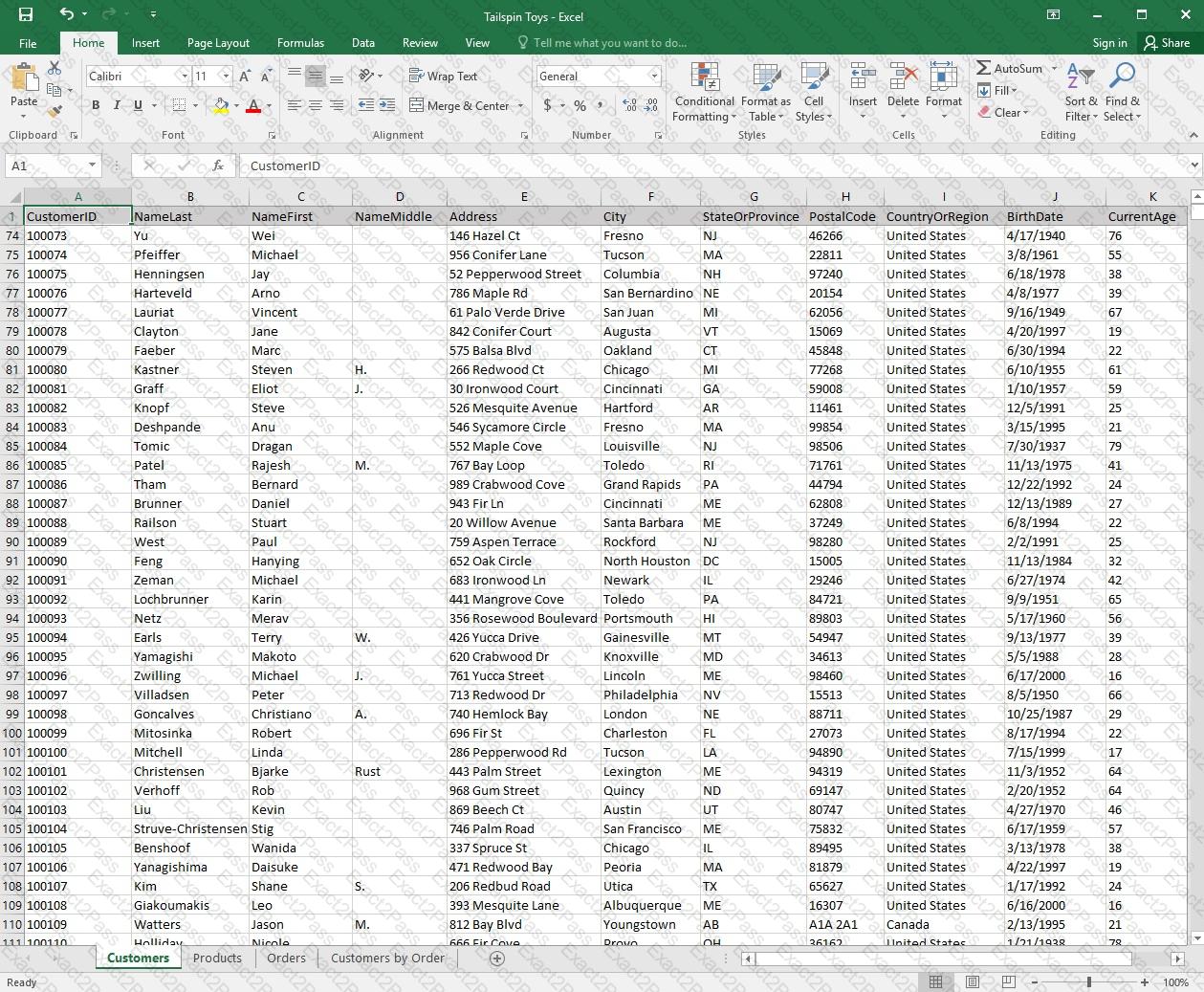
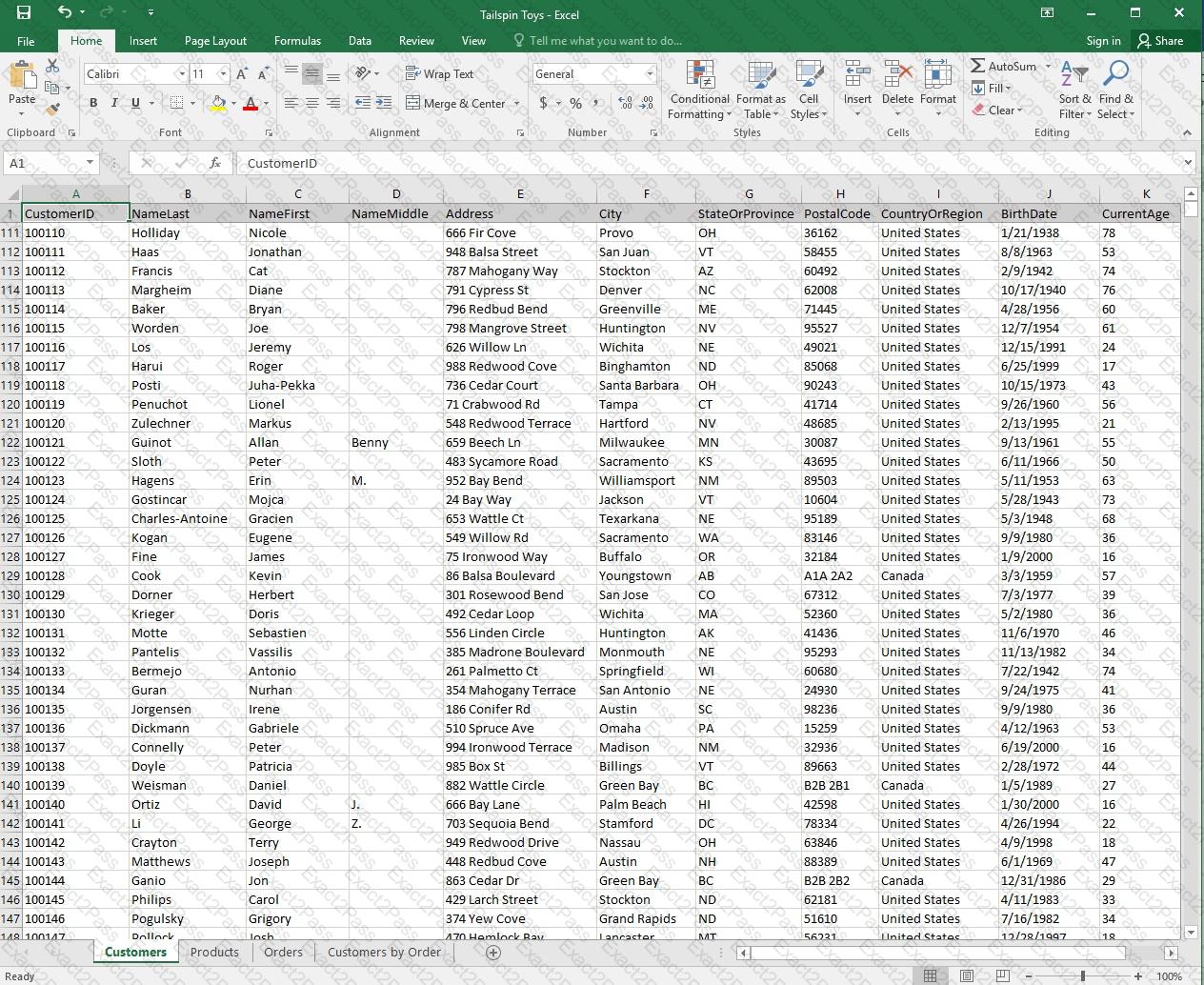
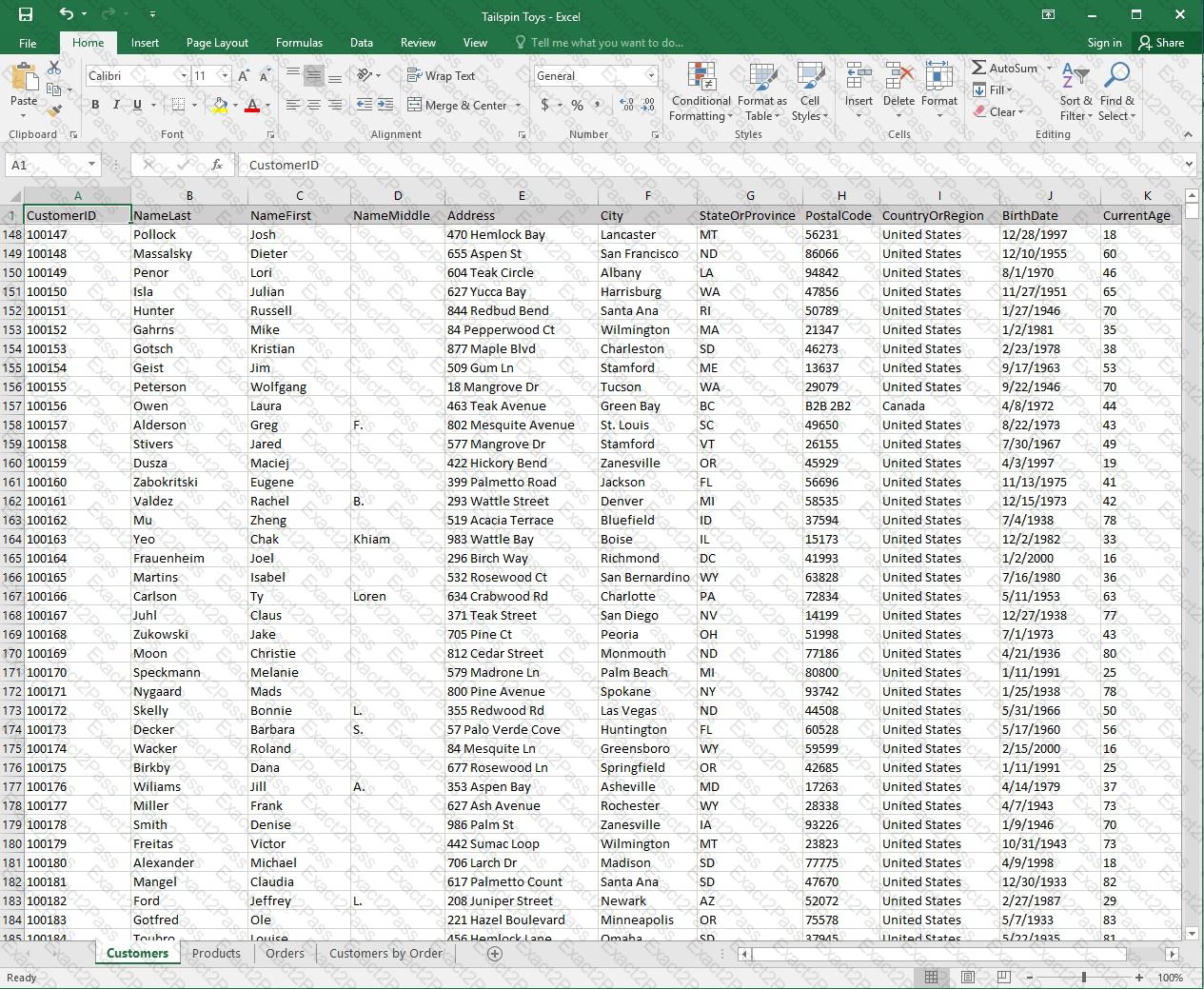
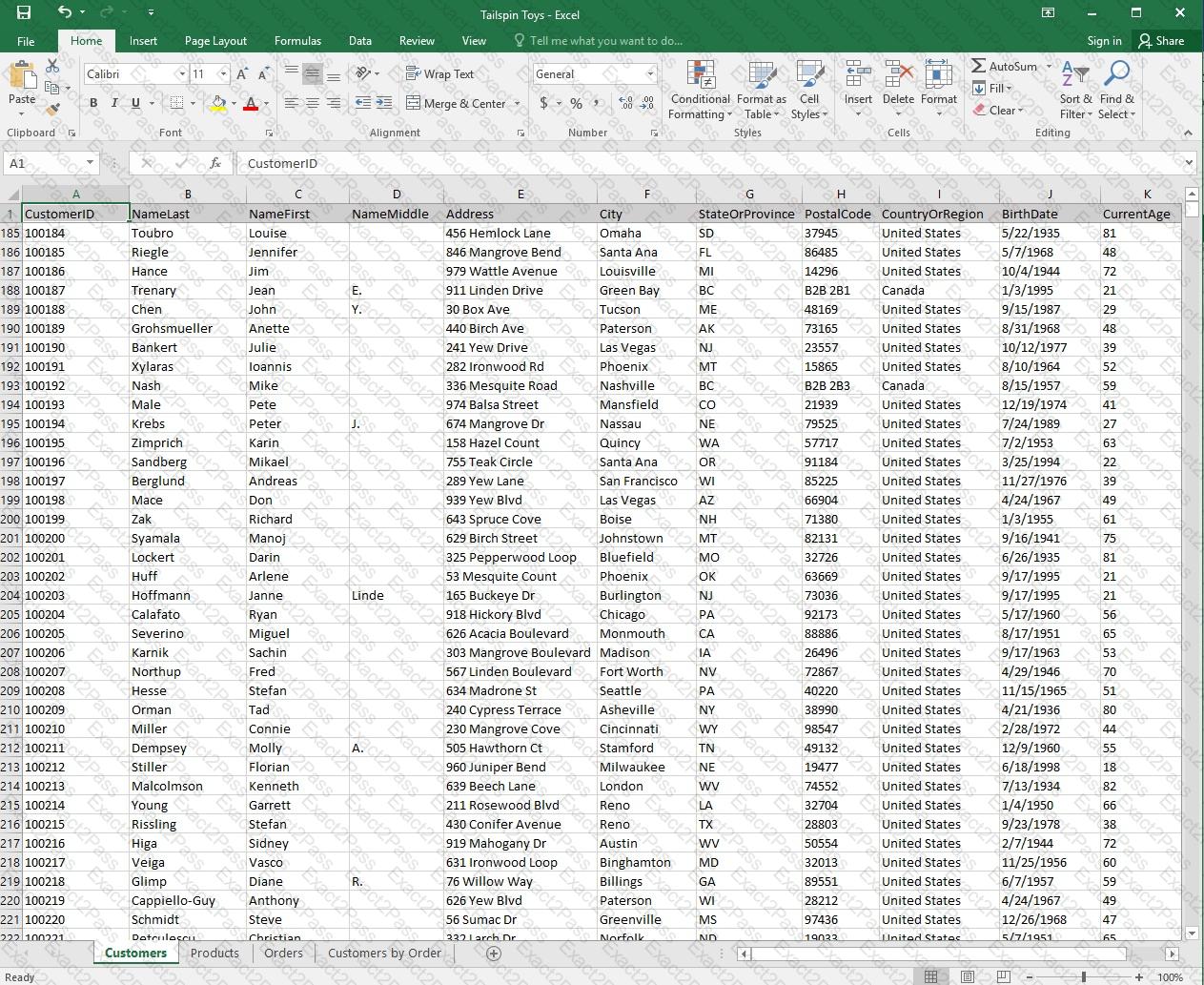
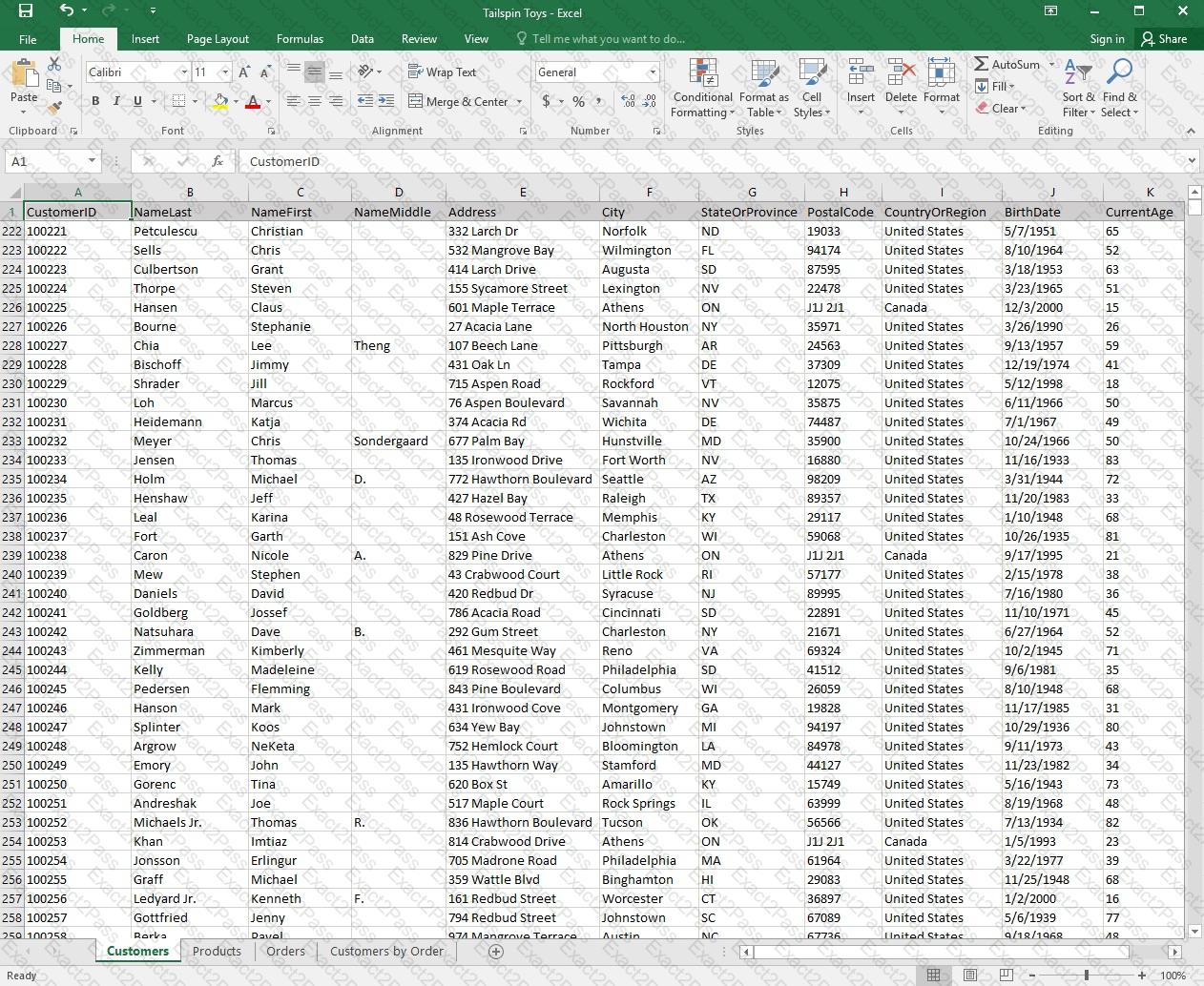
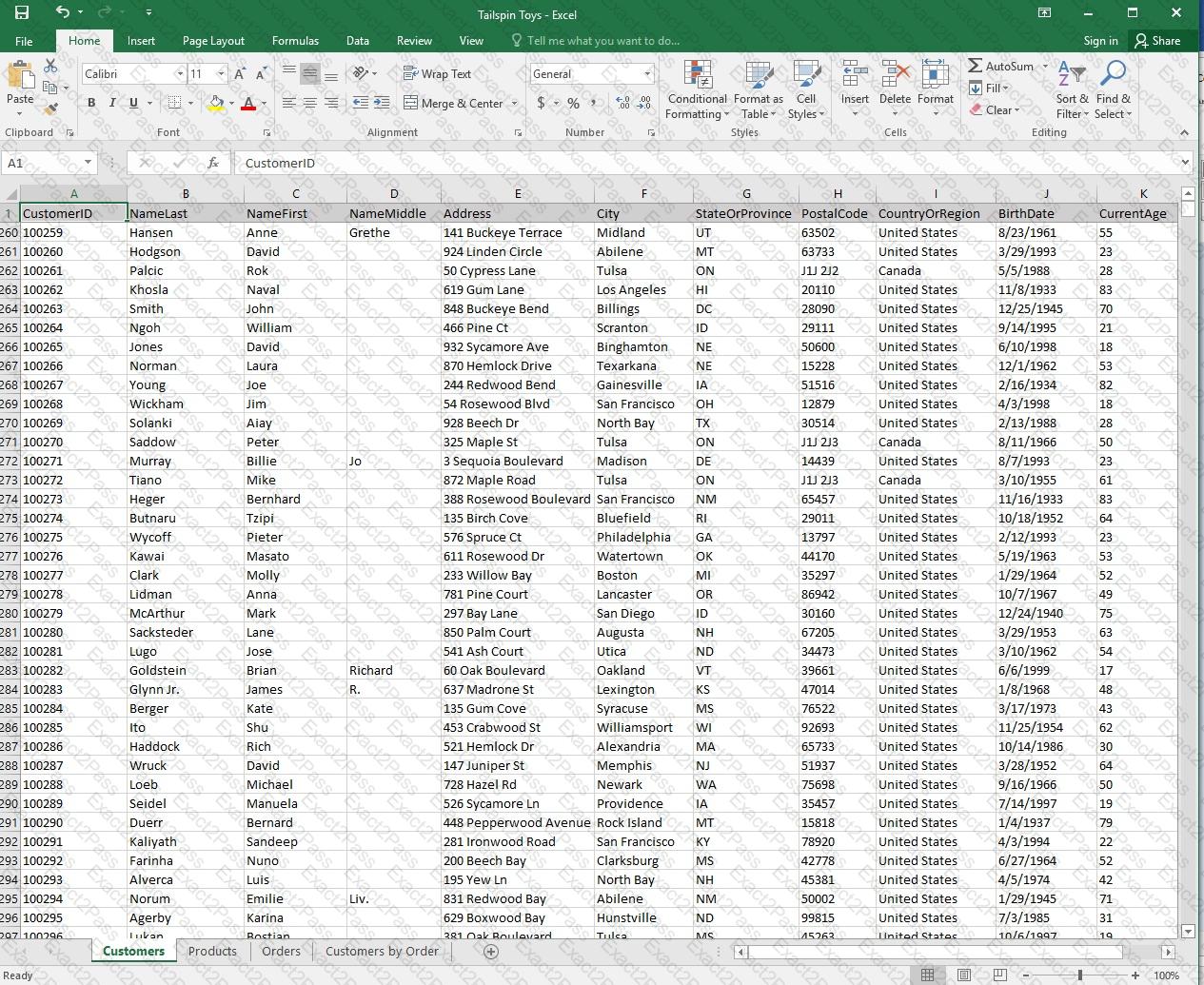
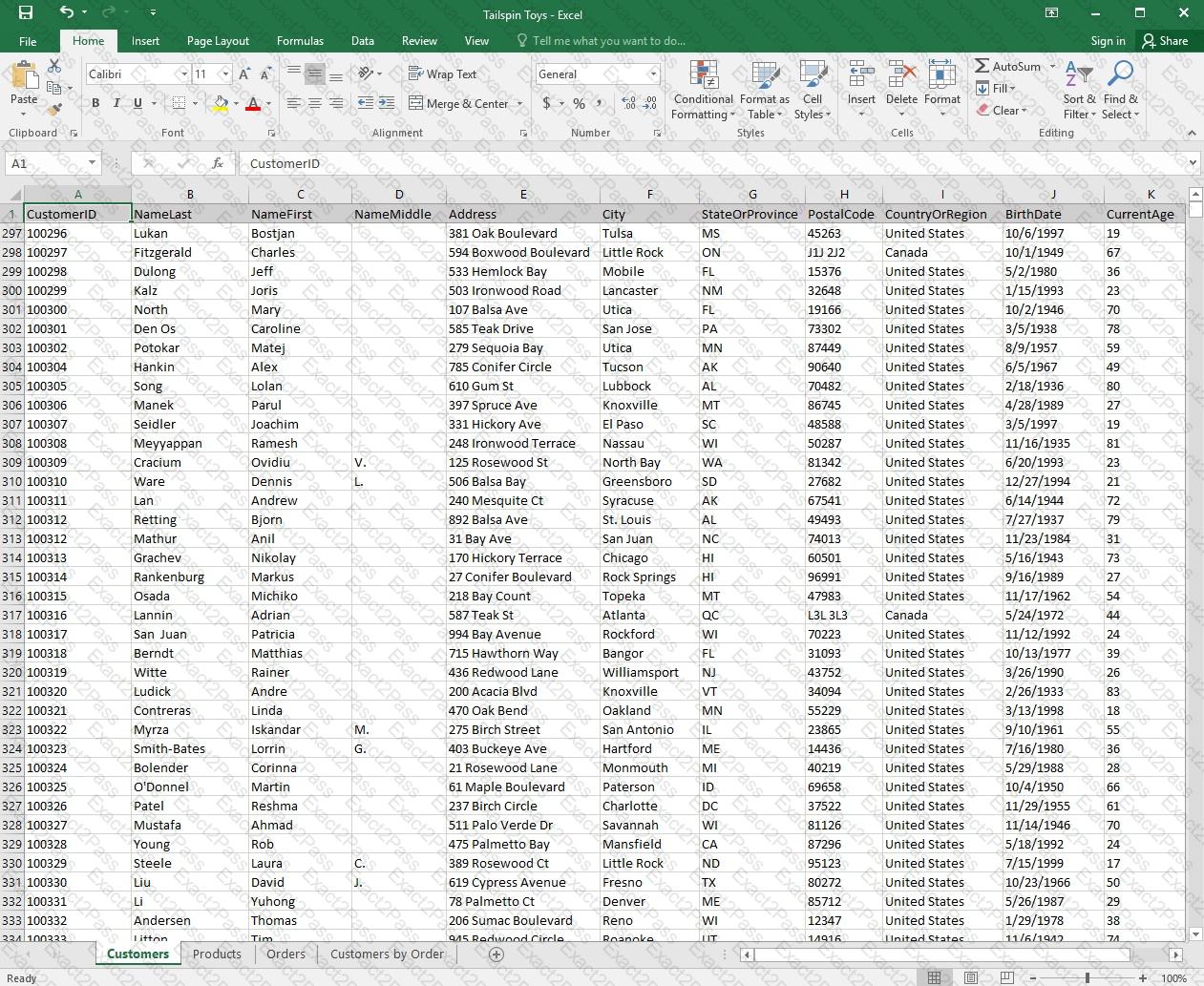
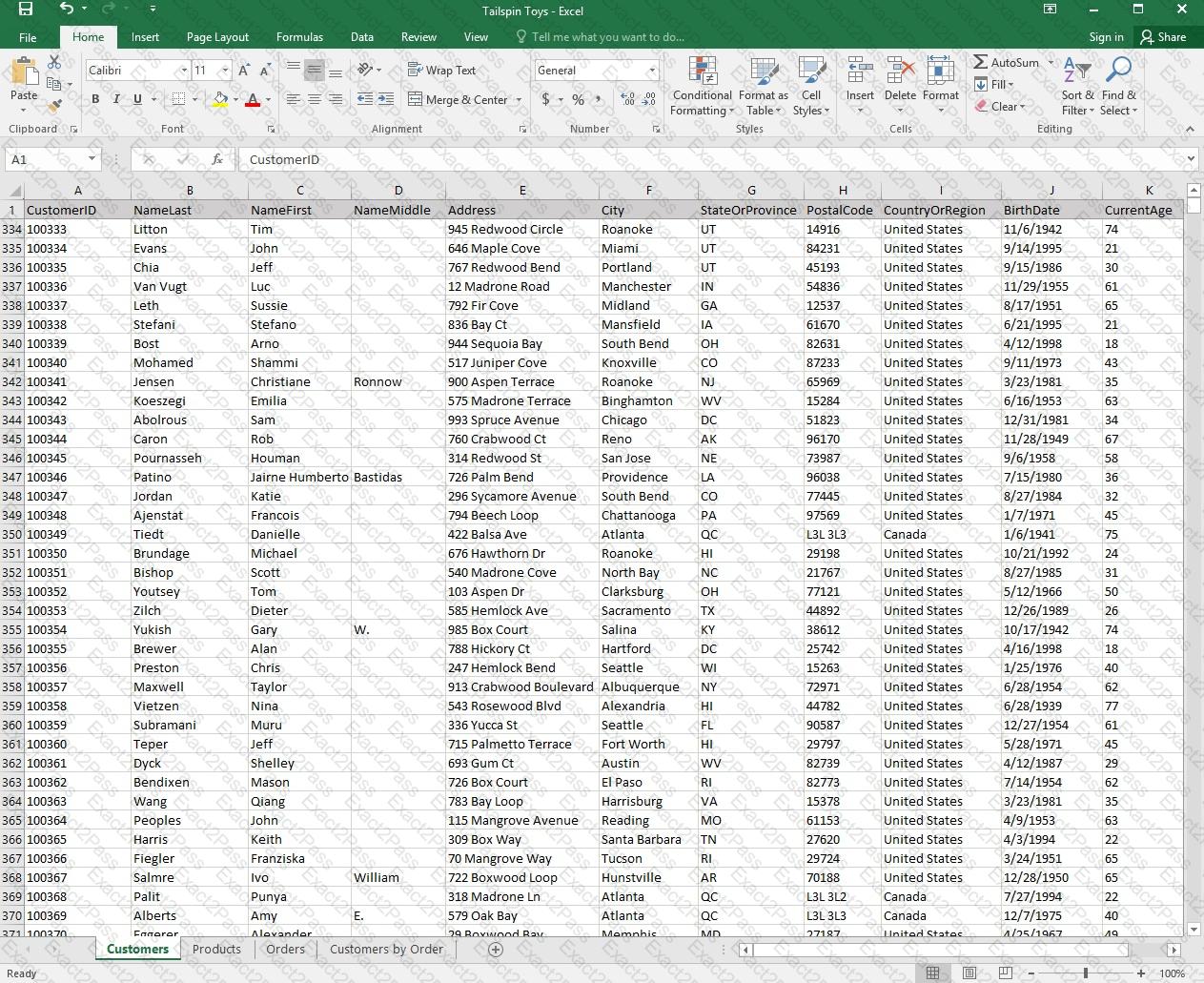
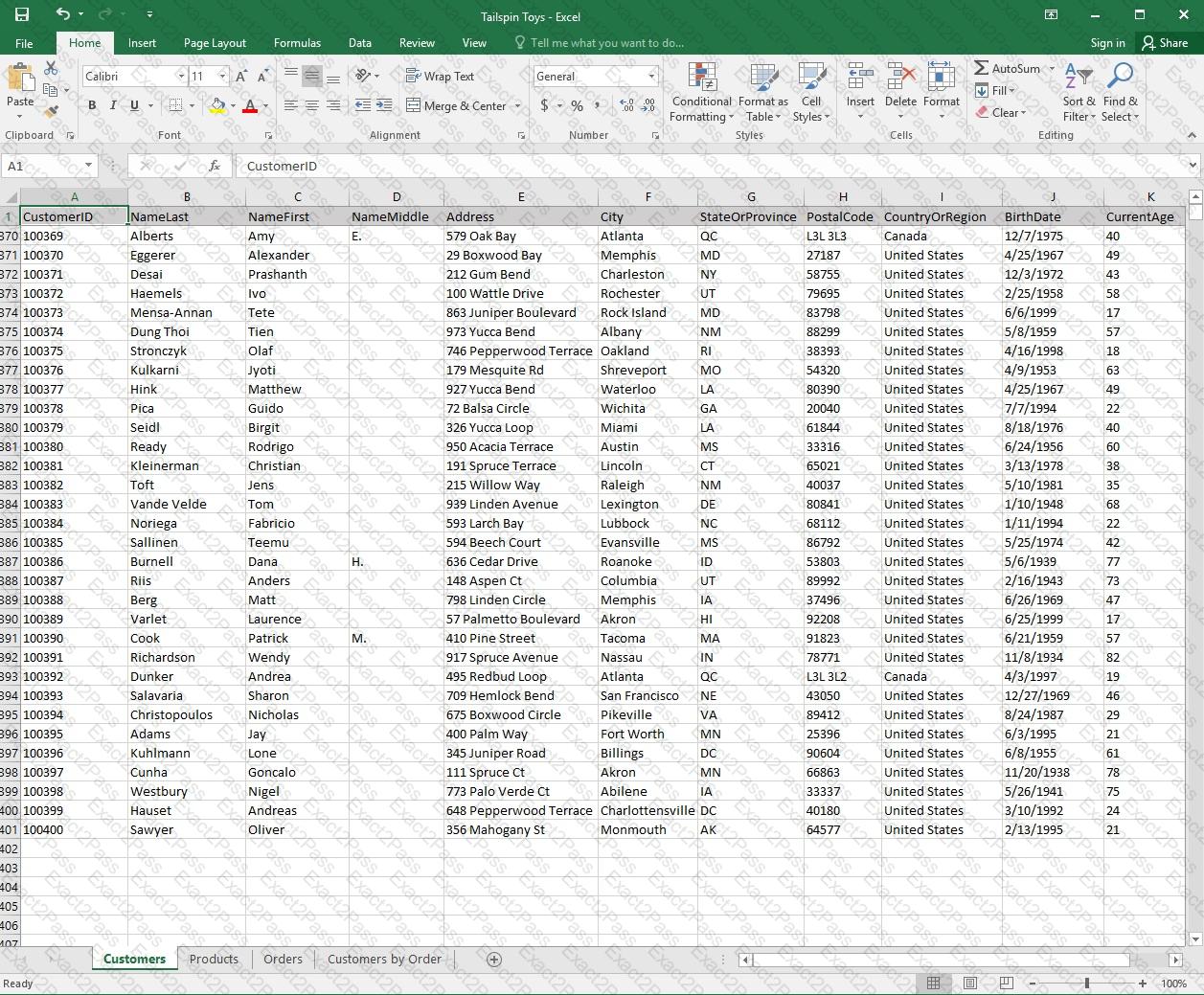
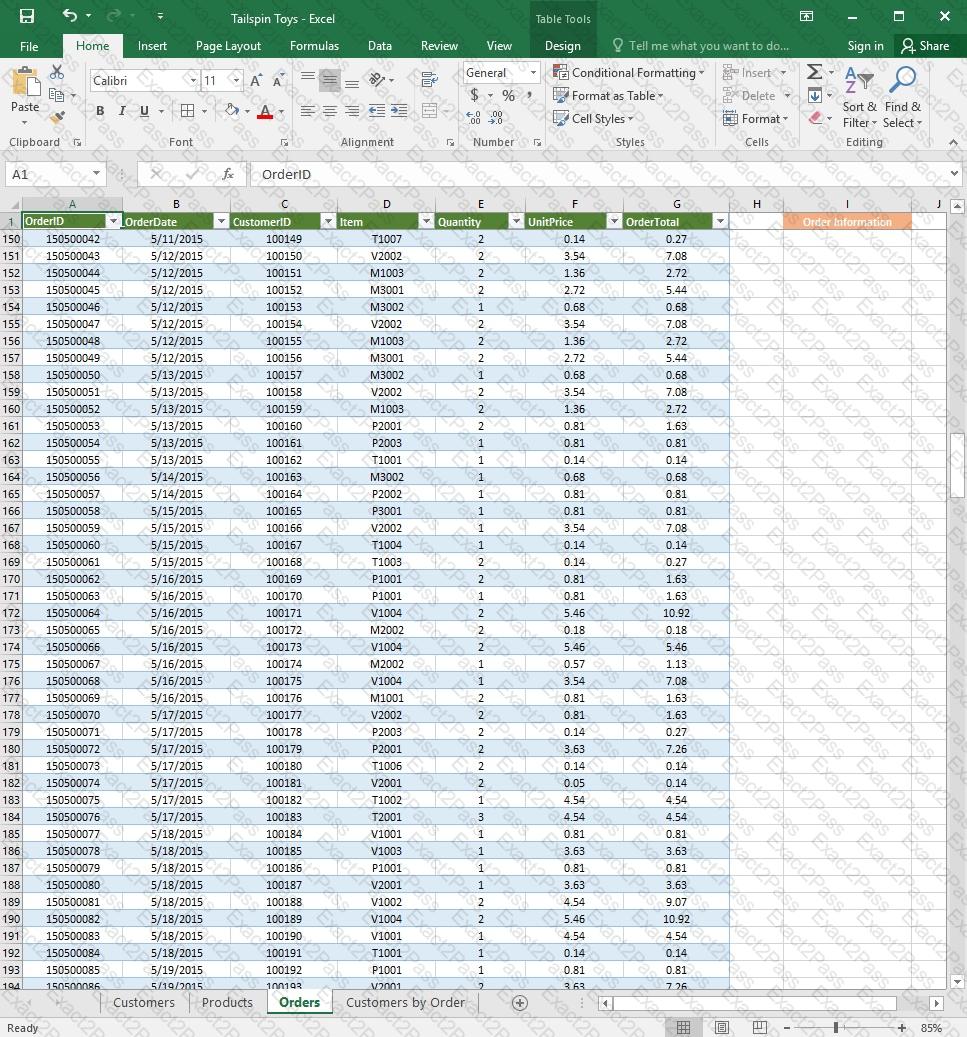
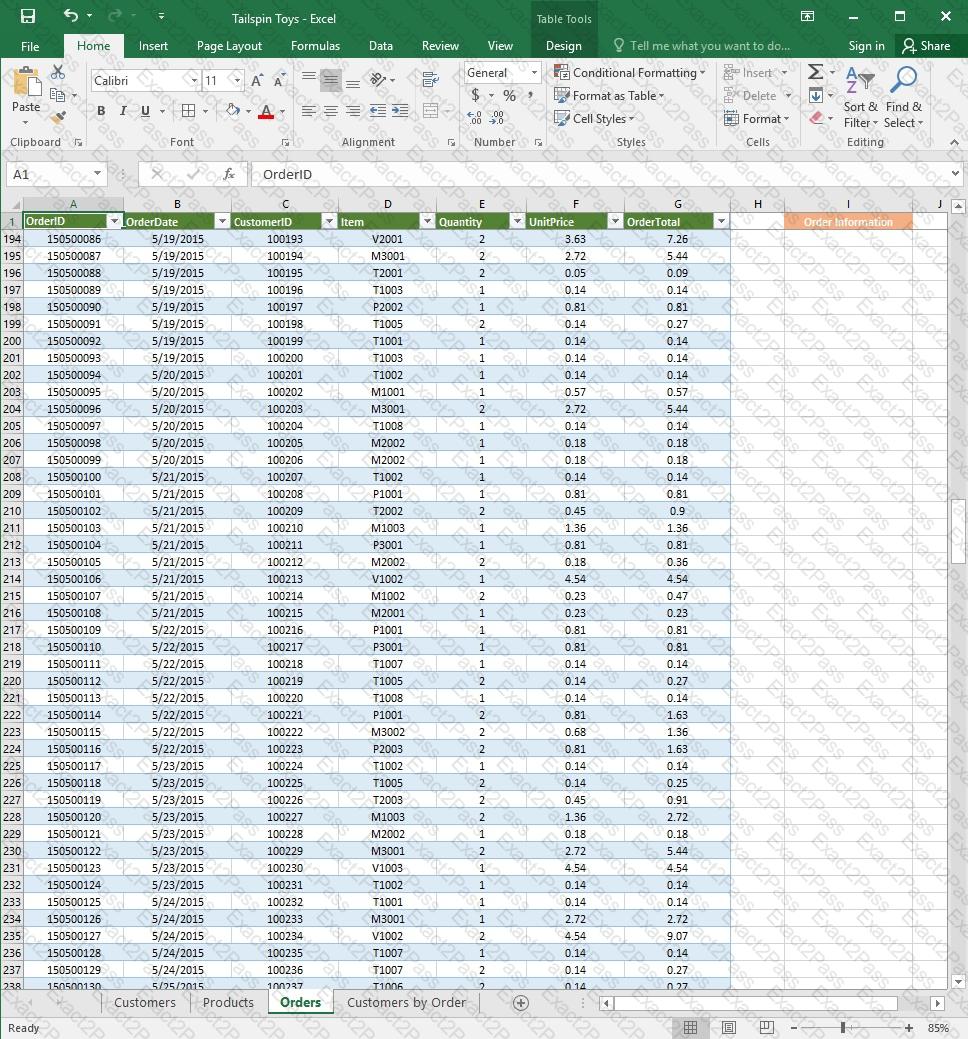
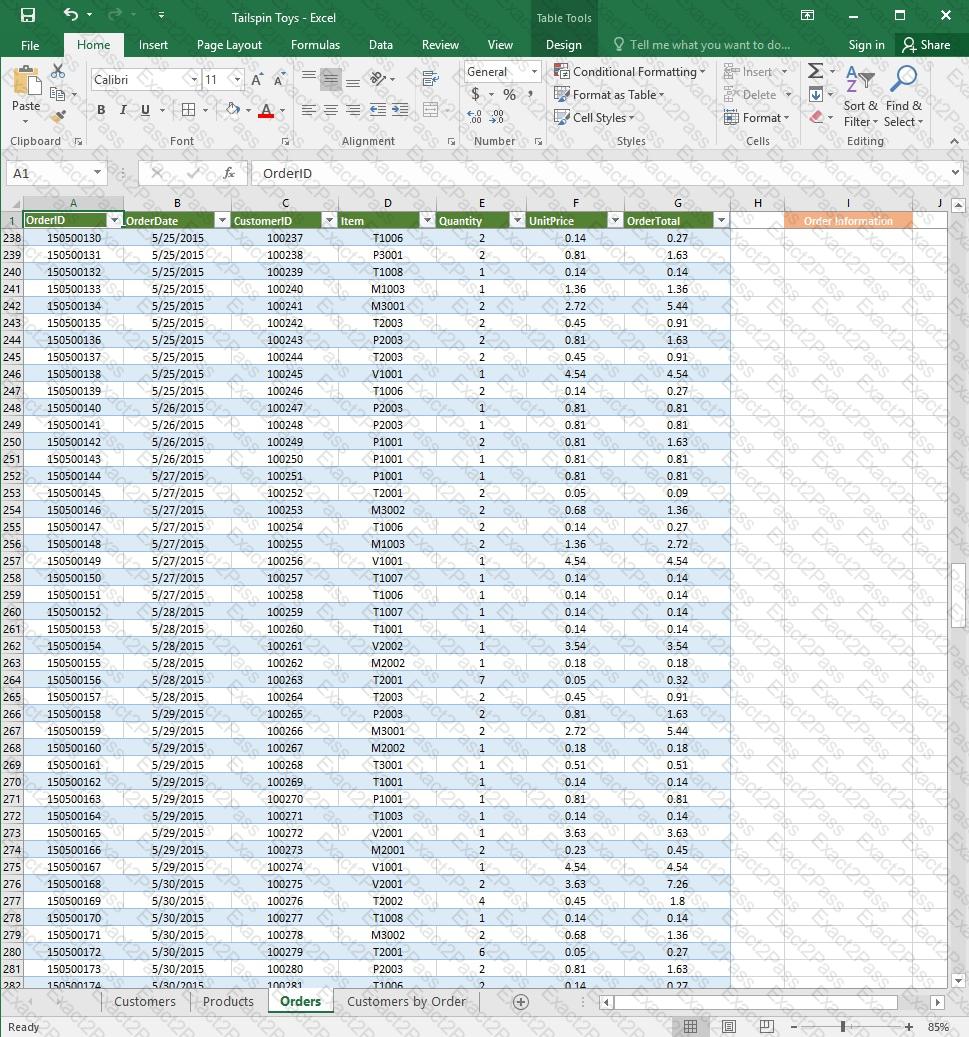
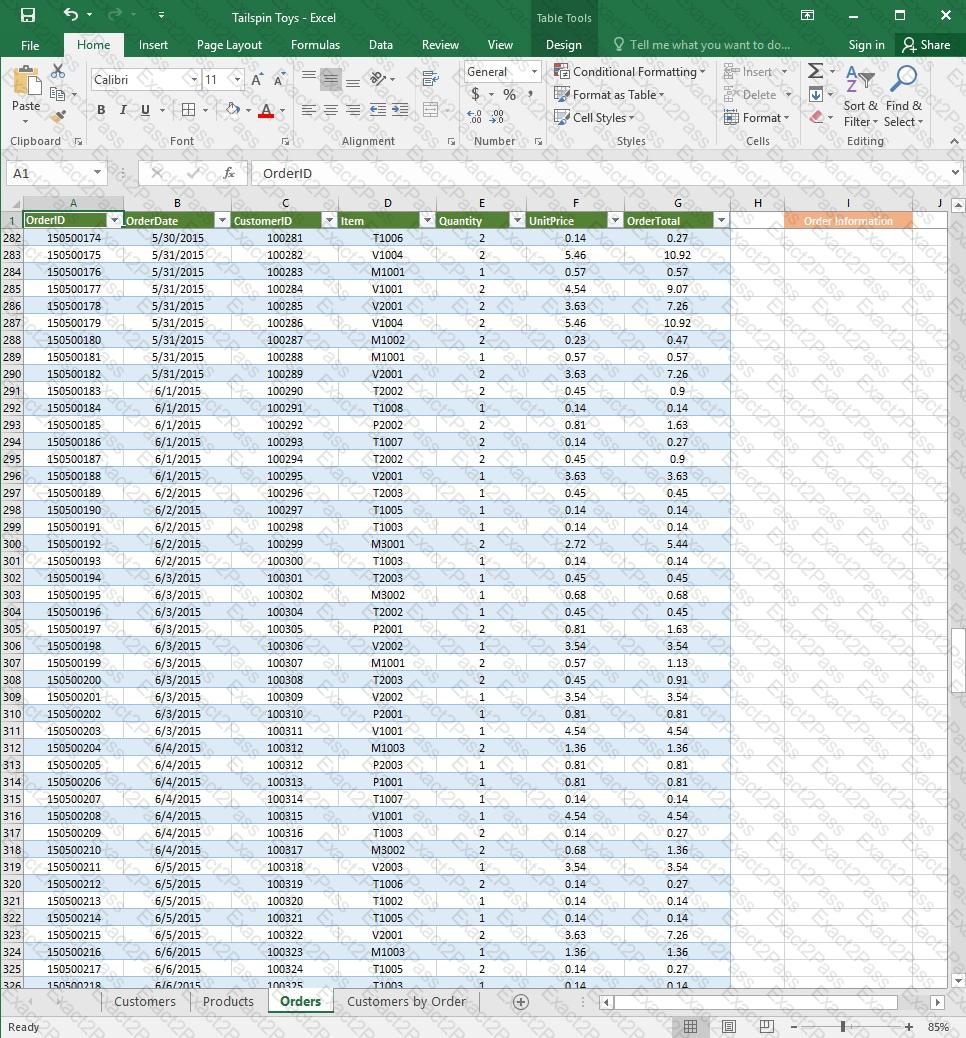
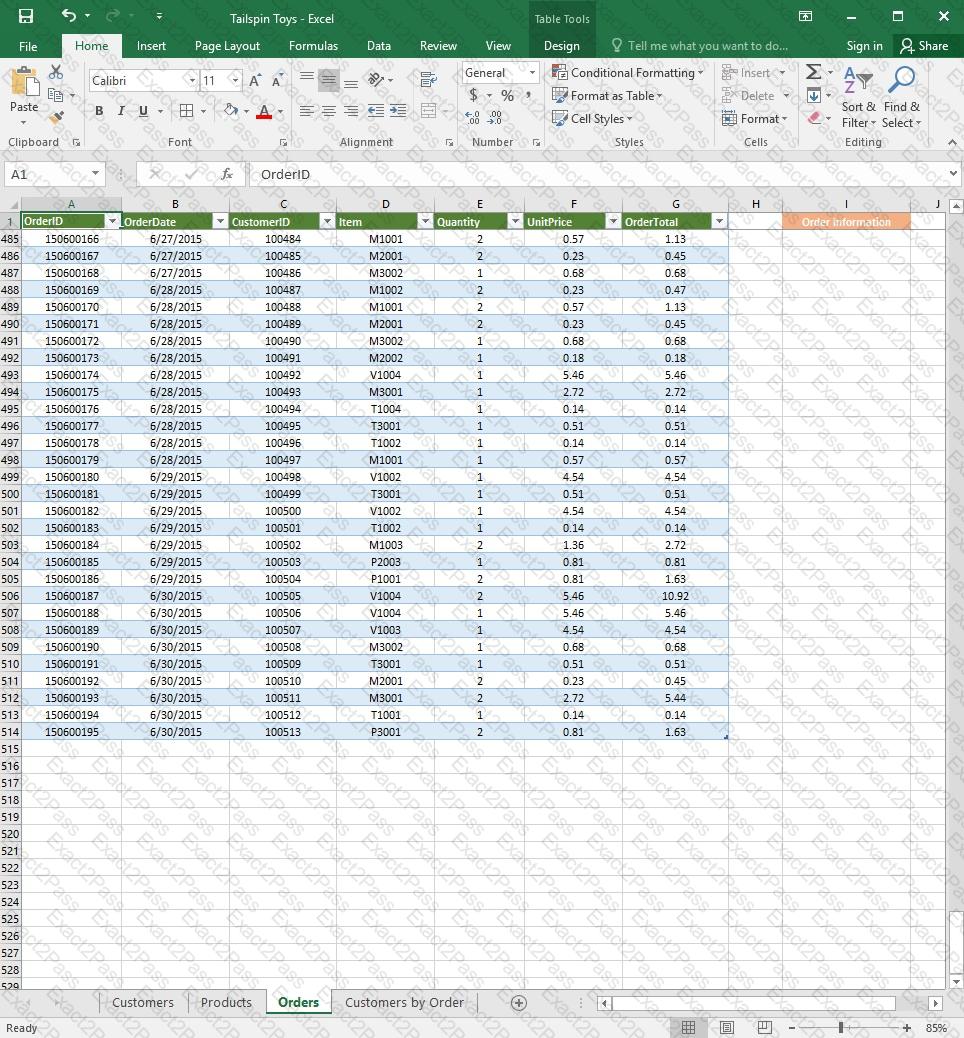
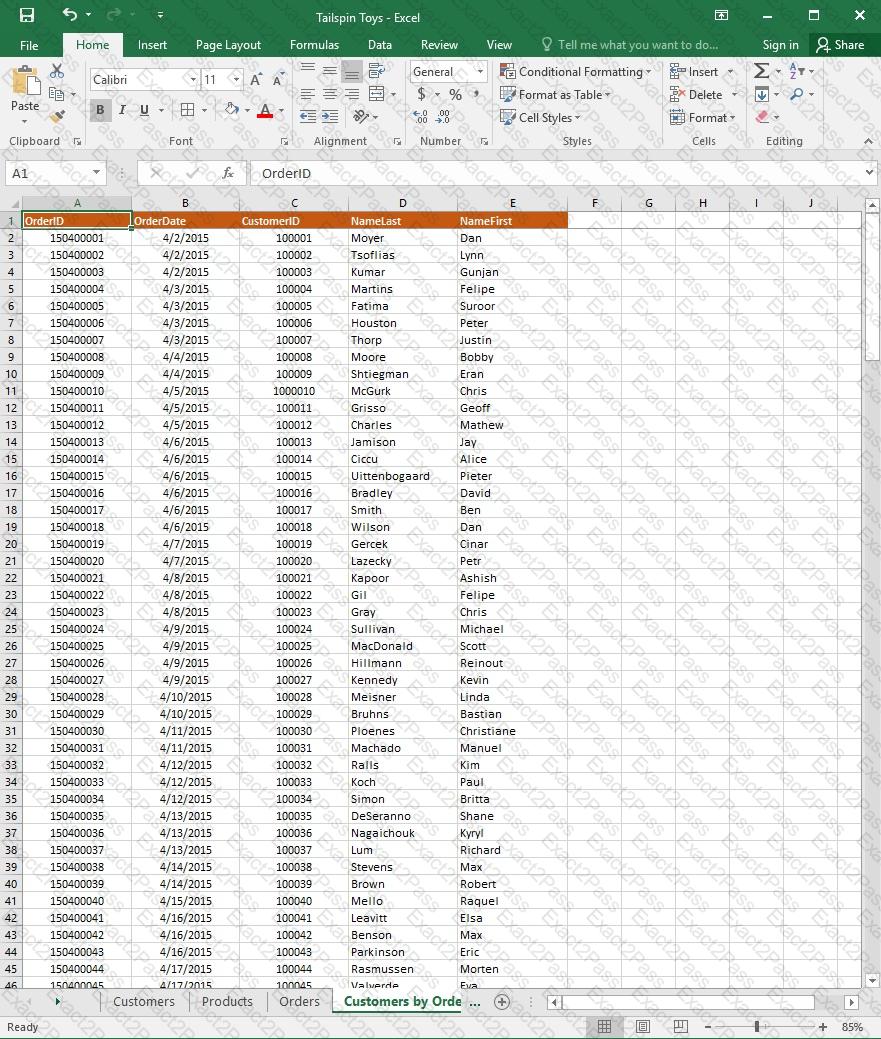
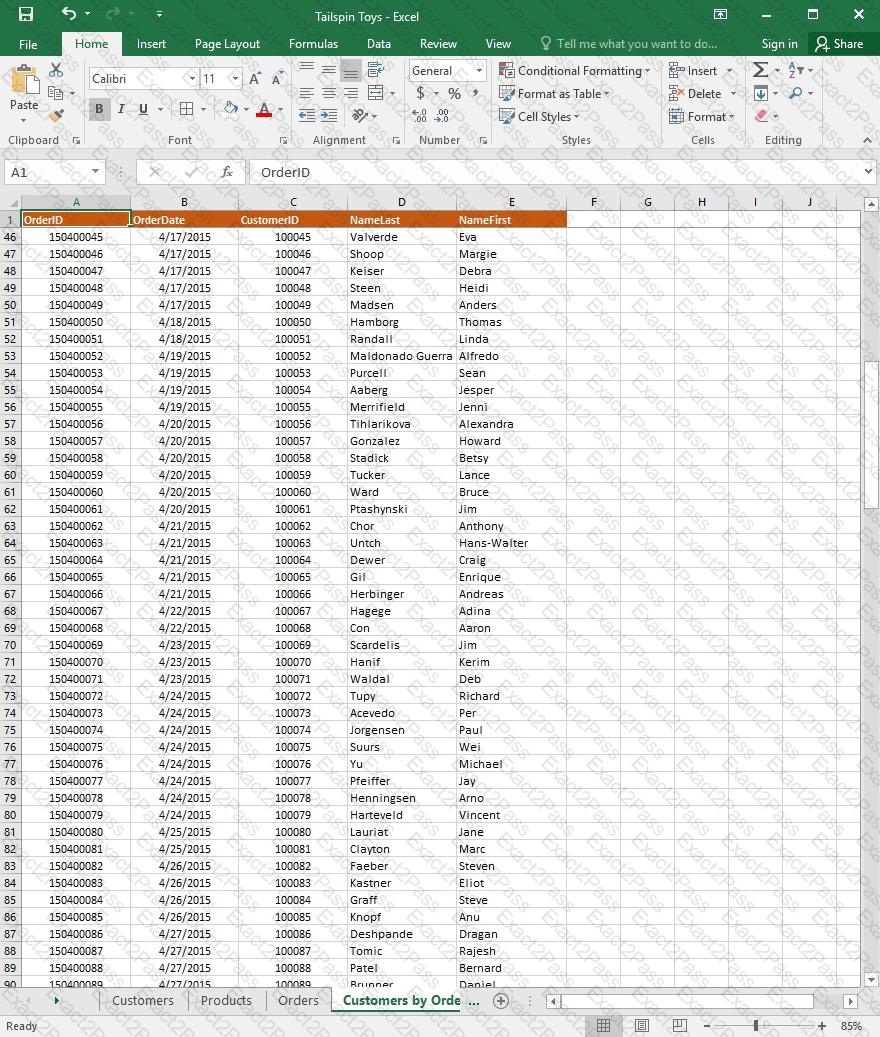
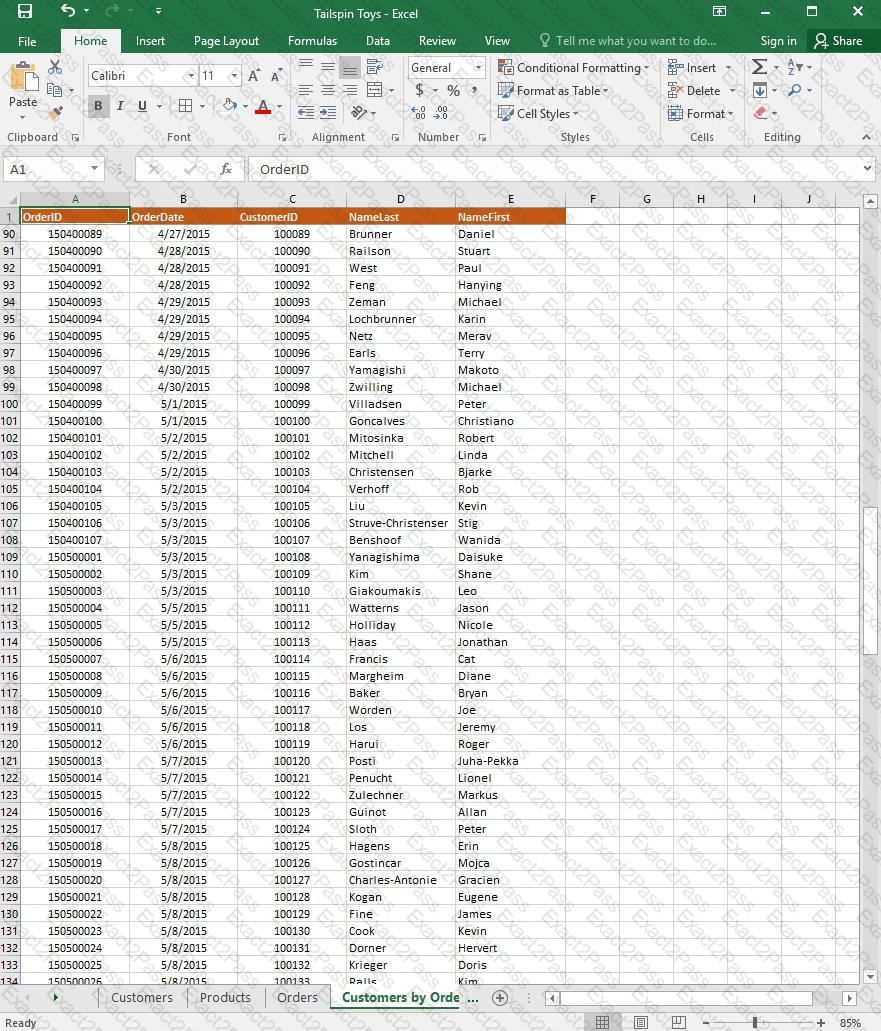
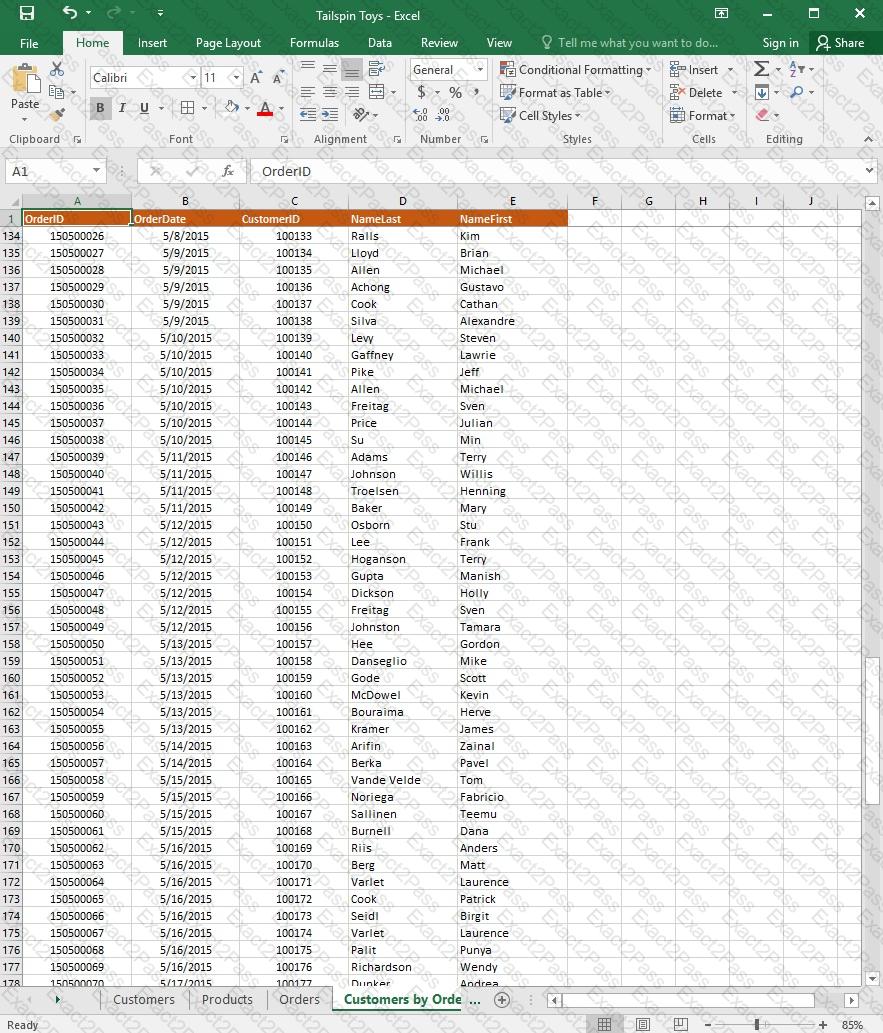
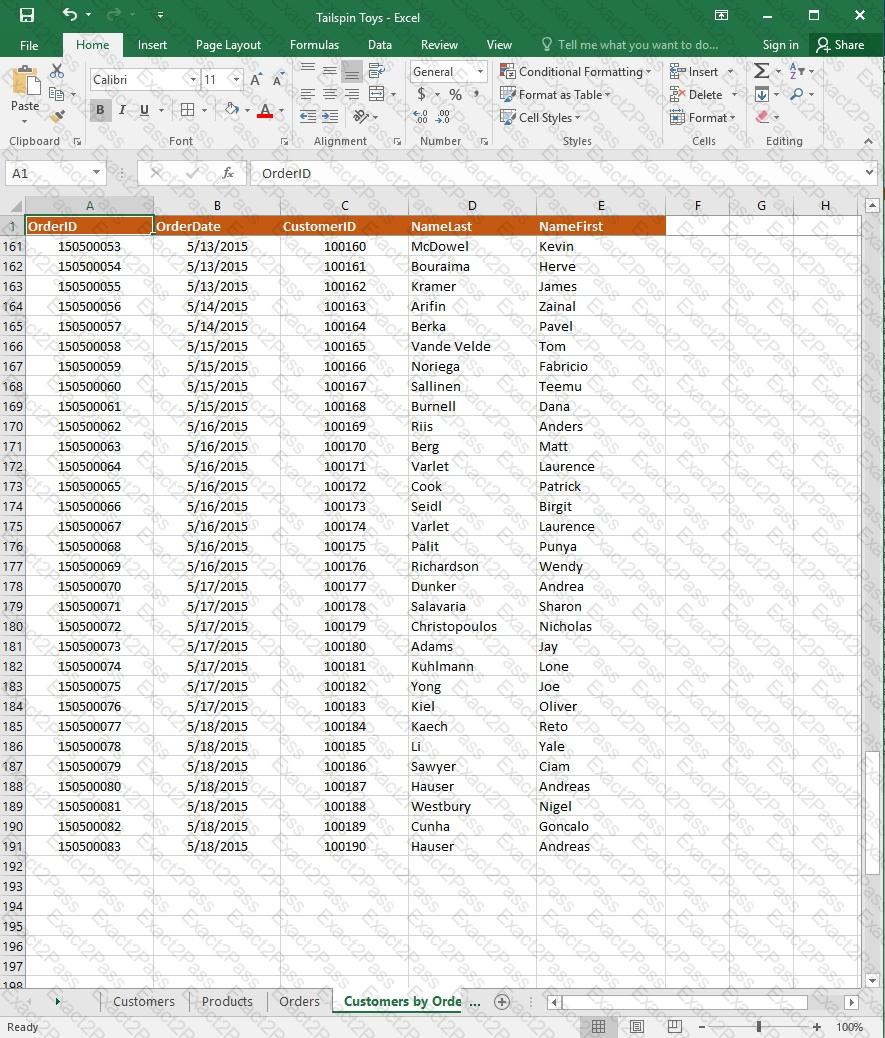
On the “Customers” worksheet, sort the table to order the records by the “CountryOrRegion” field, with customers in the United States first and customers in Canada second.
Then sort the customers in each country alphabetically (from A to Z) by the “StateOrProvince” field.
Finally, sort the customers in each state or province in ascending order by the ‘PostalCode” field.
Project 3 of 7: Tree Inventory
Overview
You are updating the inventory worksheet for a local tree farm.
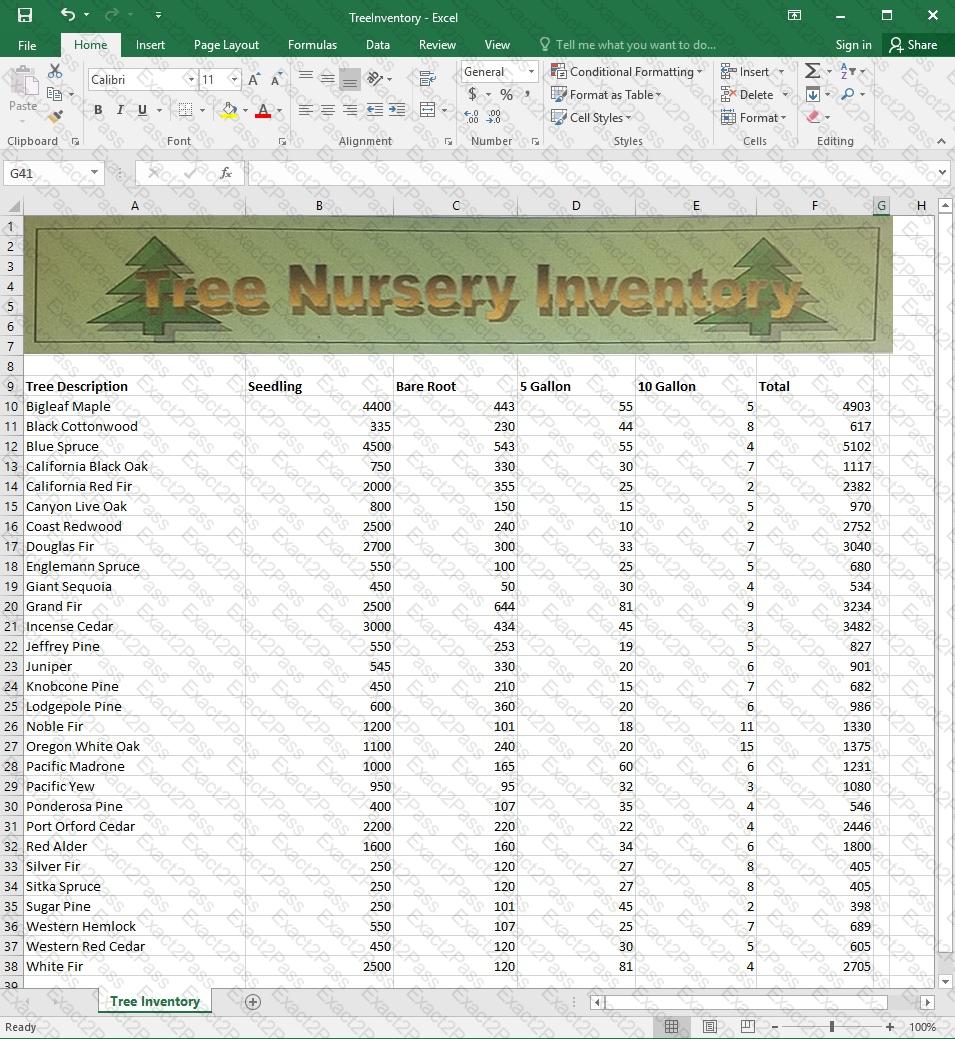
Configure the worksheet so that row 9 and the WordArt remain visible as you scroll vertically.
Project 6 of 7: Bike Tours
Overview
You are the owner of a small bicycle tour company summarizing trail rides that have been booked for the next six months.
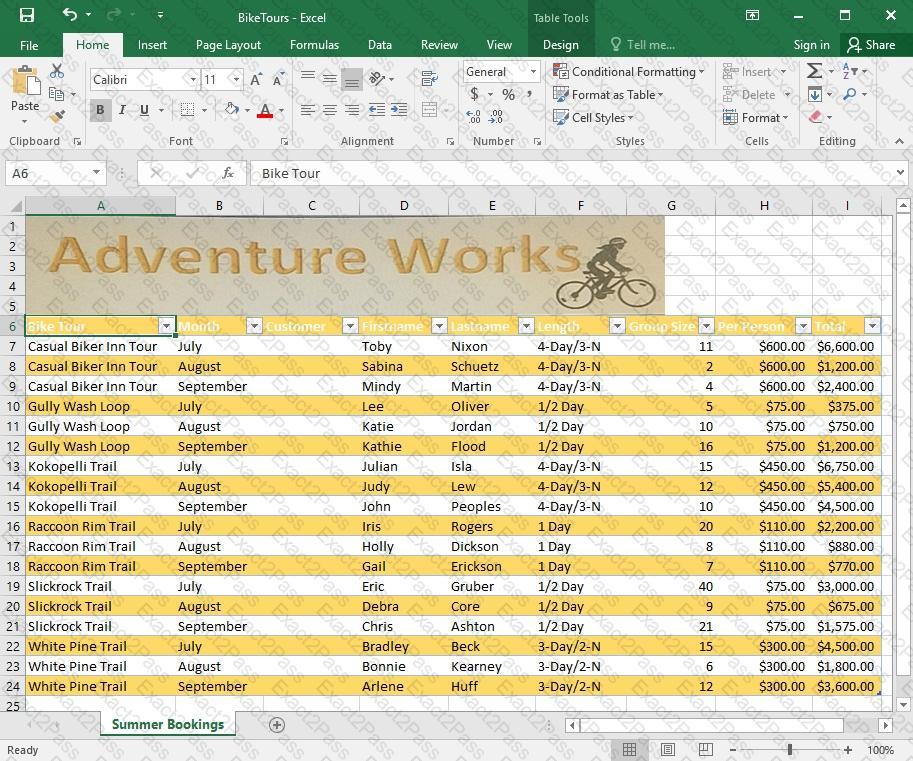
In cell M9 on the “Summer Bookings” worksheet, insert a function that calculates the number of groups containing 12 or more people even if the order of the rows is changed.
Project 1 of 7: Tailspin Toys
Overview
You recently opened an online toy store. You have sold products to 500 individual customers. You are evaluating customer data and order data.
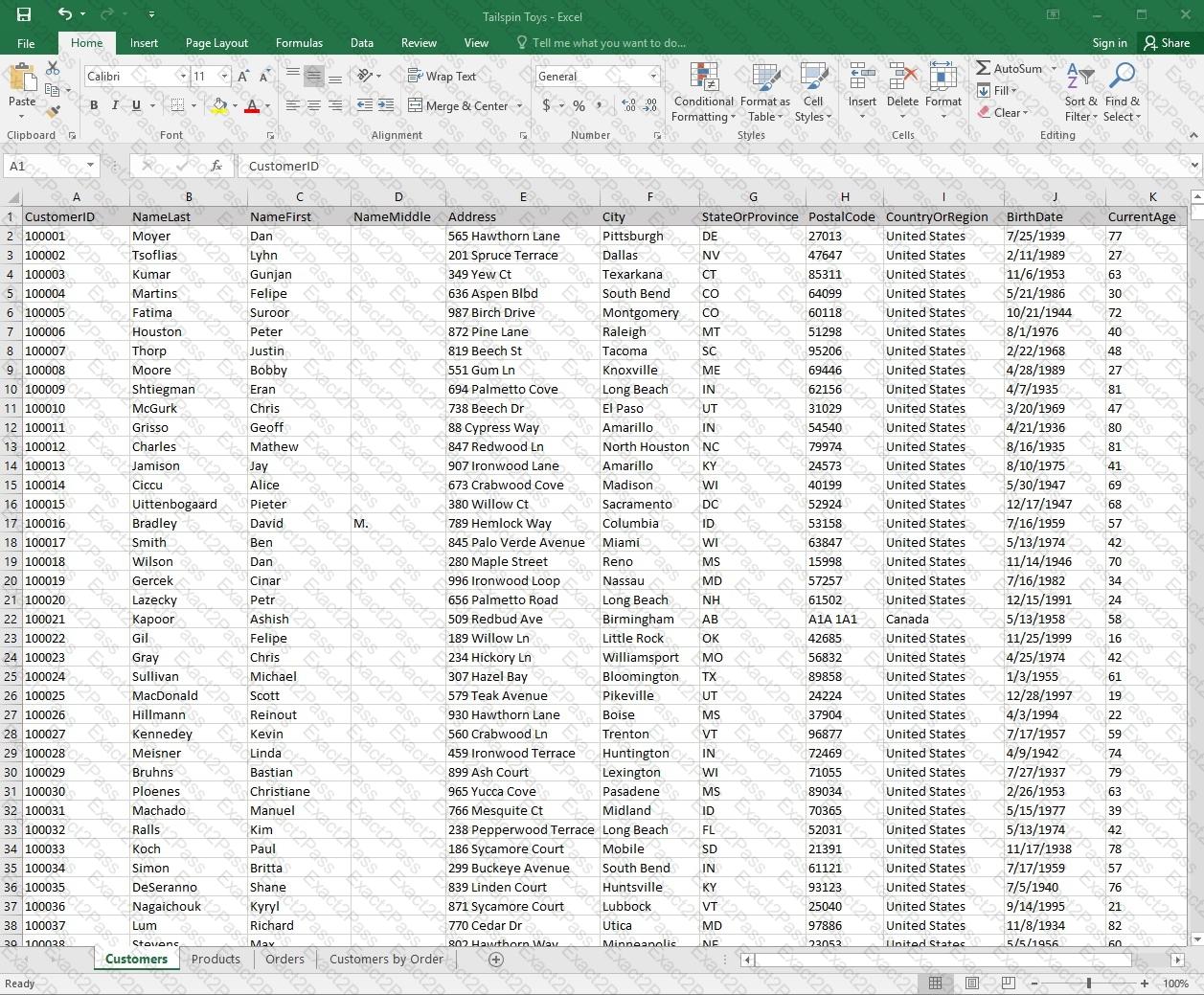
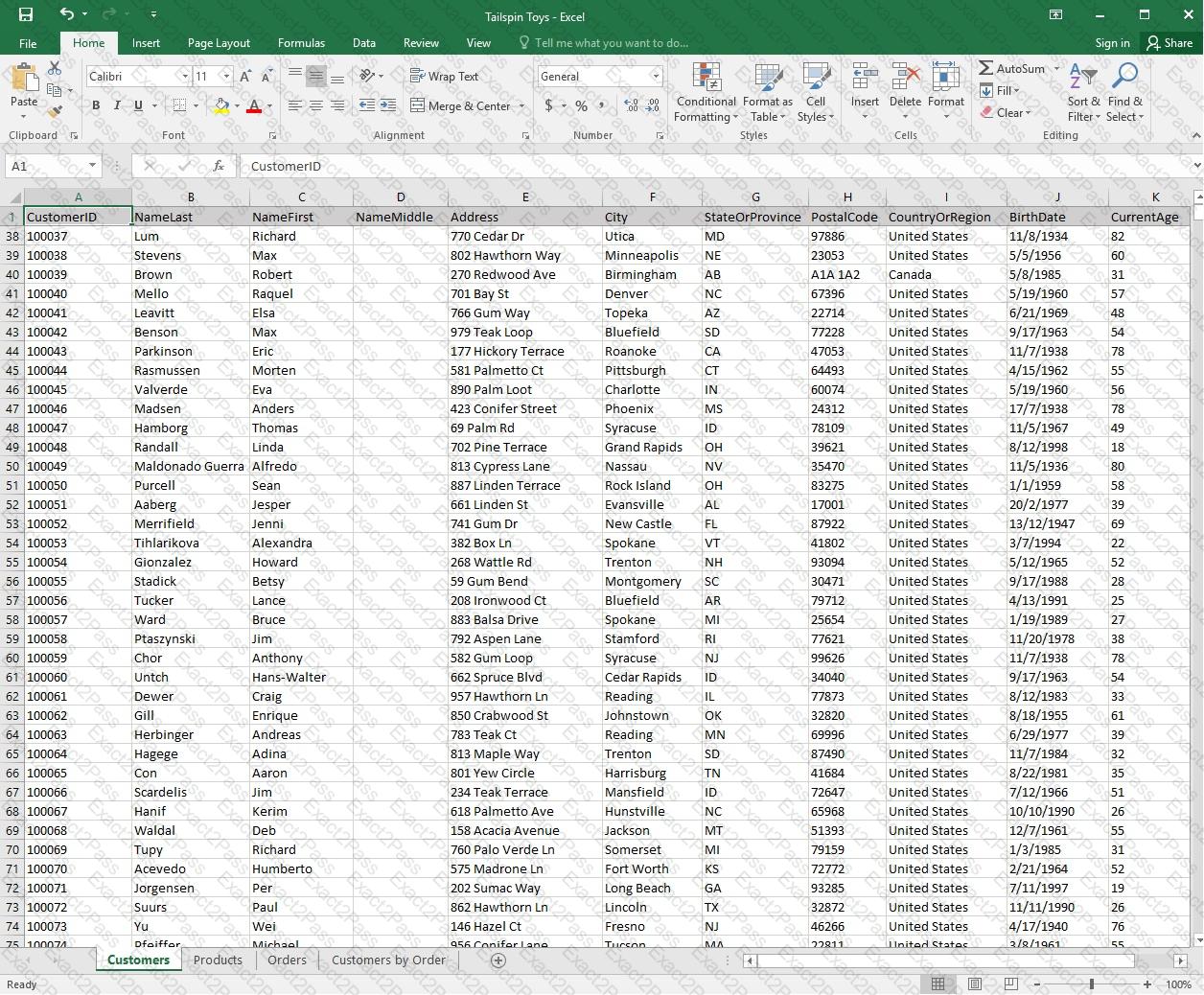
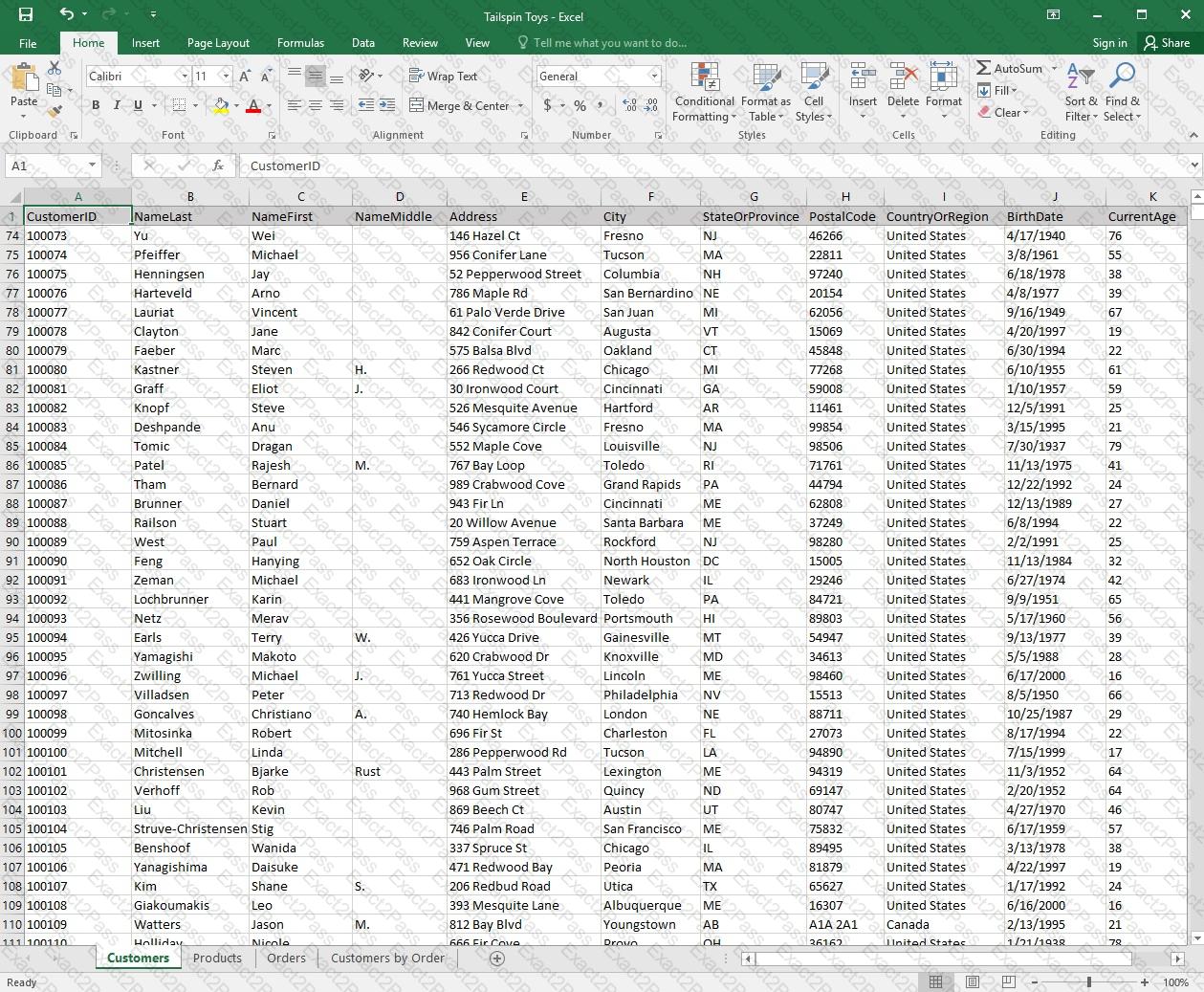
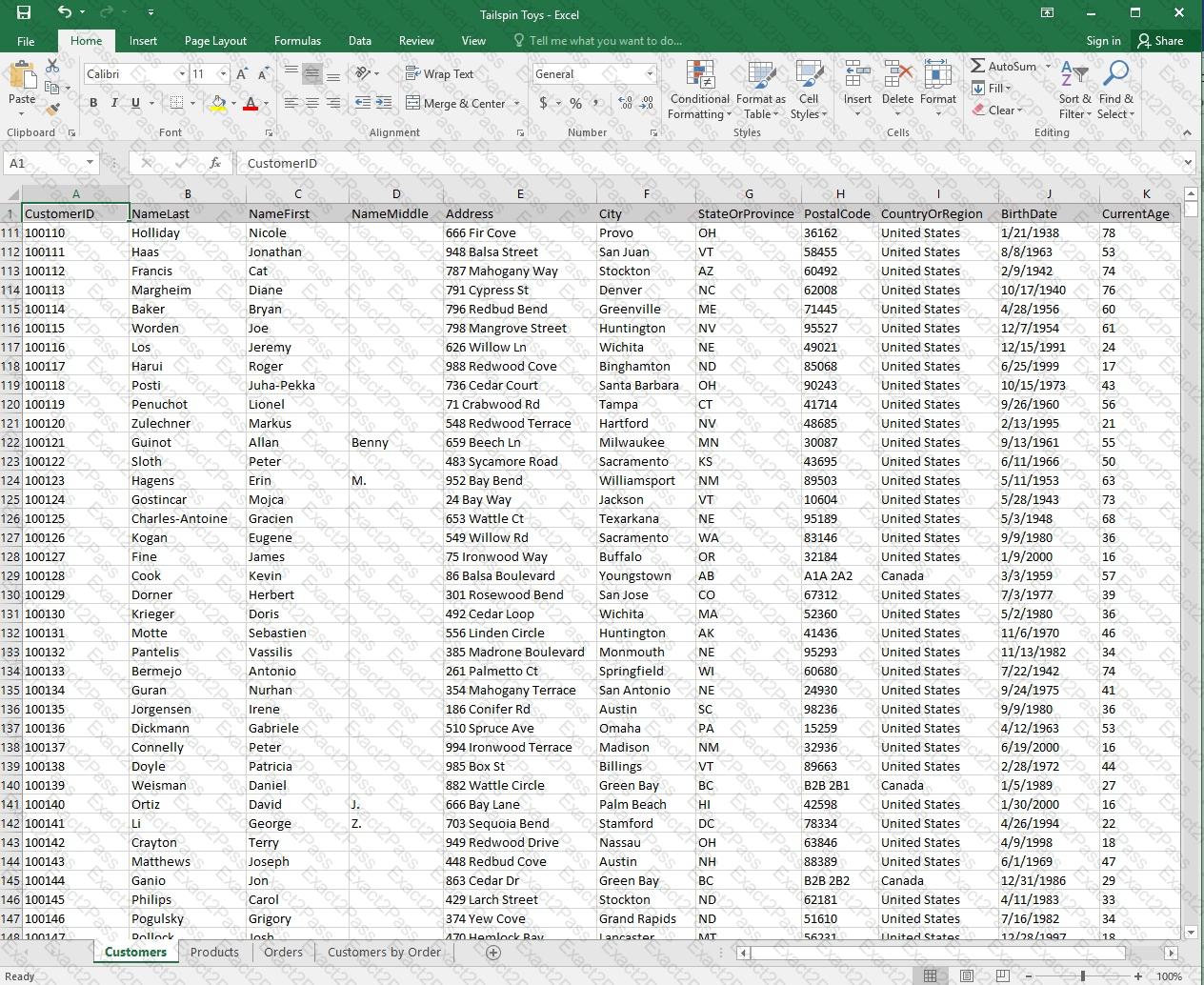
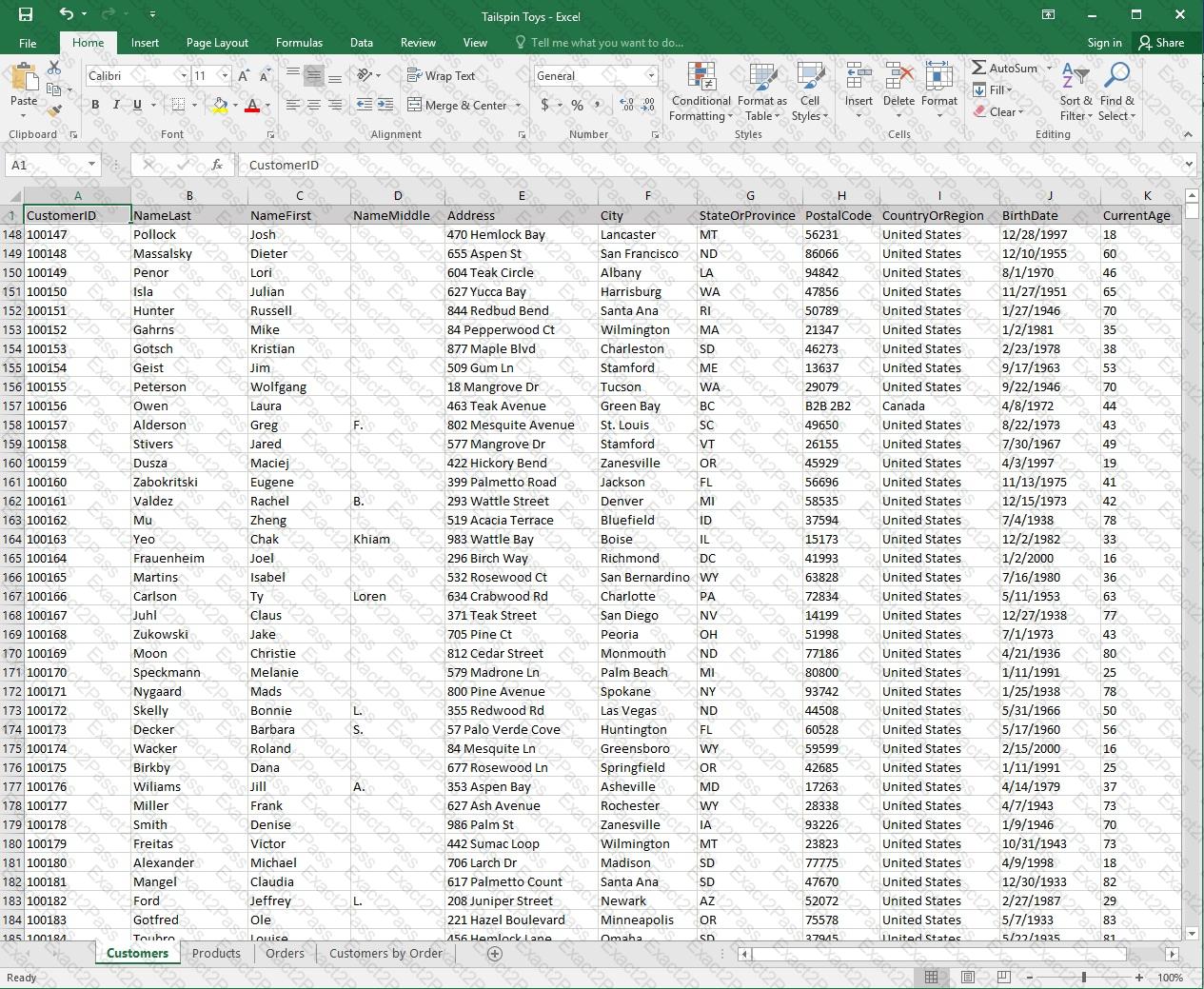
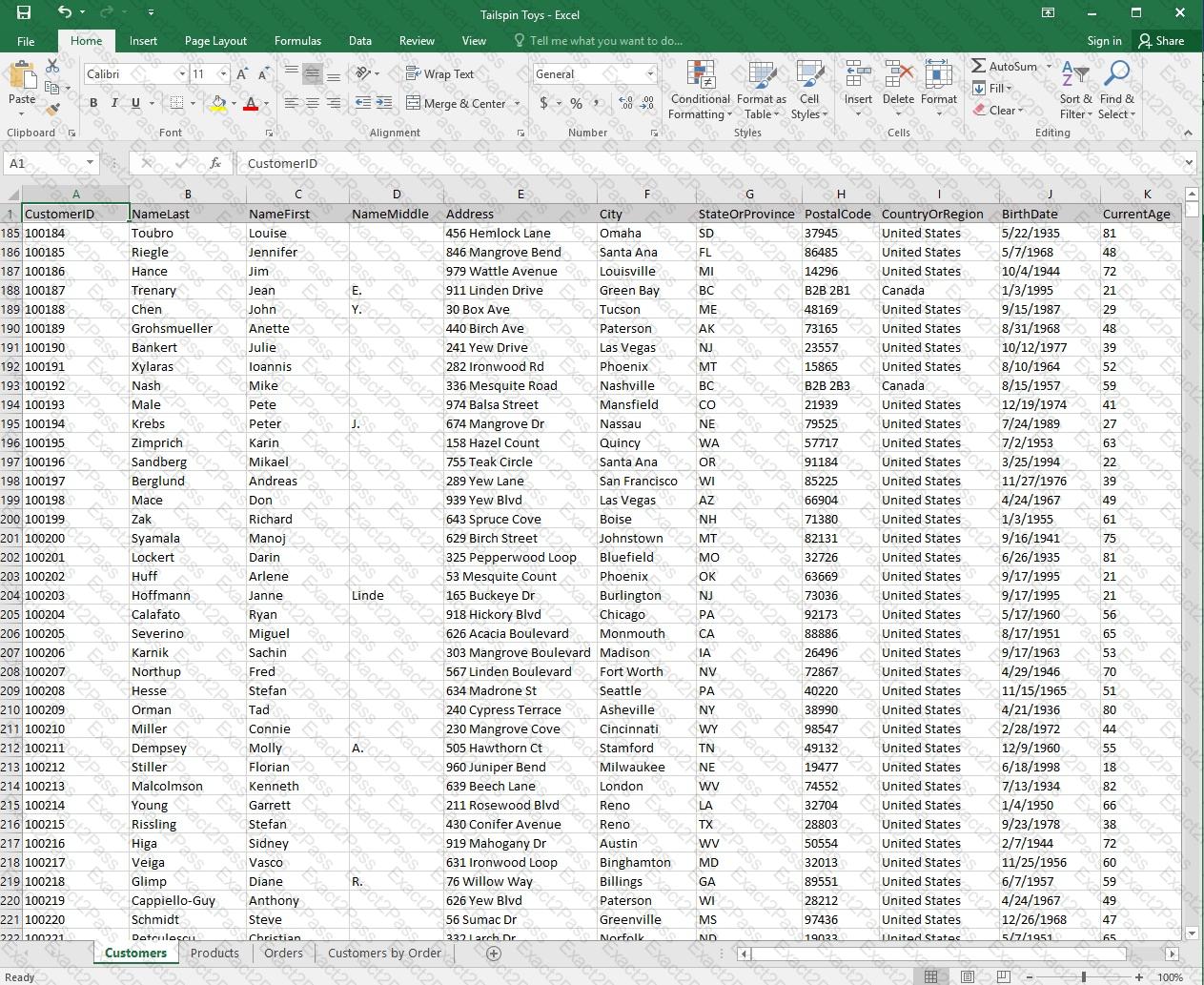
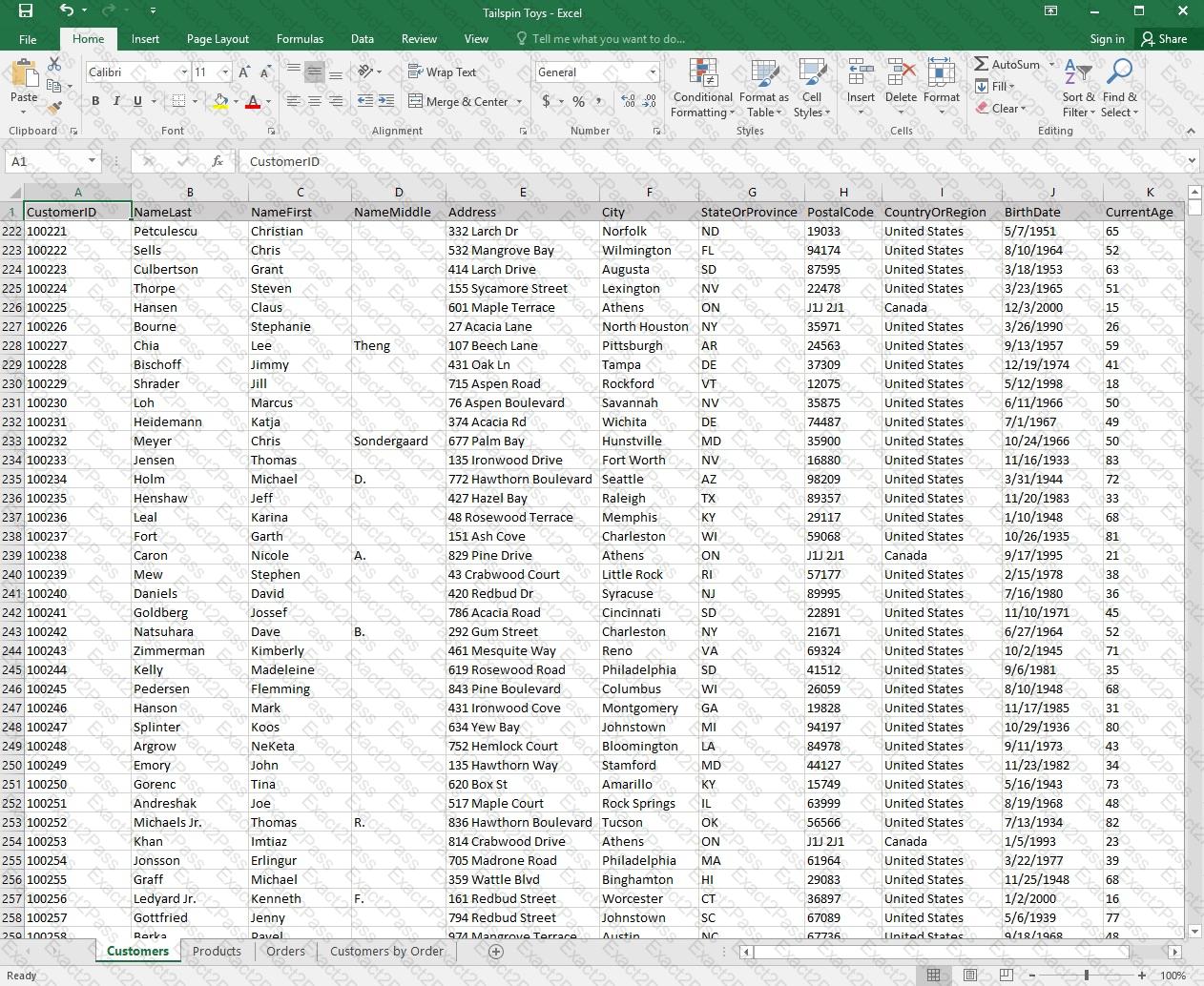
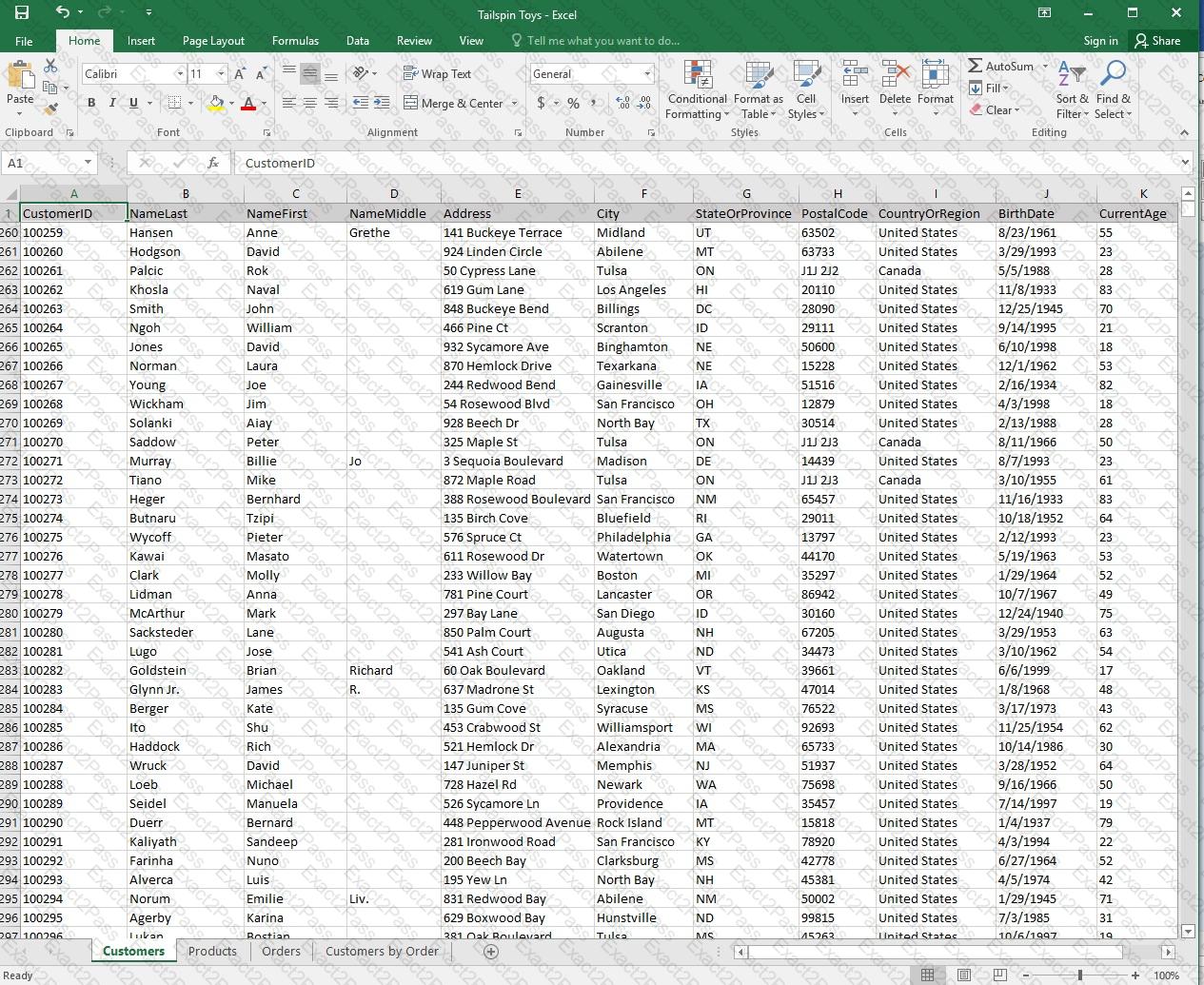
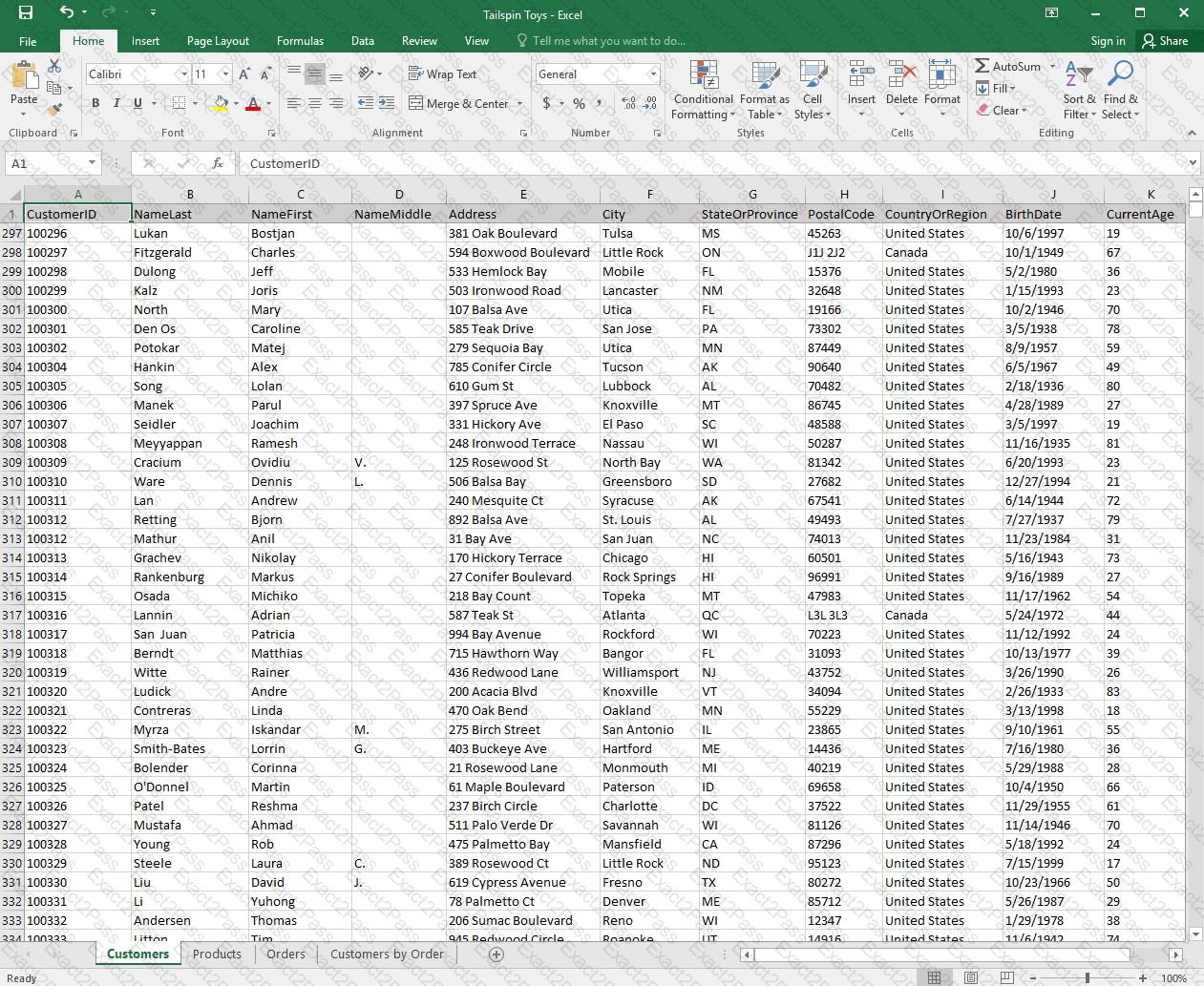
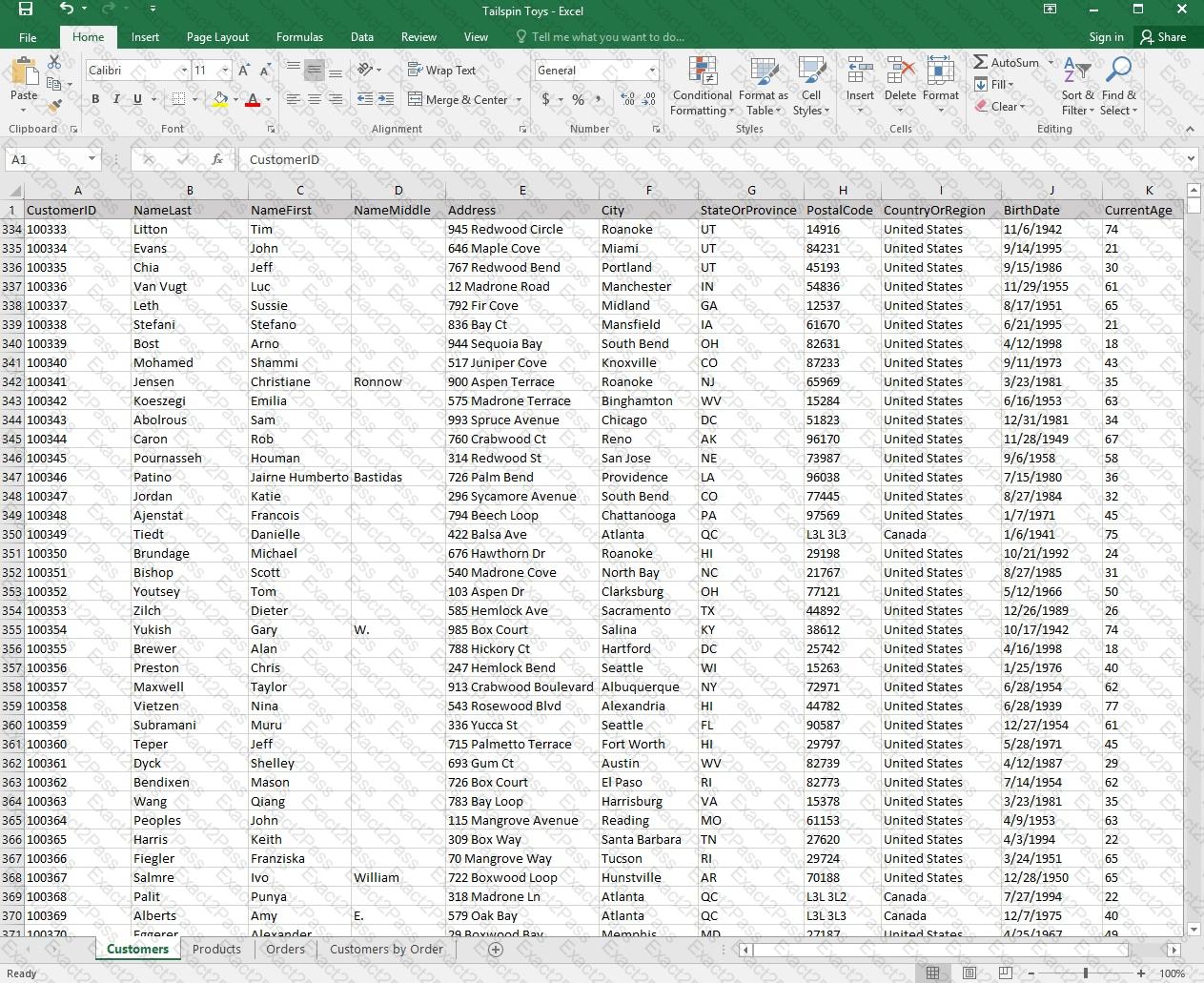
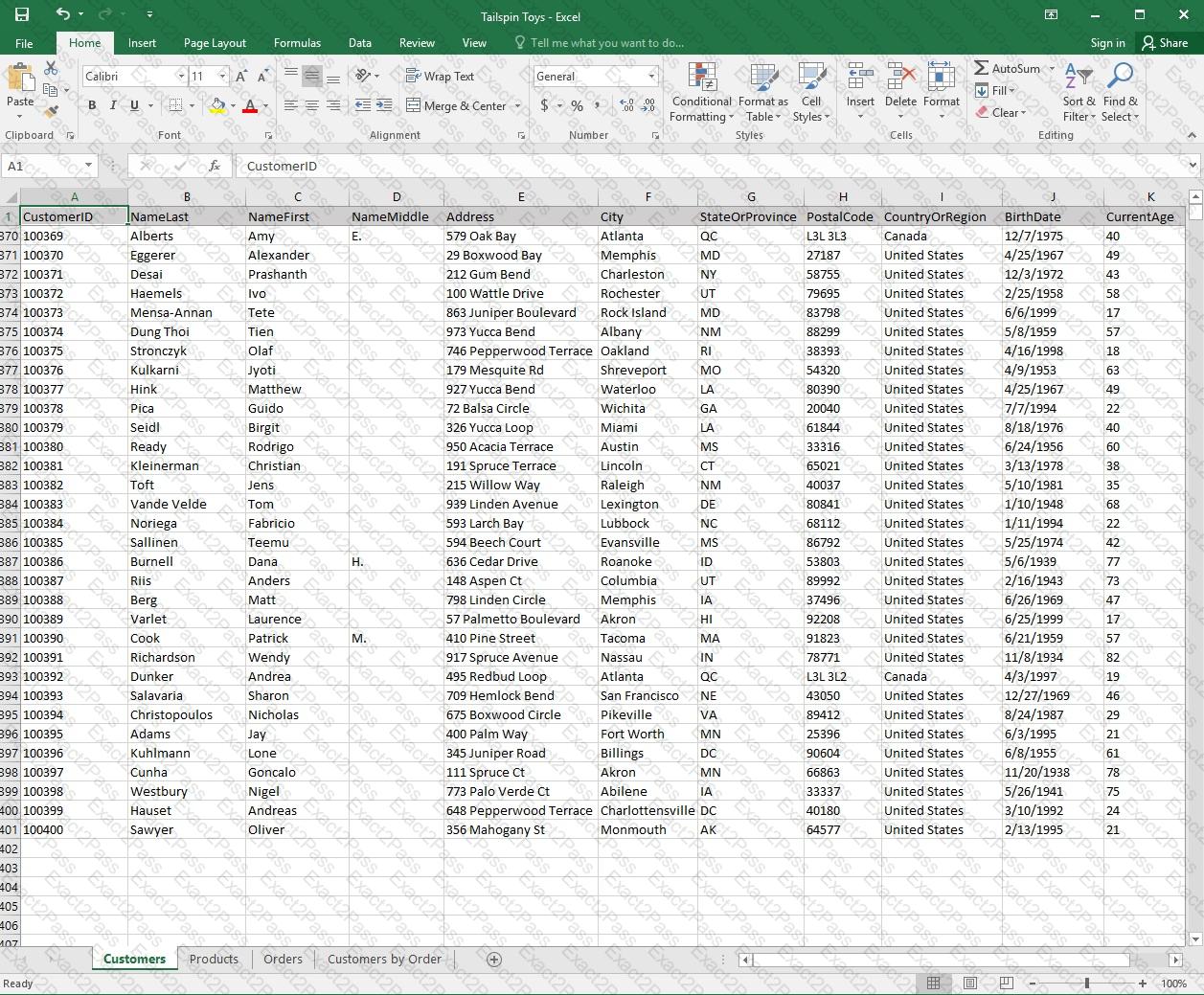
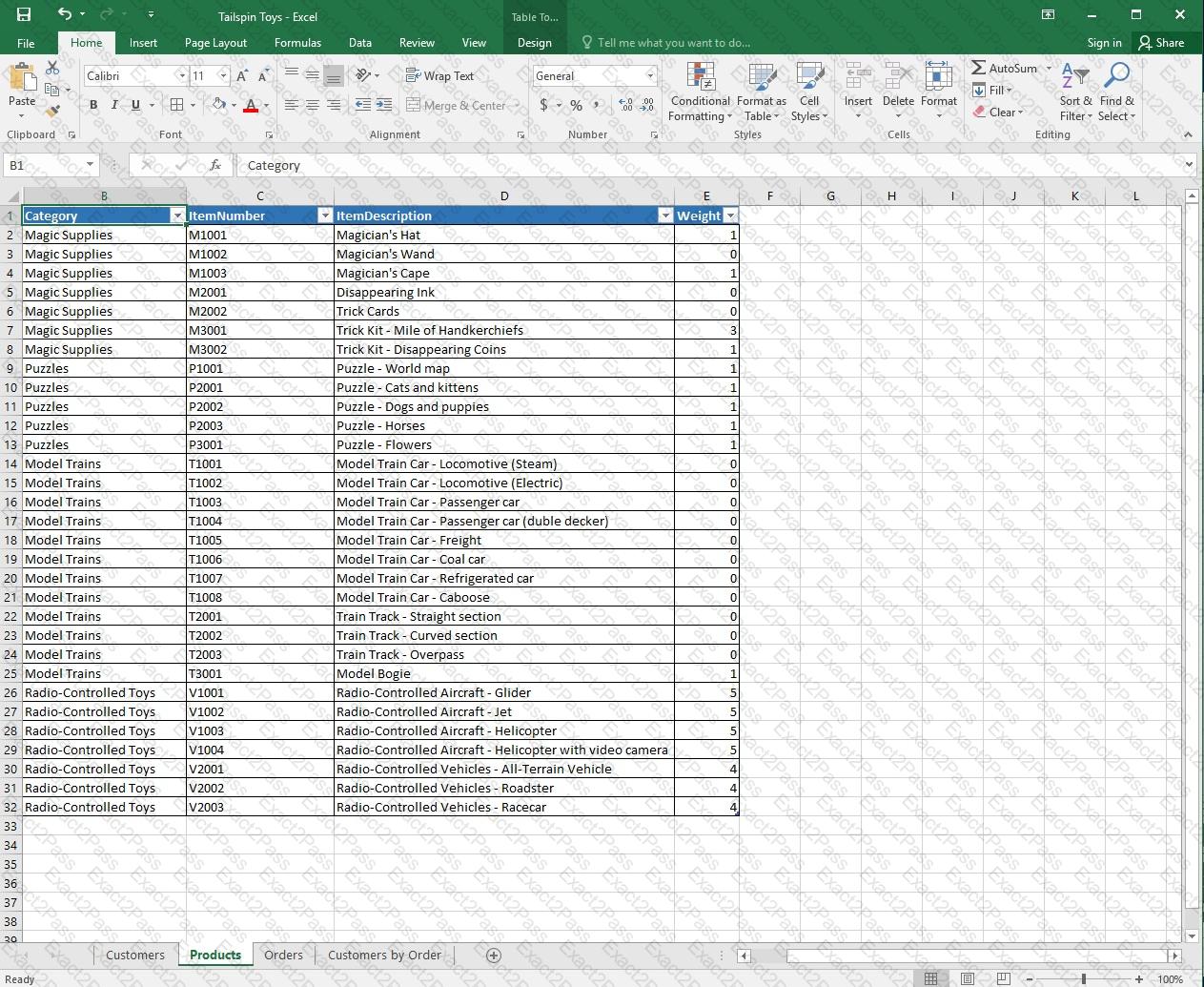
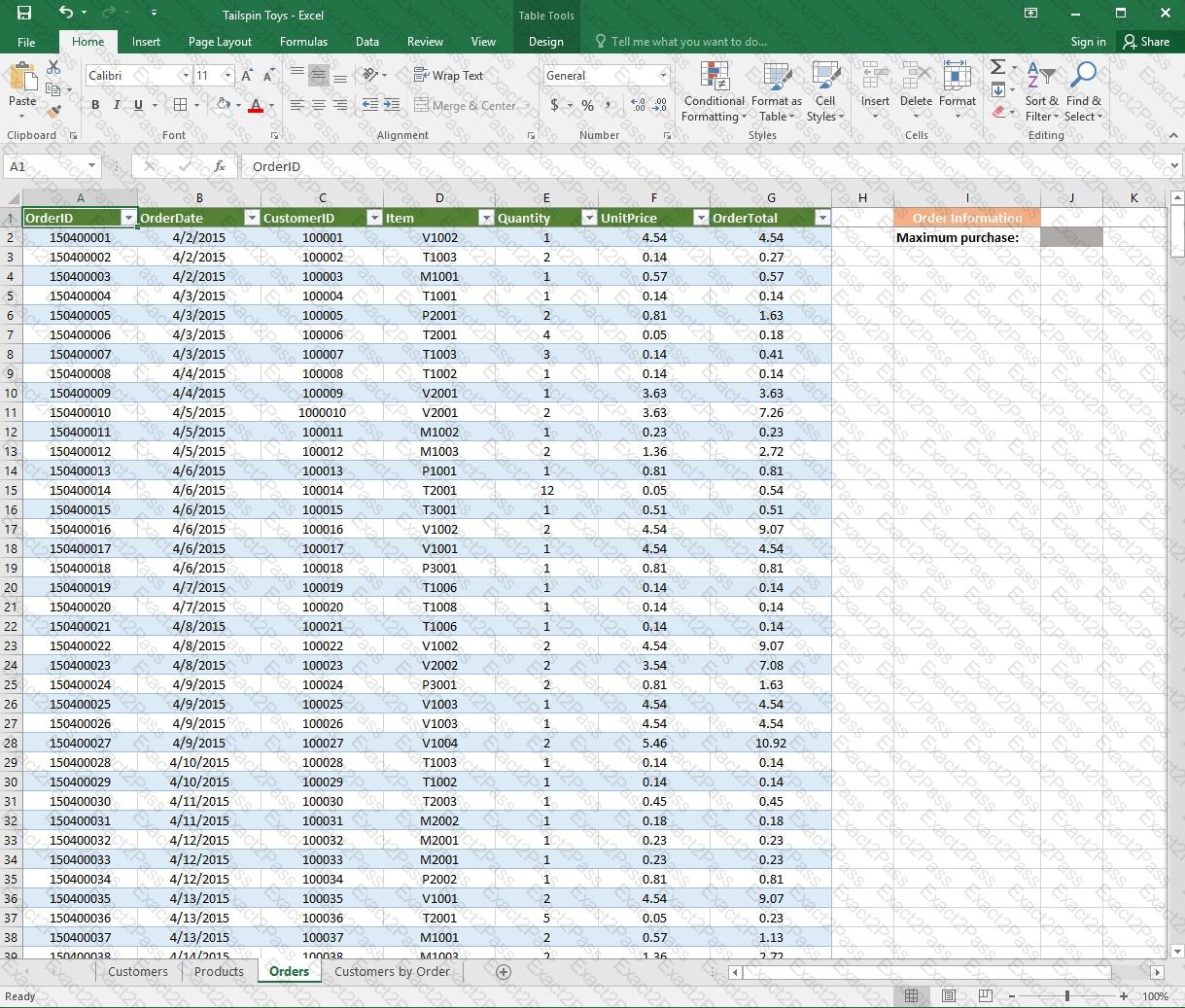
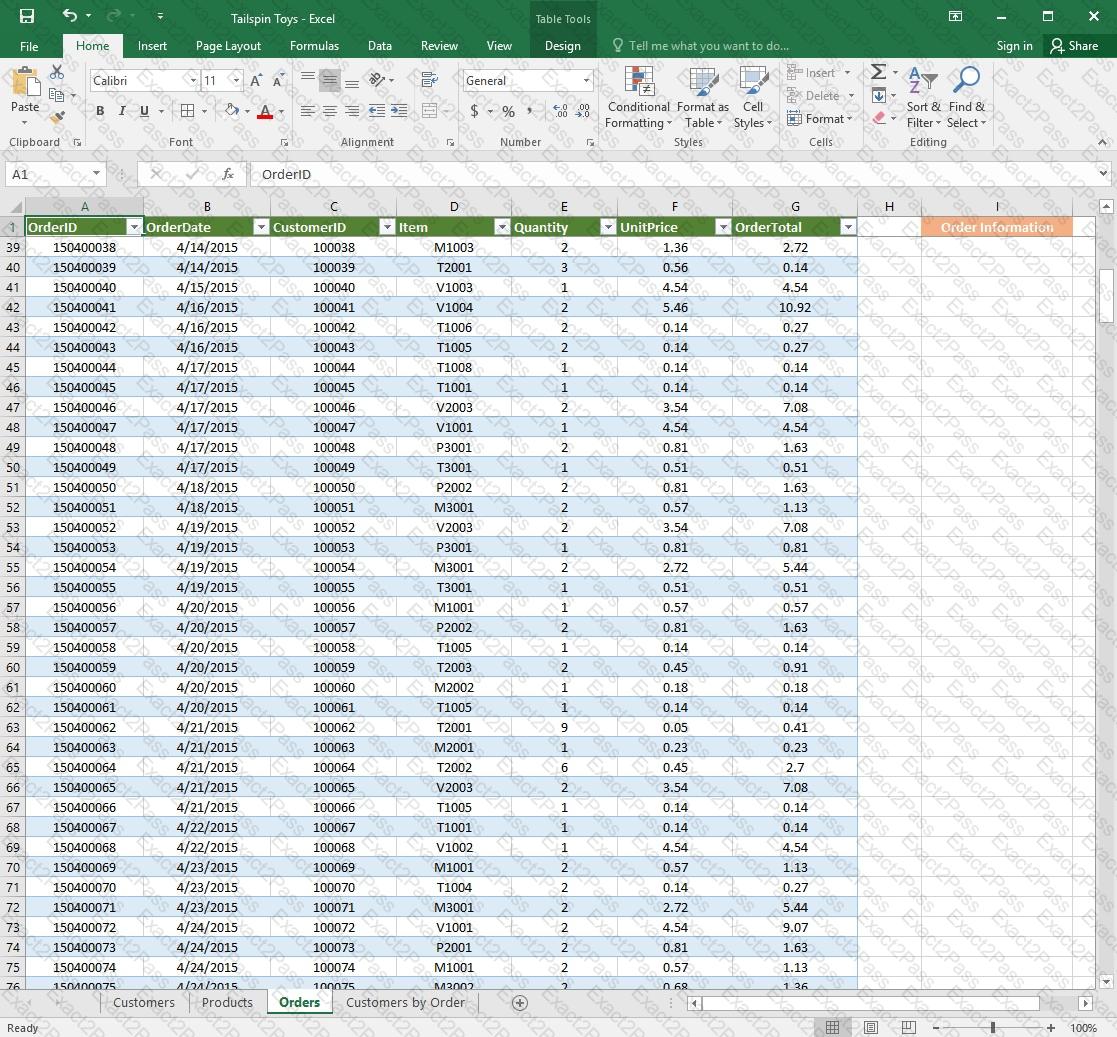
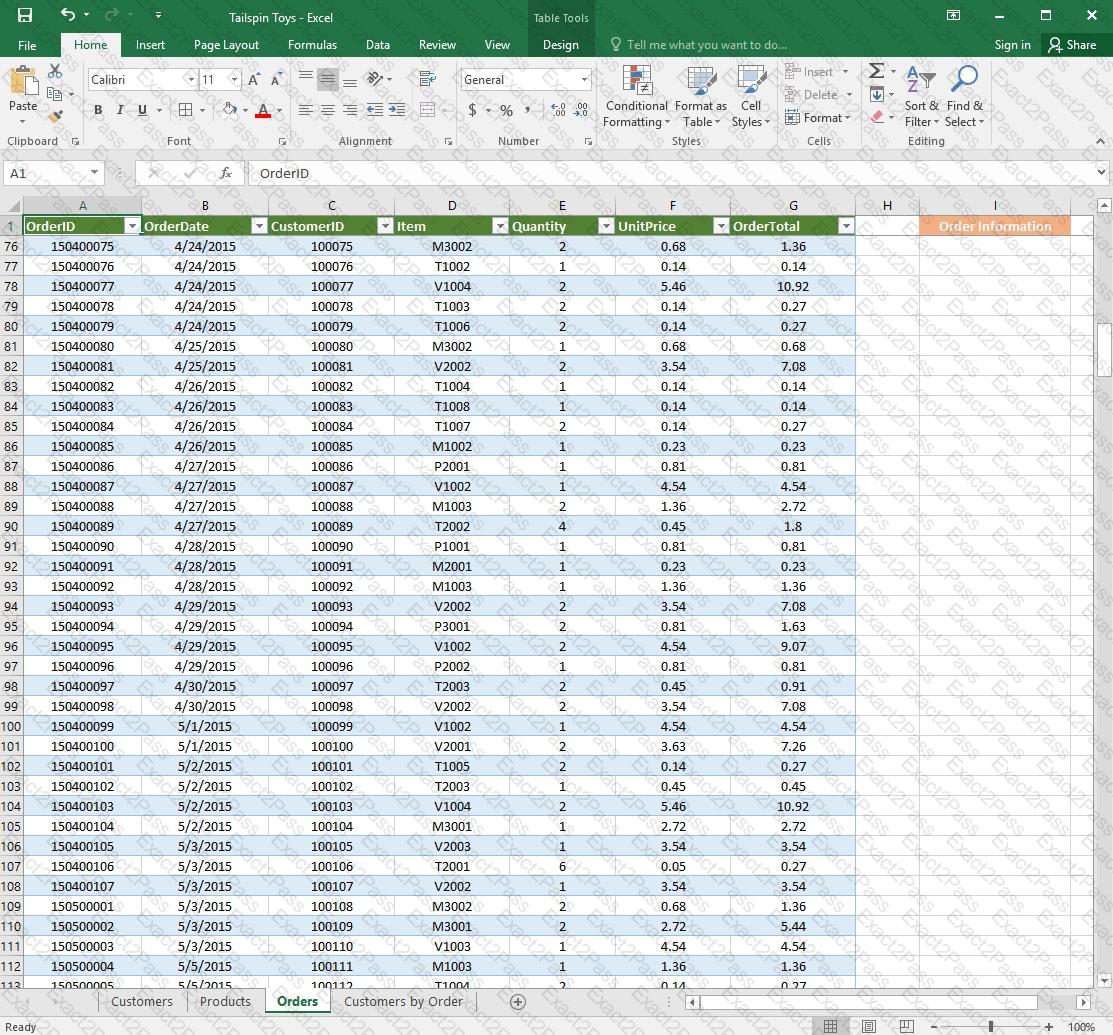
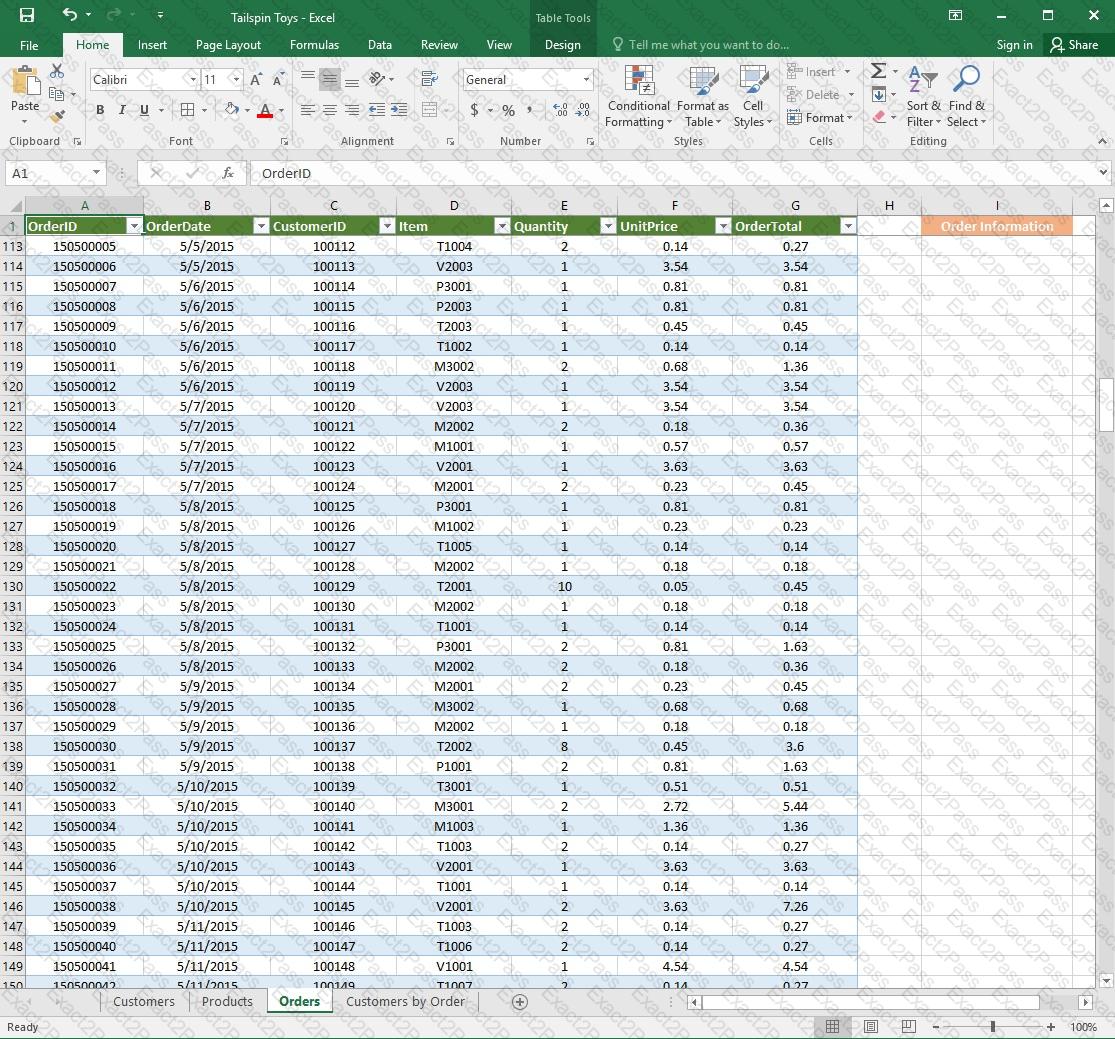
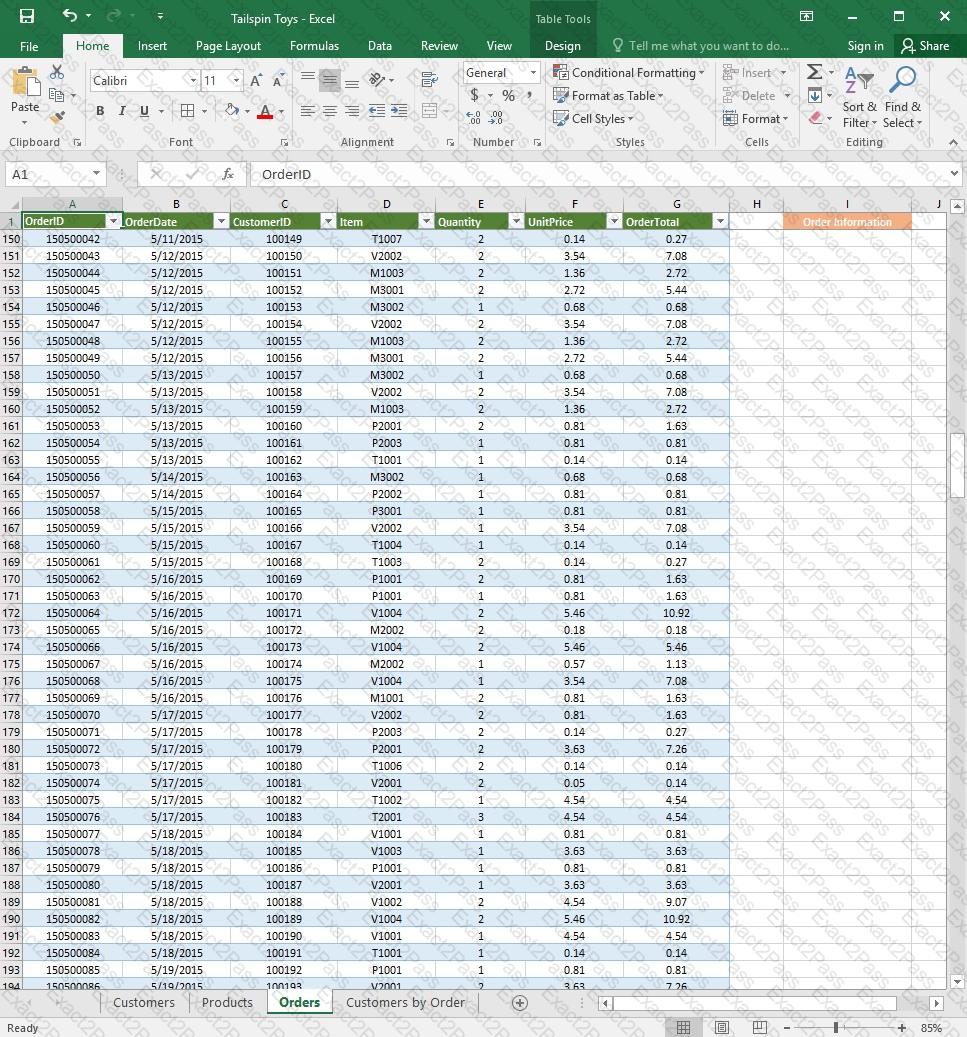
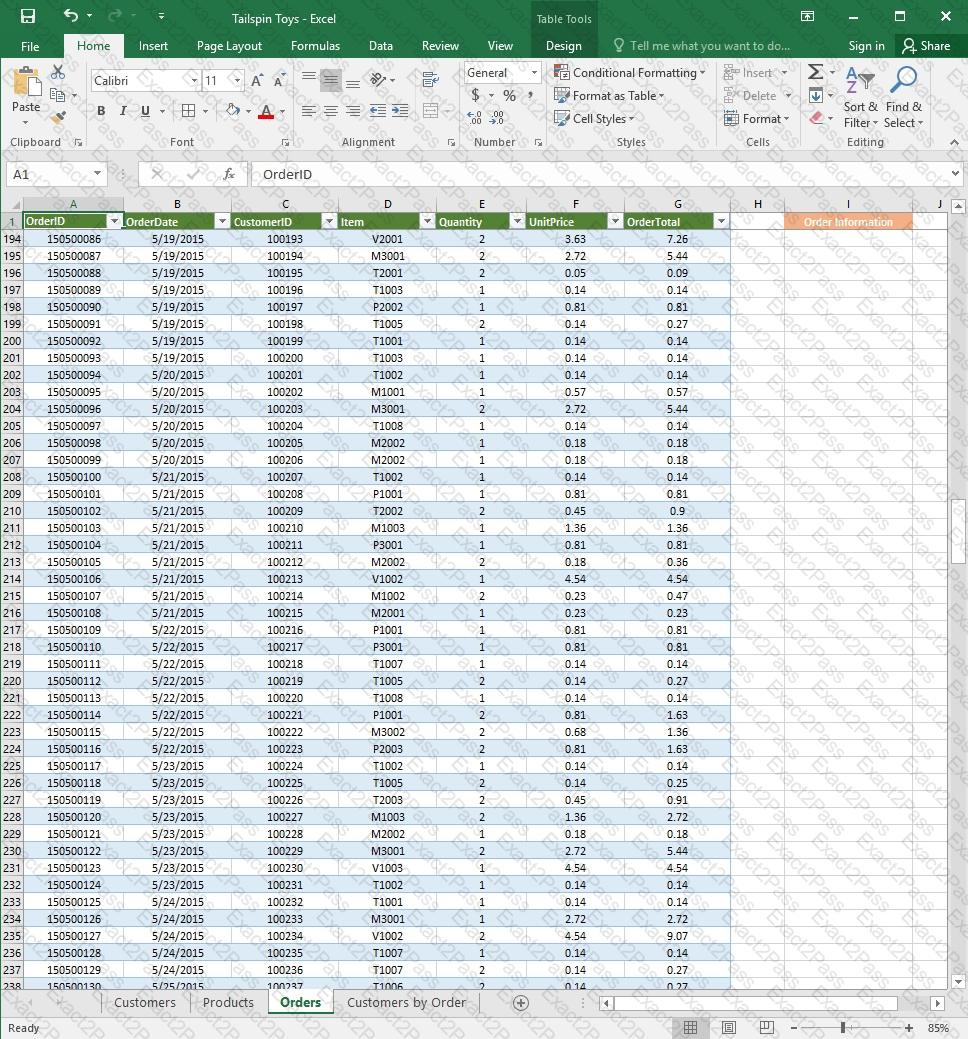
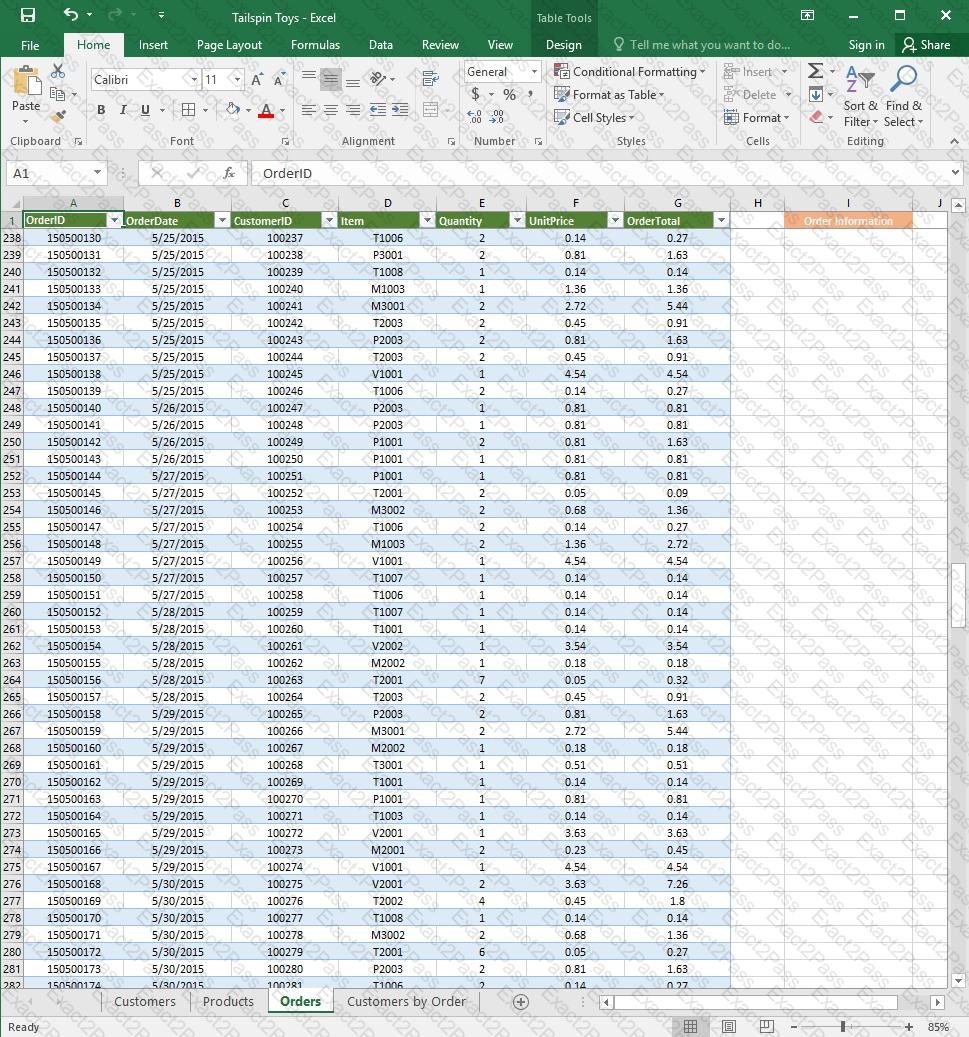
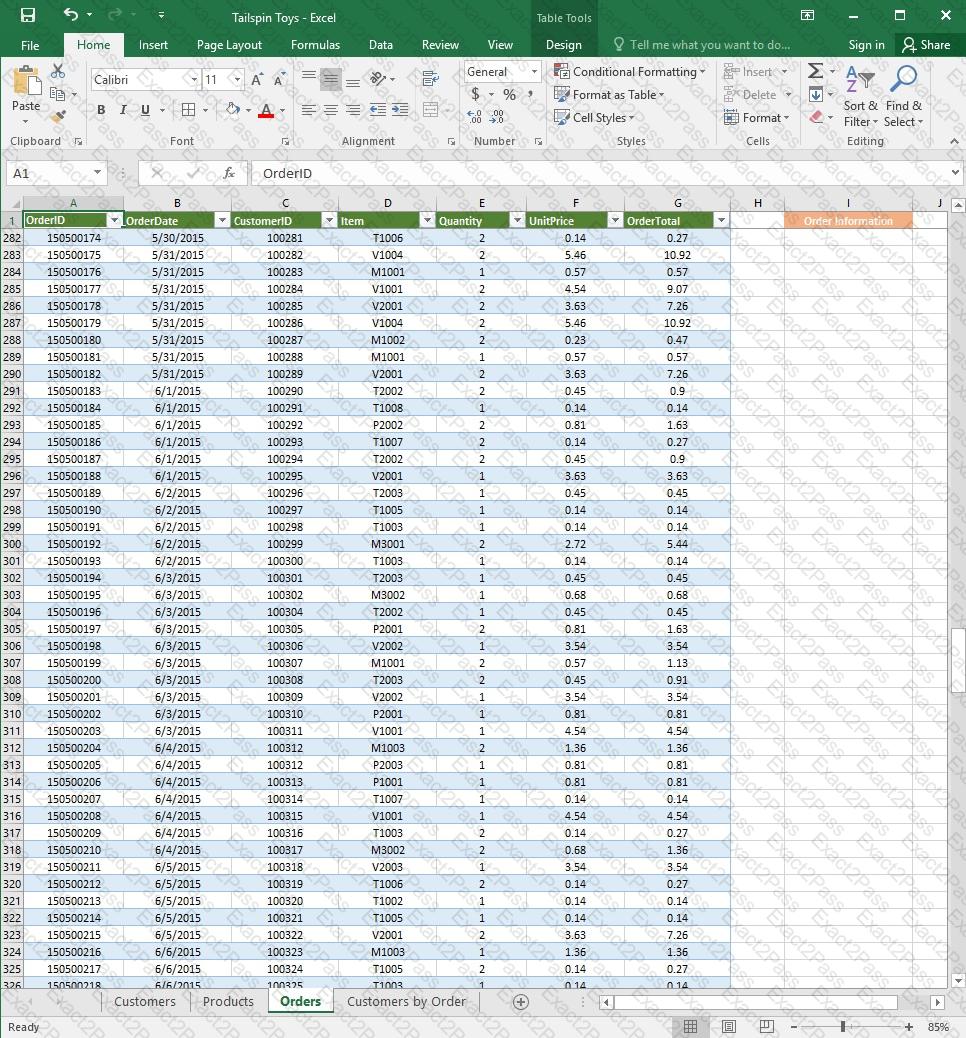
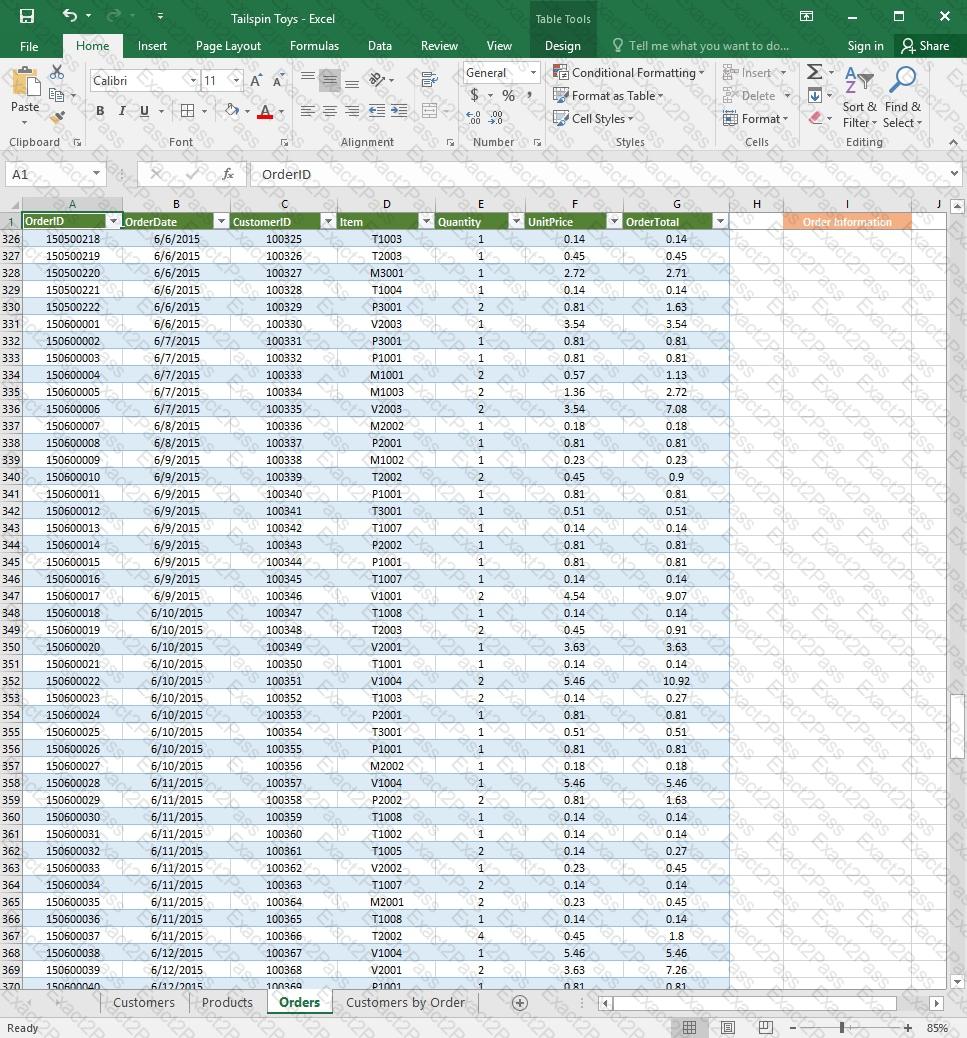
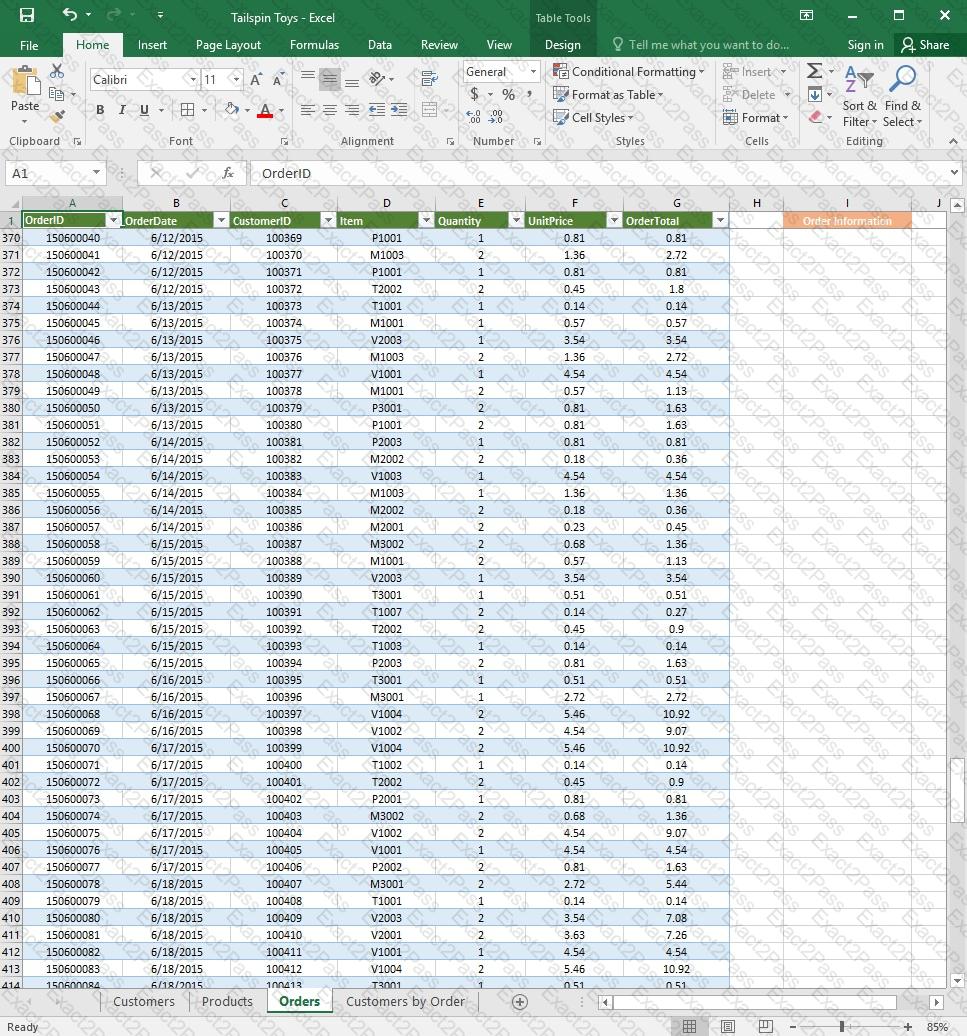
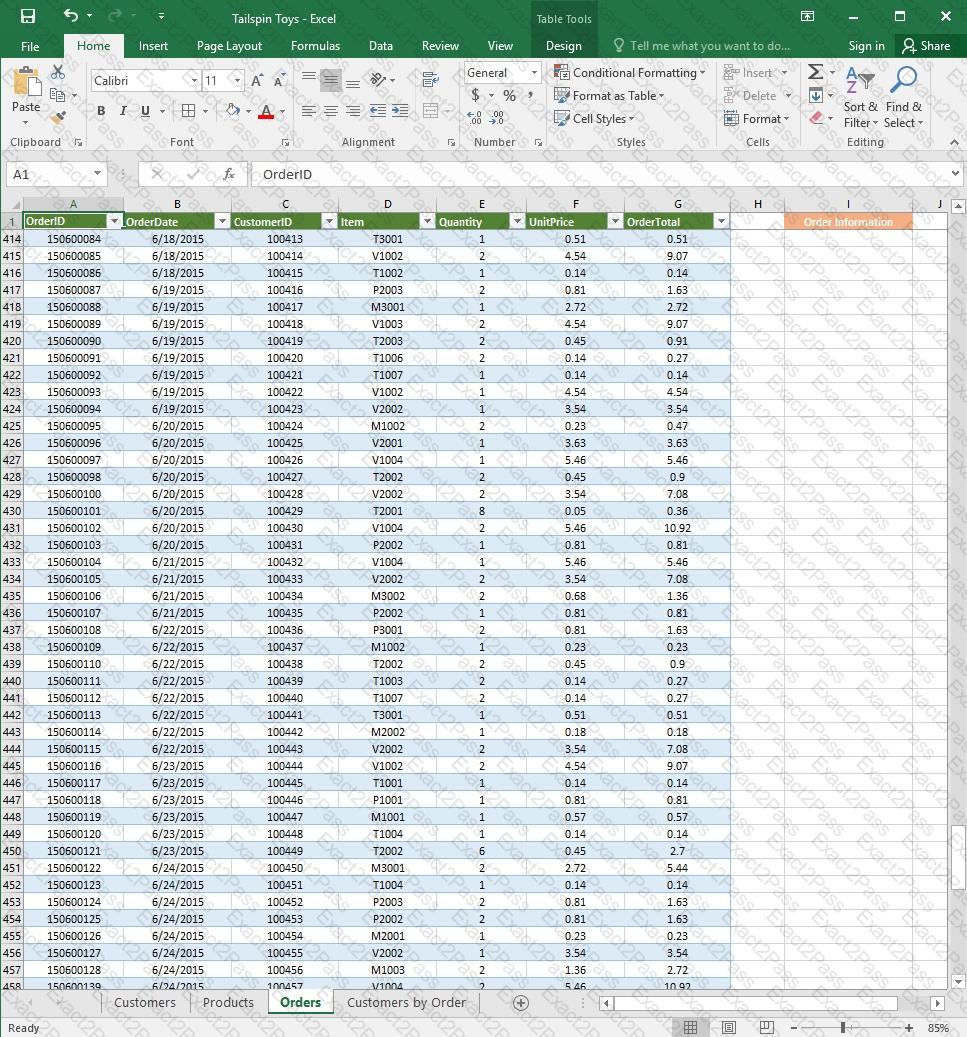
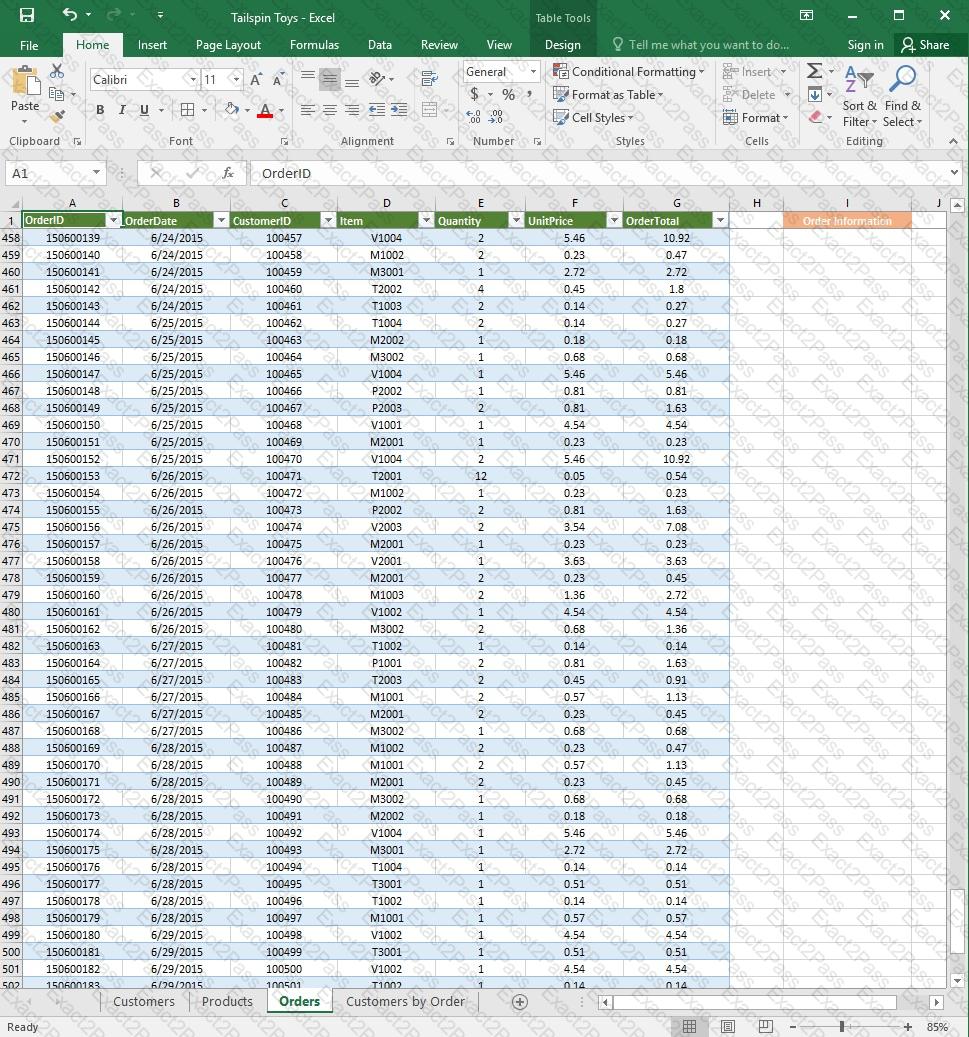
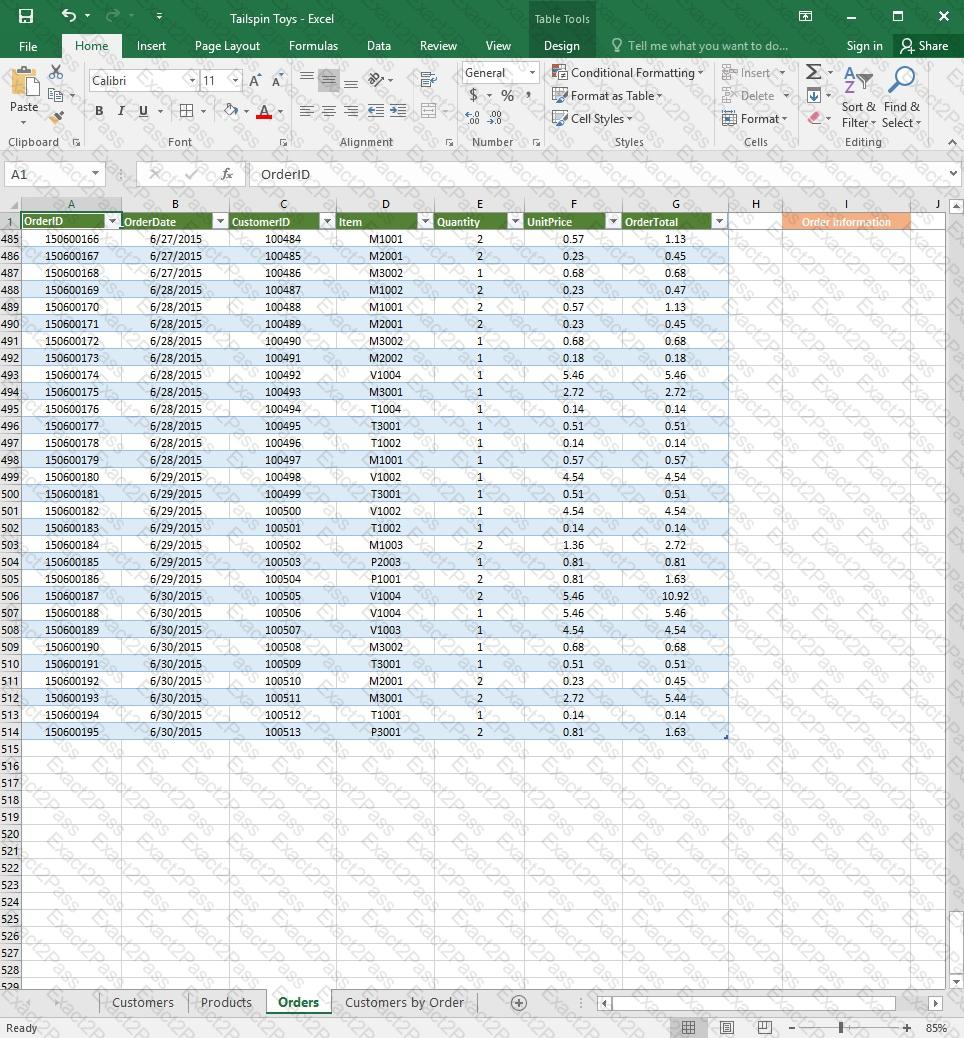
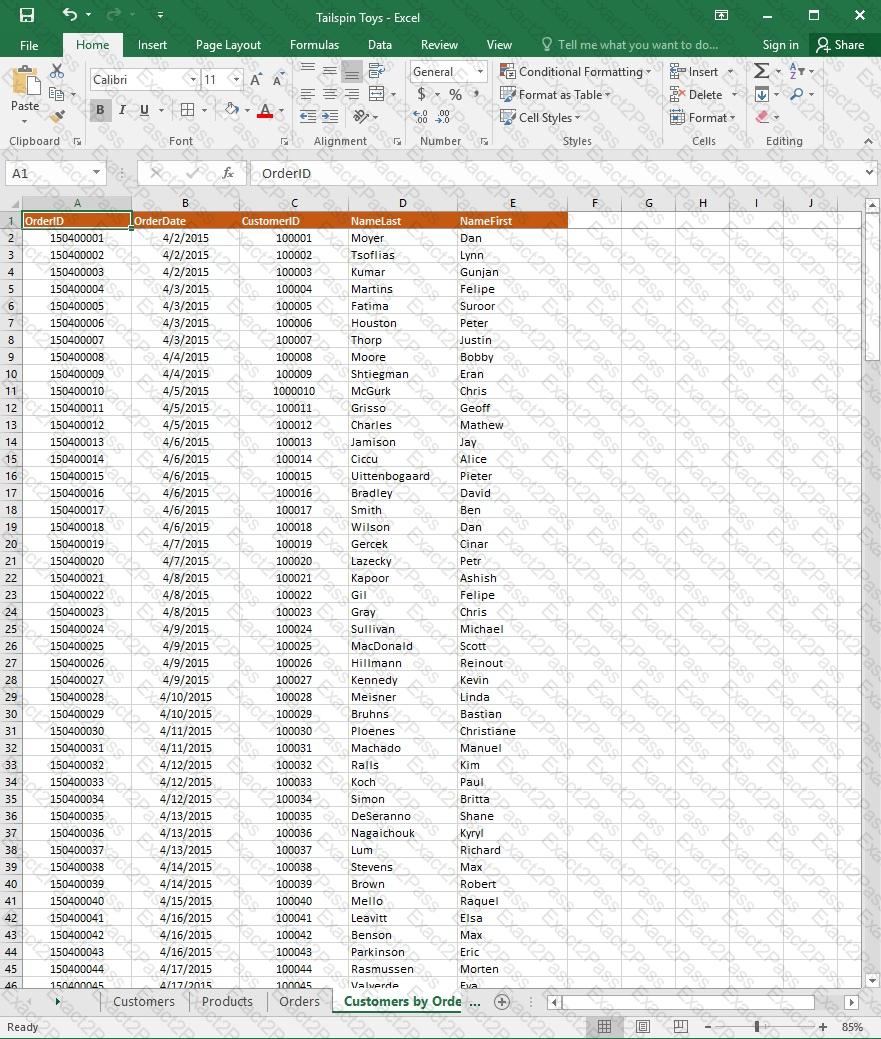
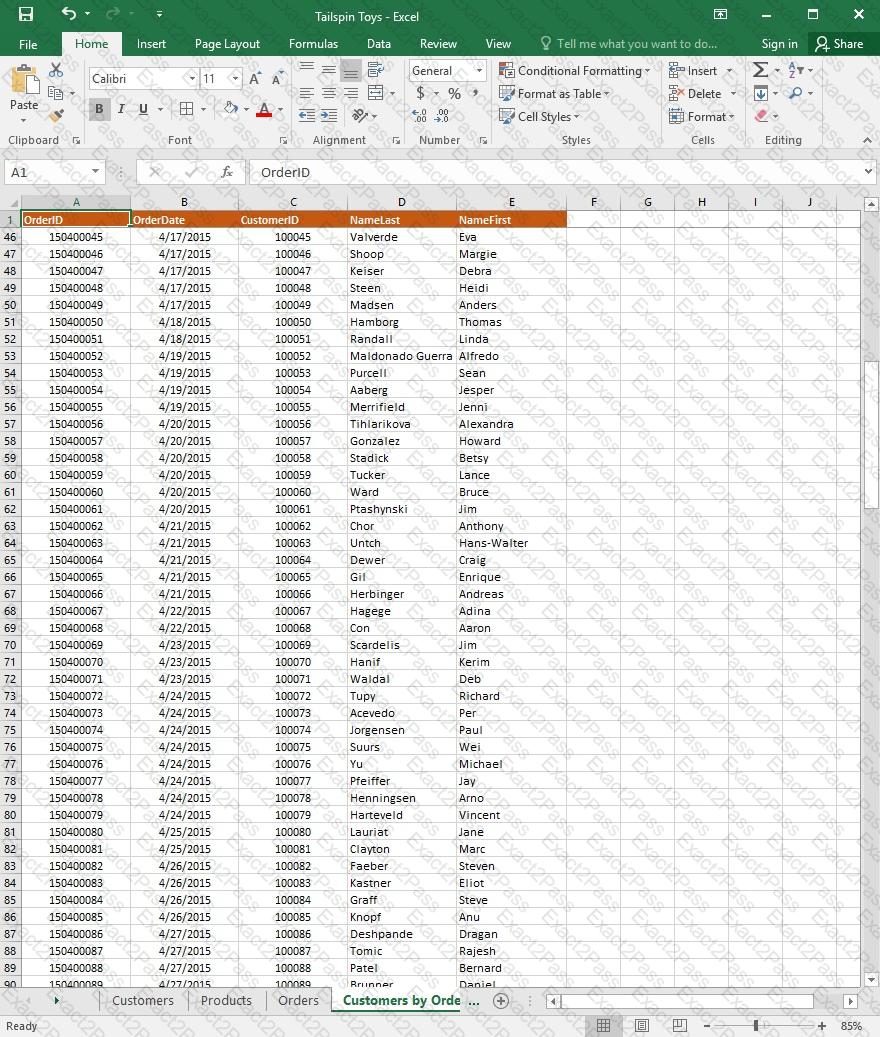
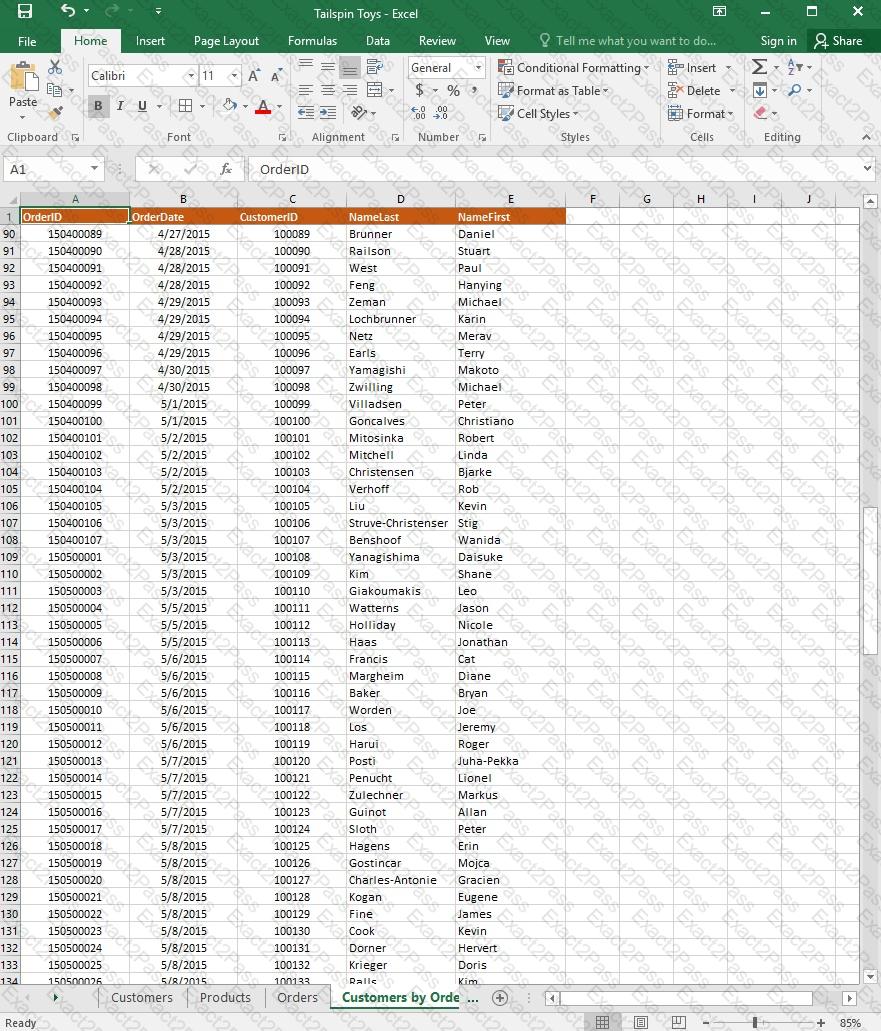
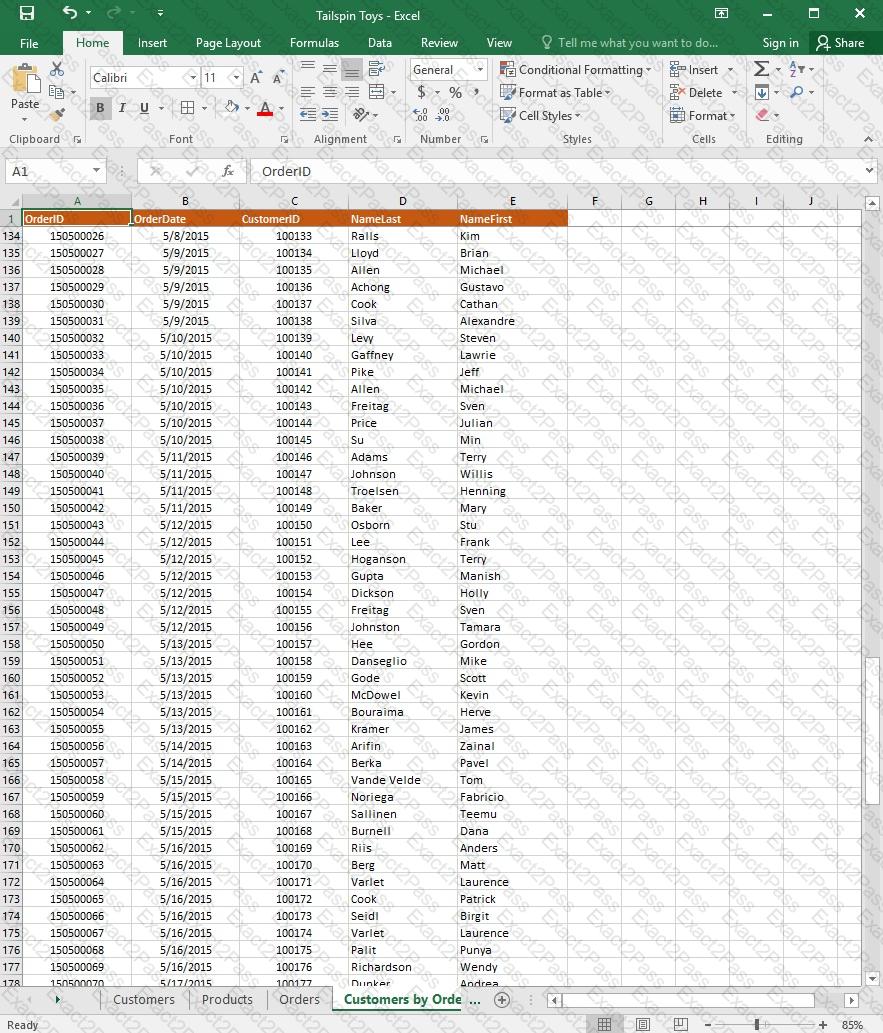
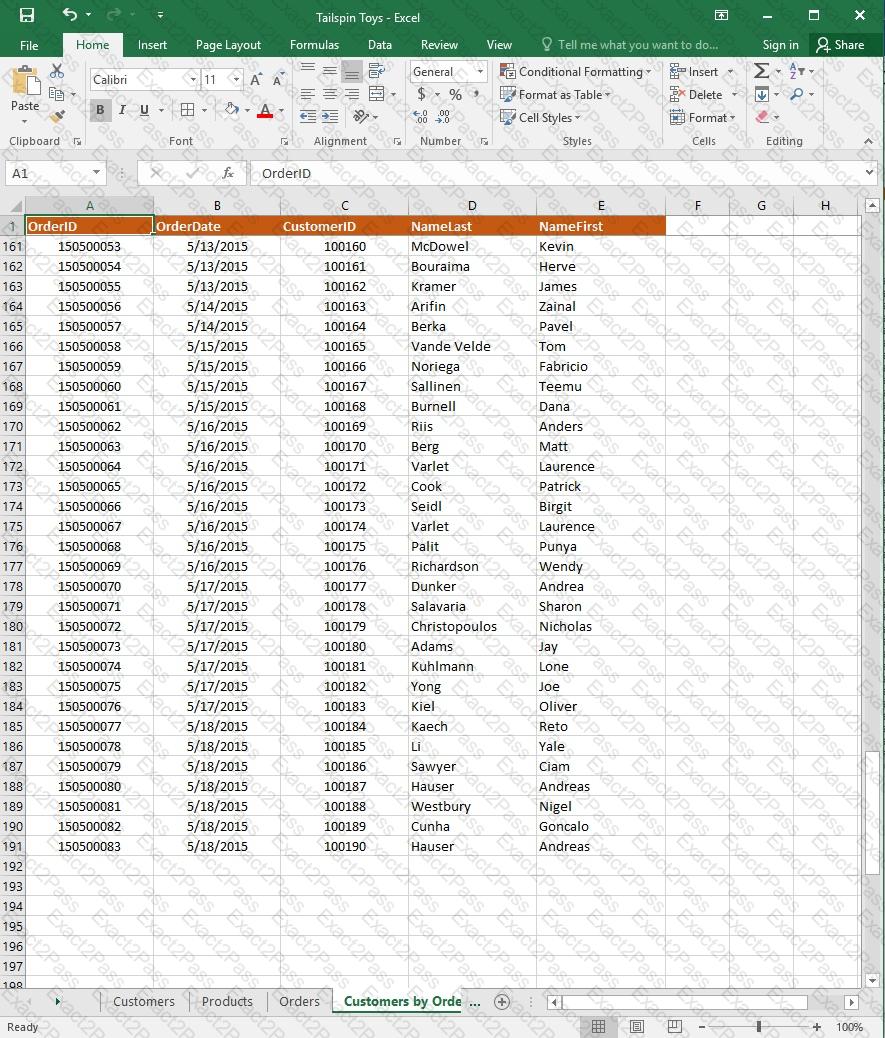
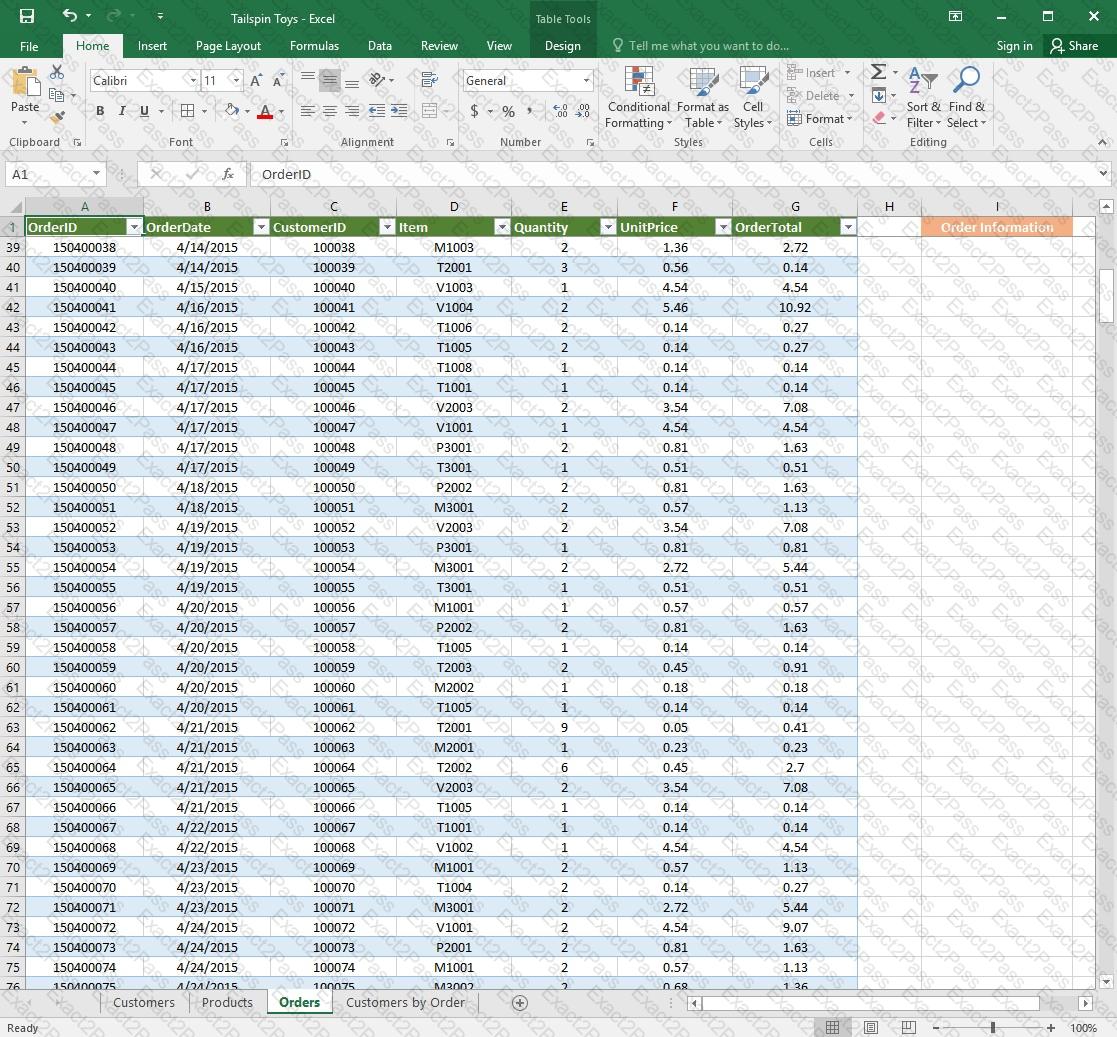
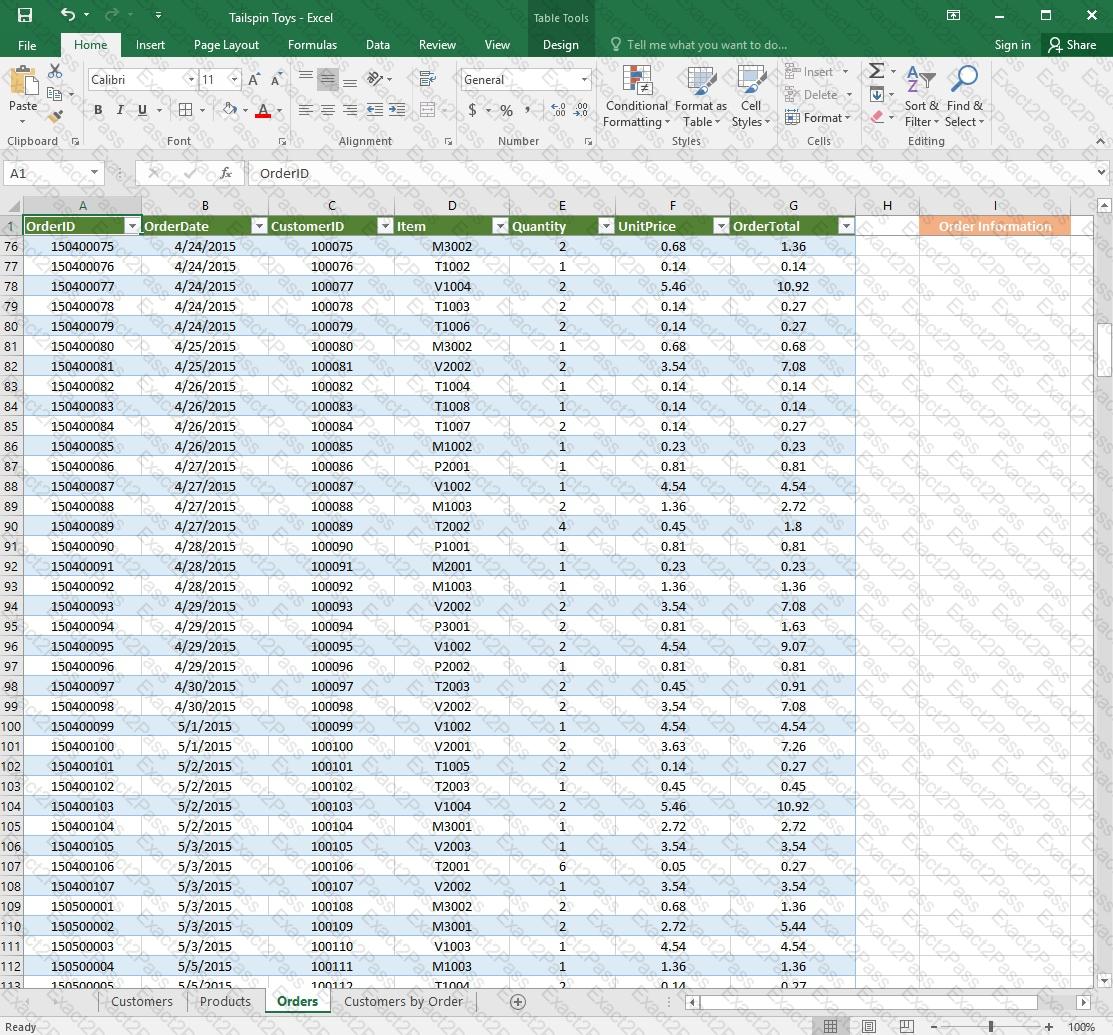
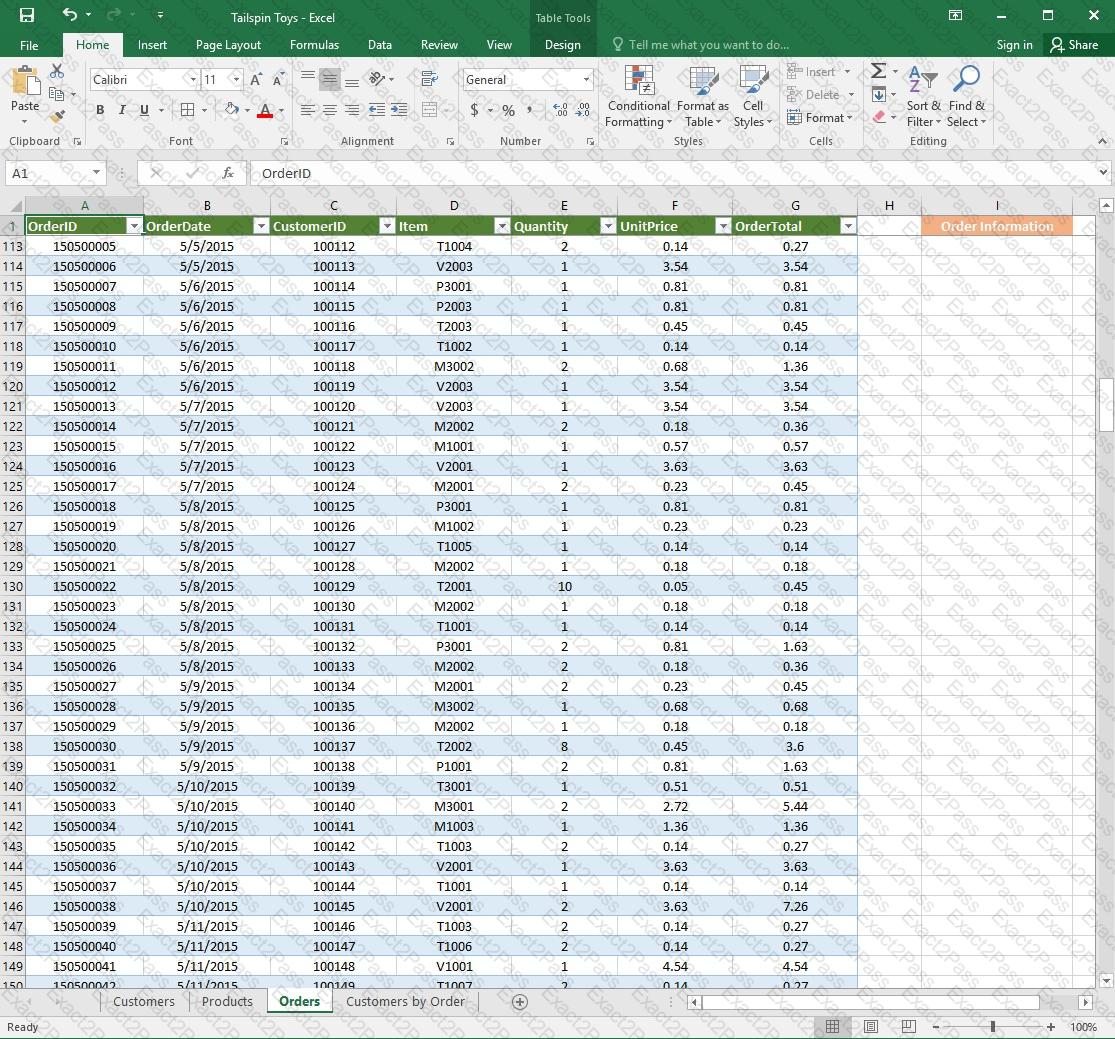
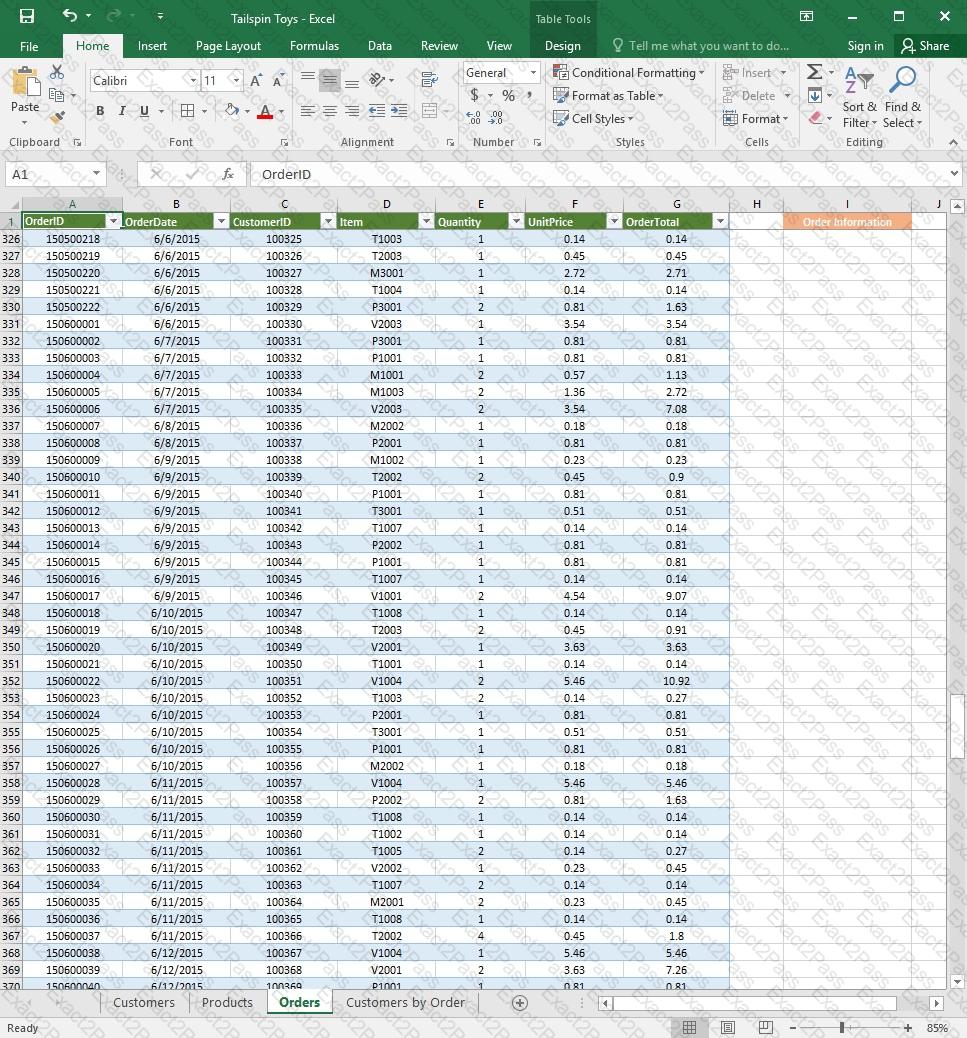
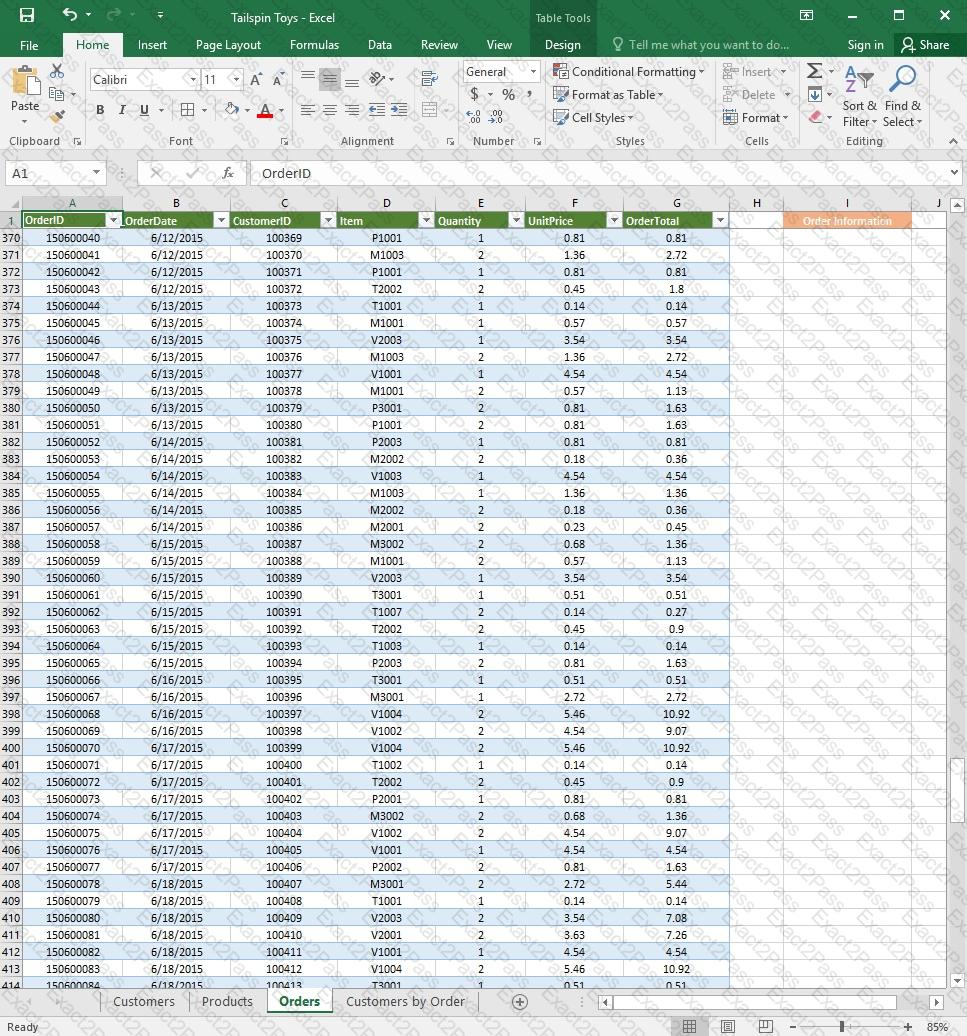
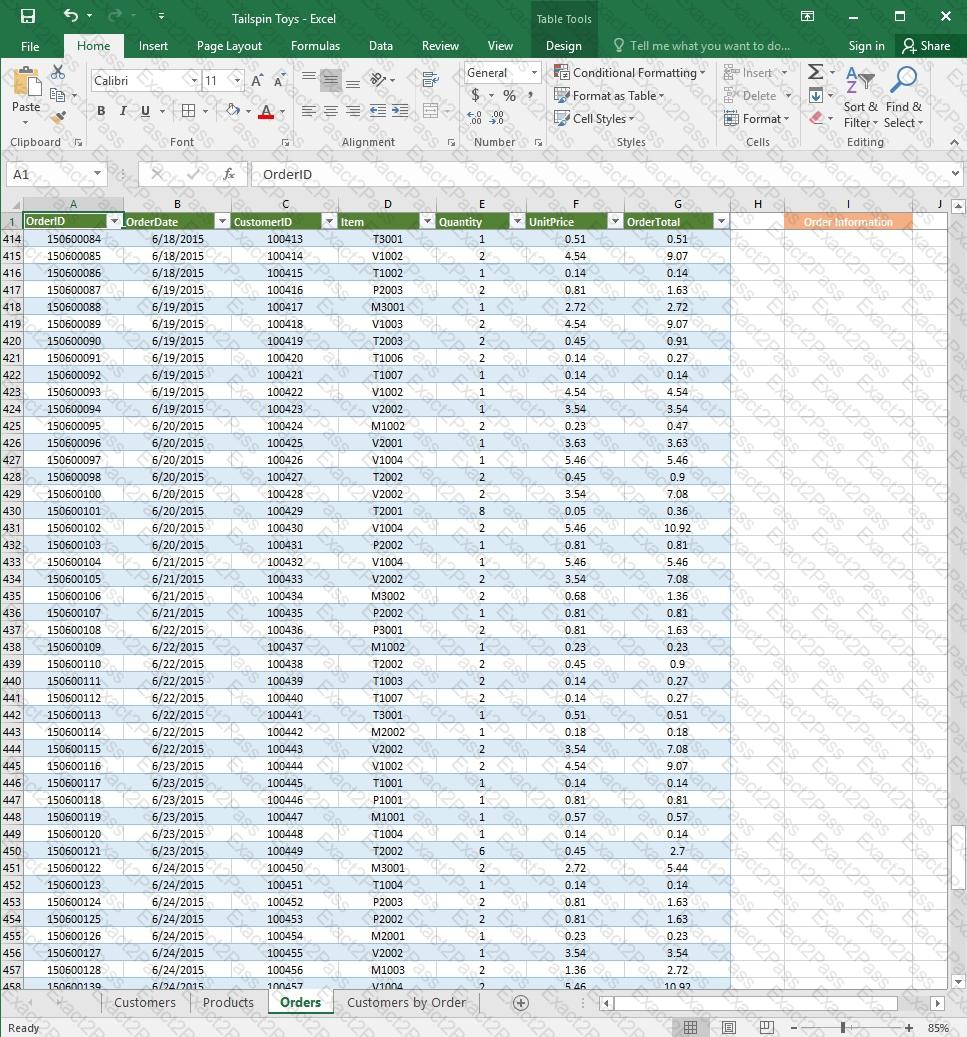
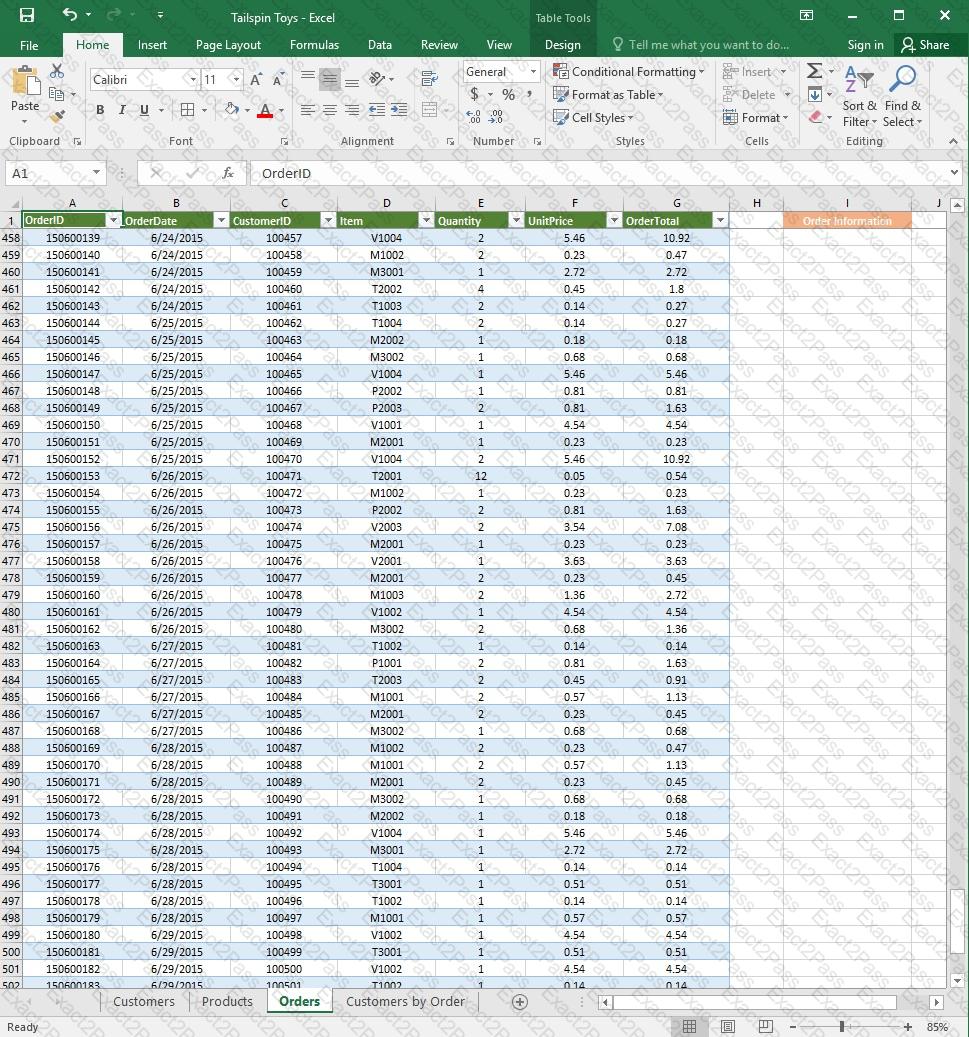
On the “Orders” worksheet, use an automatic formatting method to format cells in the “OrderTotal” column that contain above-average values by applying Green Fill with Dark Green Text. Use a technique that automatically updates the formatting if the column values change.

