Exact2Pass

Last Update 18 hours ago Total Questions : 35
The Outlook 2016: Core Communication, Collaboration and Email Skills content is now fully updated, with all current exam questions added 18 hours ago. Deciding to include 77-731 practice exam questions in your study plan goes far beyond basic test preparation.
You'll find that our 77-731 exam questions frequently feature detailed scenarios and practical problem-solving exercises that directly mirror industry challenges. Engaging with these 77-731 sample sets allows you to effectively manage your time and pace yourself, giving you the ability to finish any Outlook 2016: Core Communication, Collaboration and Email Skills practice test comfortably within the allotted time.
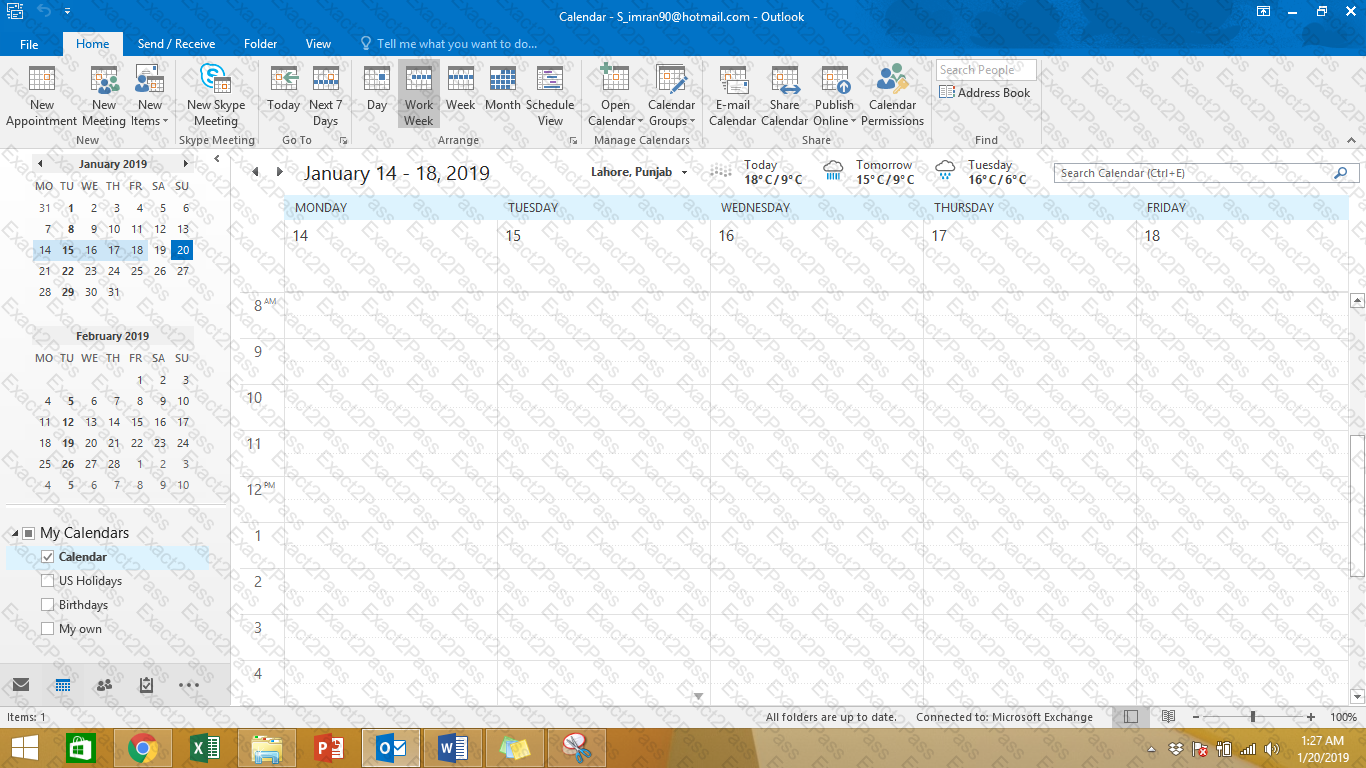
Display the Calendar, Configure the view to display the schedule for the current work week.
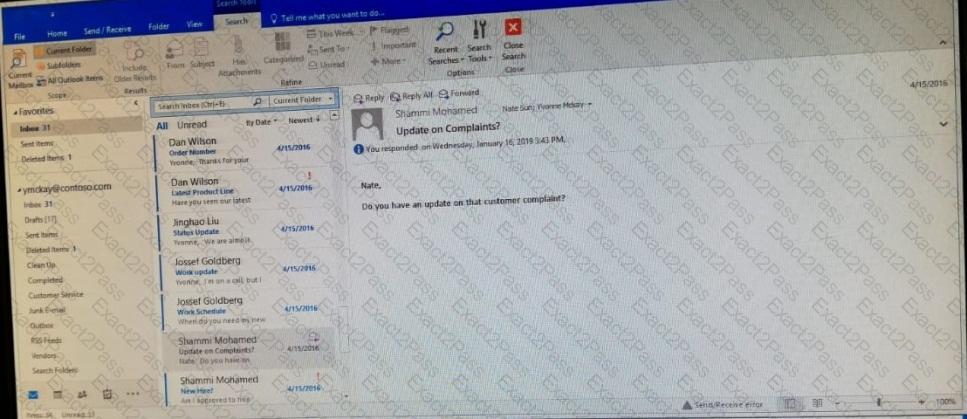
Create a calendar group named “Management Team” that includes the calendars of ' ' Yvoone Mckay ' ' , ' ' Joosef Glodberg ' ' and “Sammi Mohamed ' '

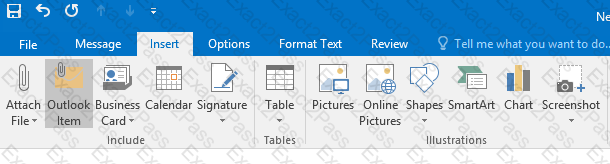
In the Drafts folder locate the message that has the subject ' ' Workflow for review ' ' . Insert the Customer Service Workflow image from the pictures folder below the body text. Send the message.
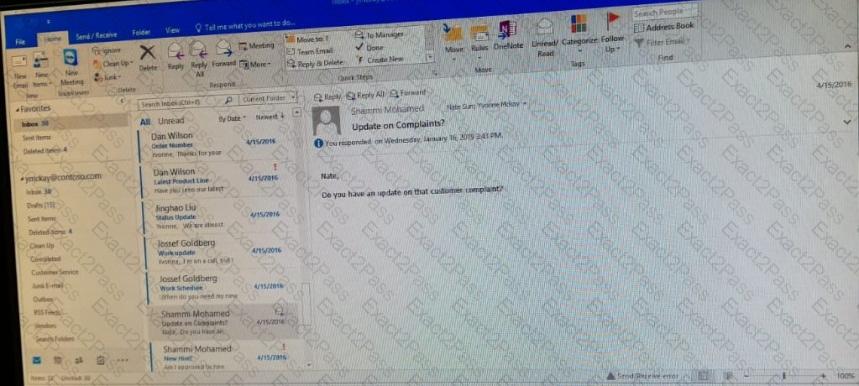
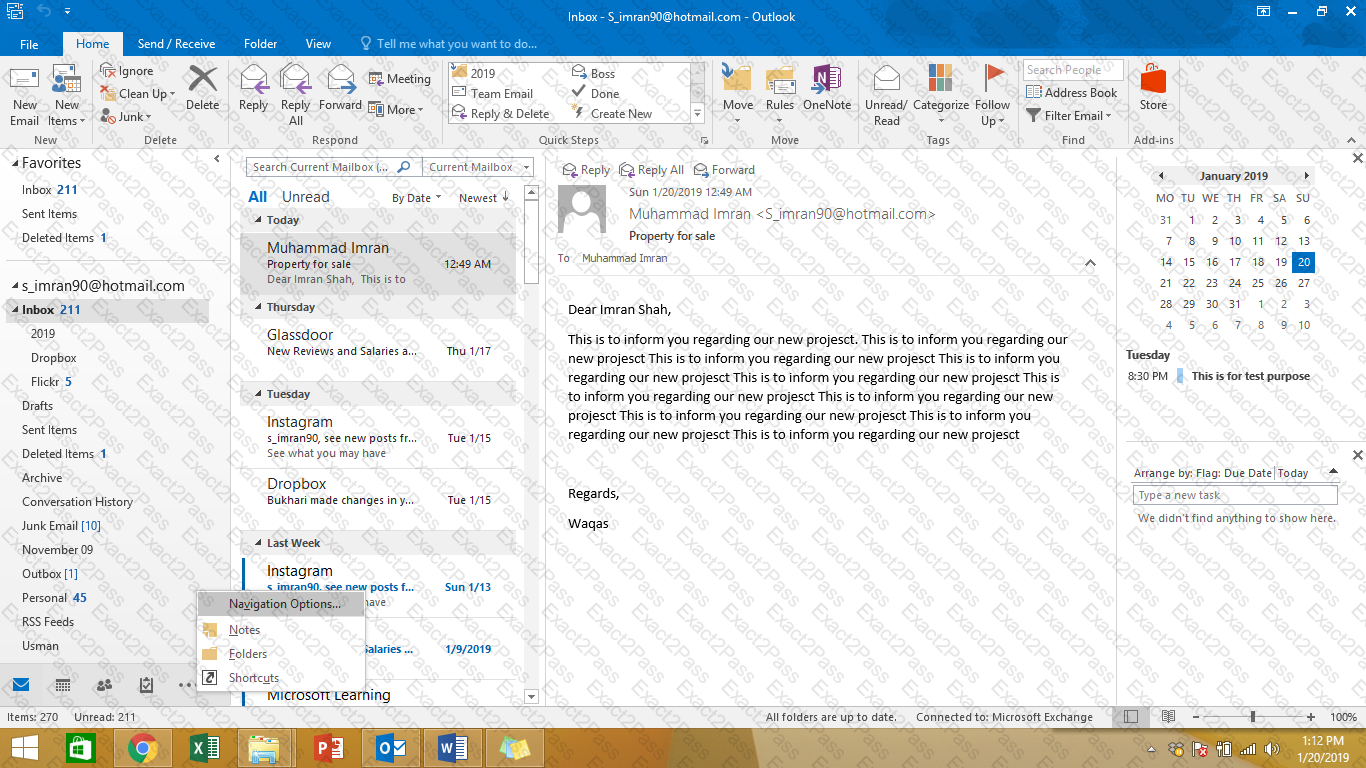
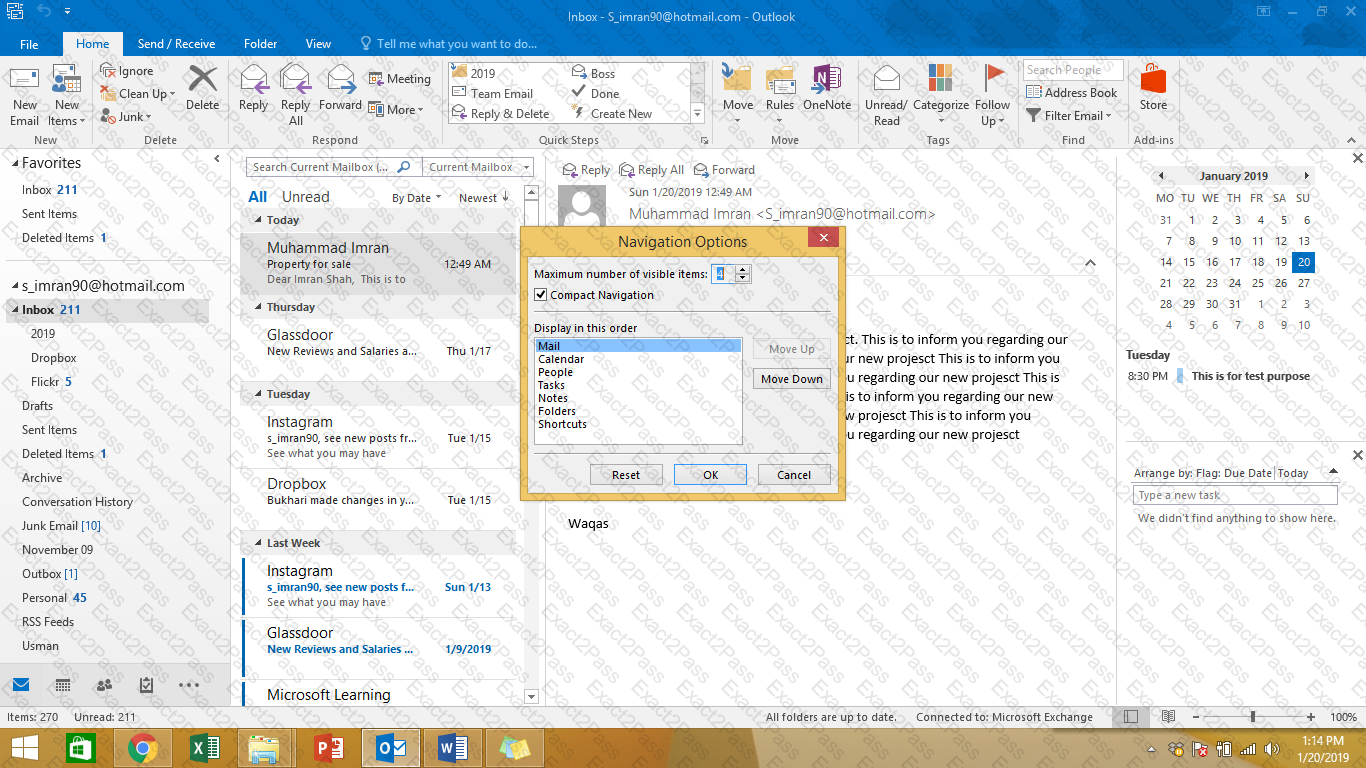
Reset the navigation pane buttons to the default settings.
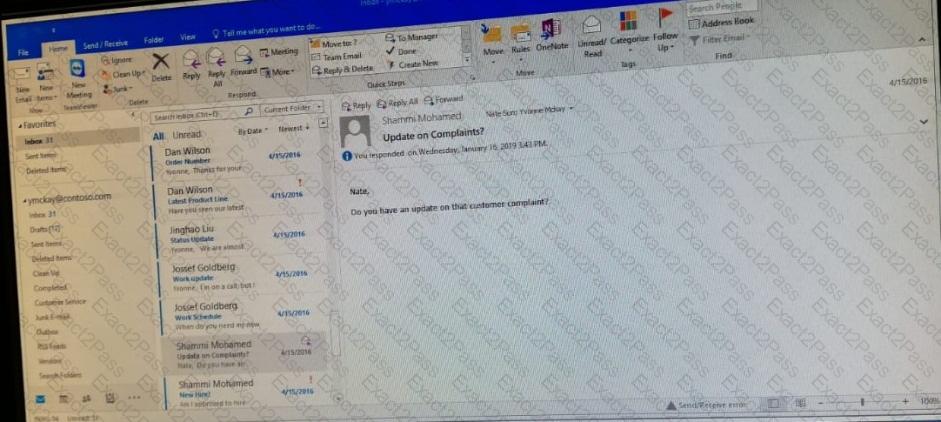
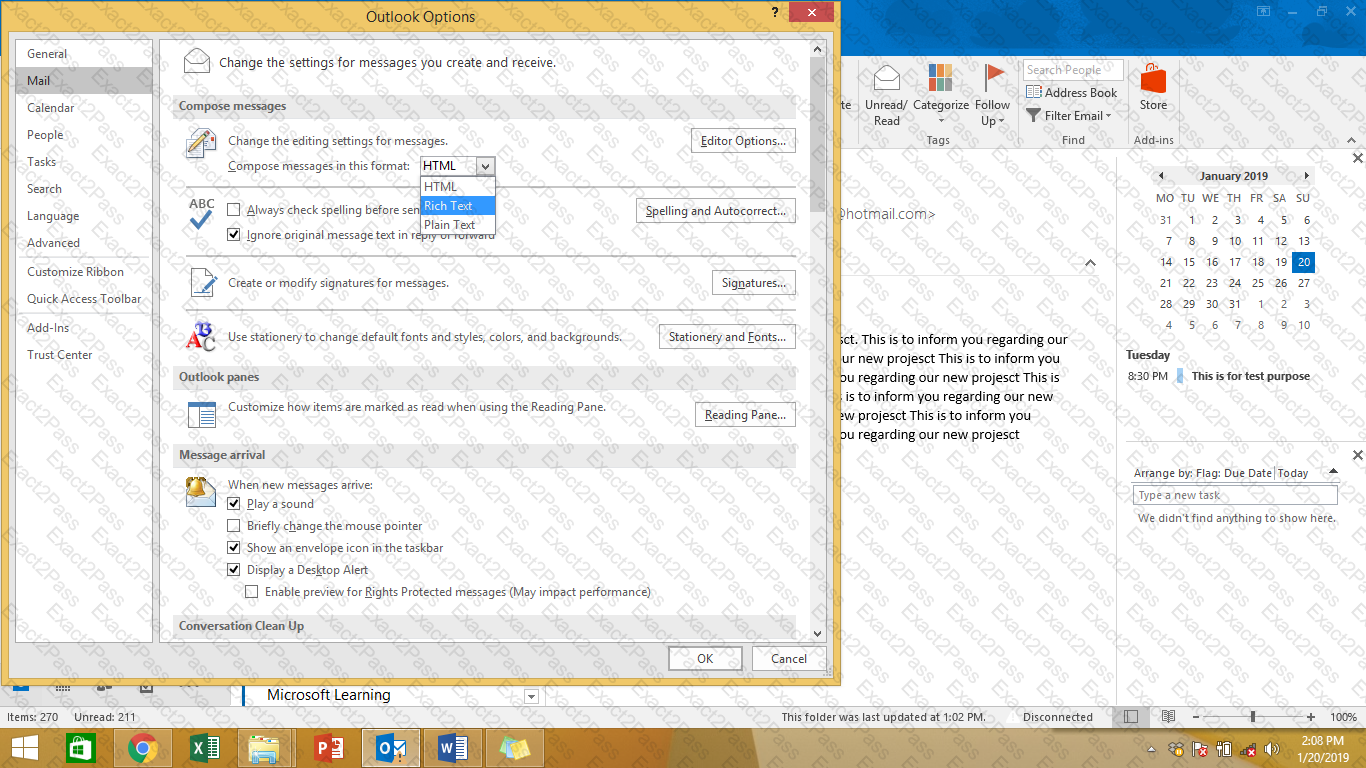
Configure Outlook to compose all outgoing messages in Rich Text format.
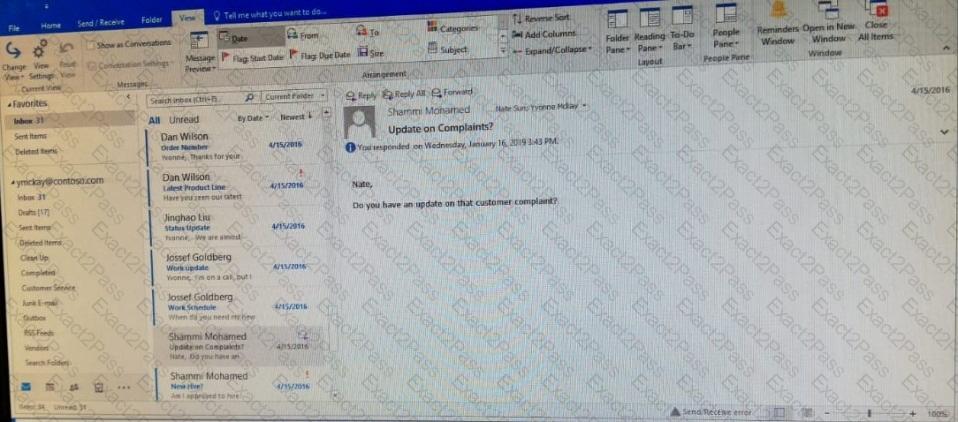
Add the Arrange Meeting tag to the contact ' ' Thomas Axen ' ' . Set a start date of today and a due data of tomorrow. Set a reminder for 9:00 AM tomorrow.

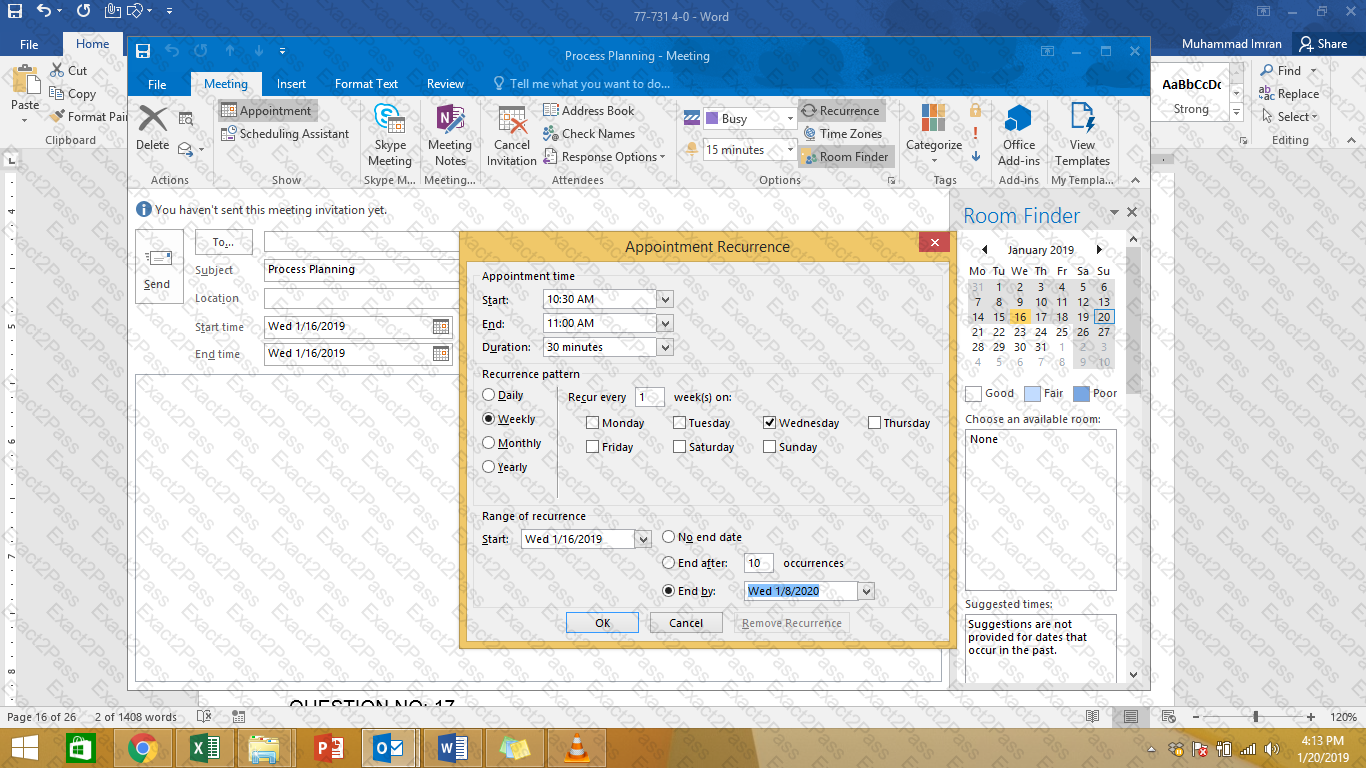
On the Calendar, locate the ' ' Process Planning ' ' meeting that occurs every Wednesday. Update the meeting series to end on the second Wednesday in January of next year. Send the meeting update.
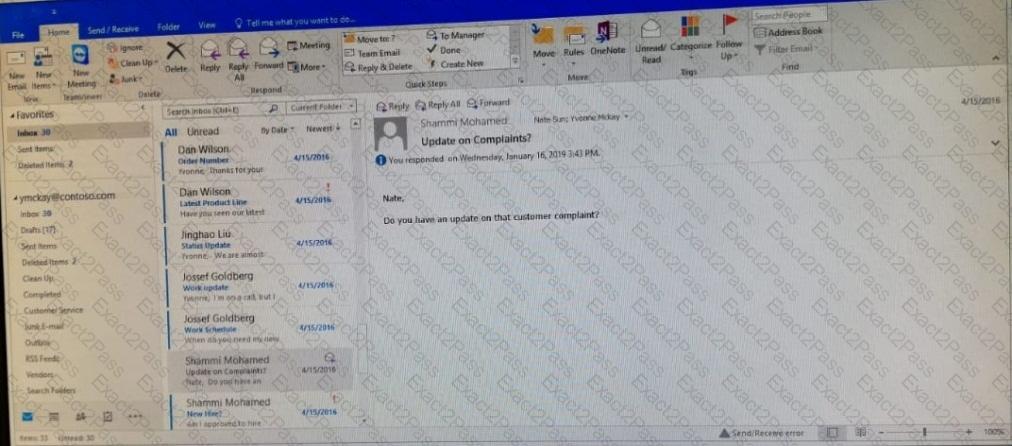
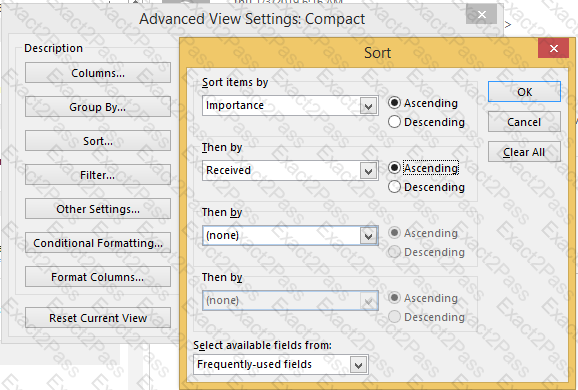
Sort the messages in the inbox by importance with high importance at the top and low importance at the bottom. Within each importance level, sort the messages by the date received with the most recent message shown first.
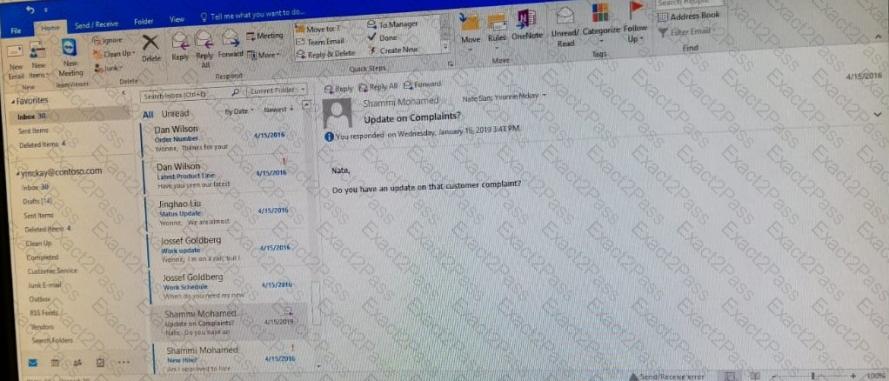
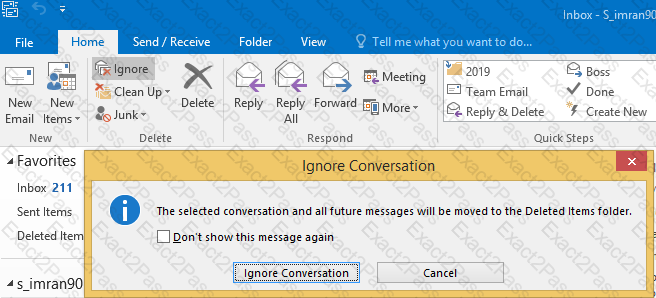
Locate the ‘’Account ' ' conversation in the Vendors folder. Send the entire conversation and all future messages related to that conversation to the Deleted items folder.
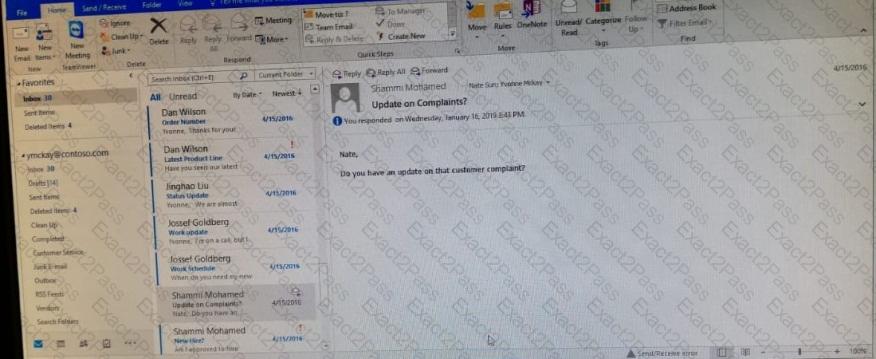
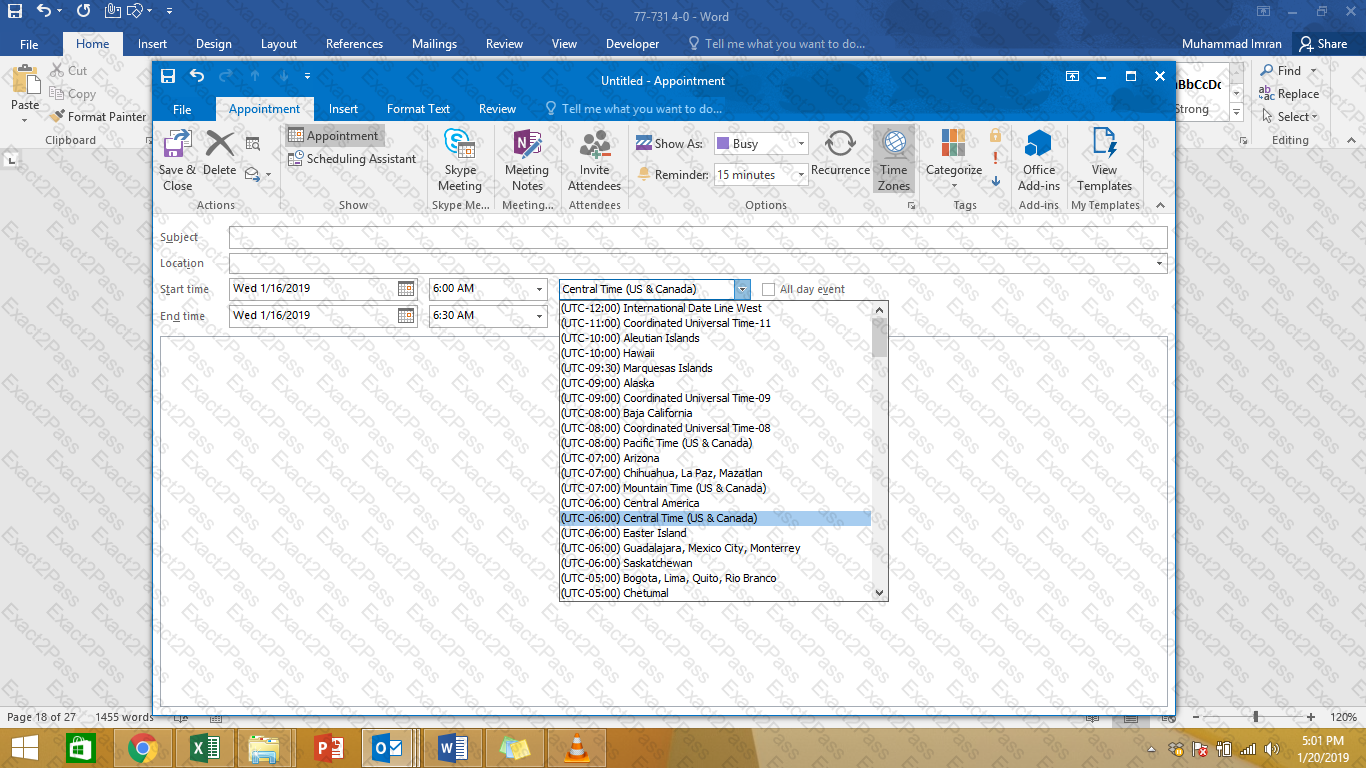
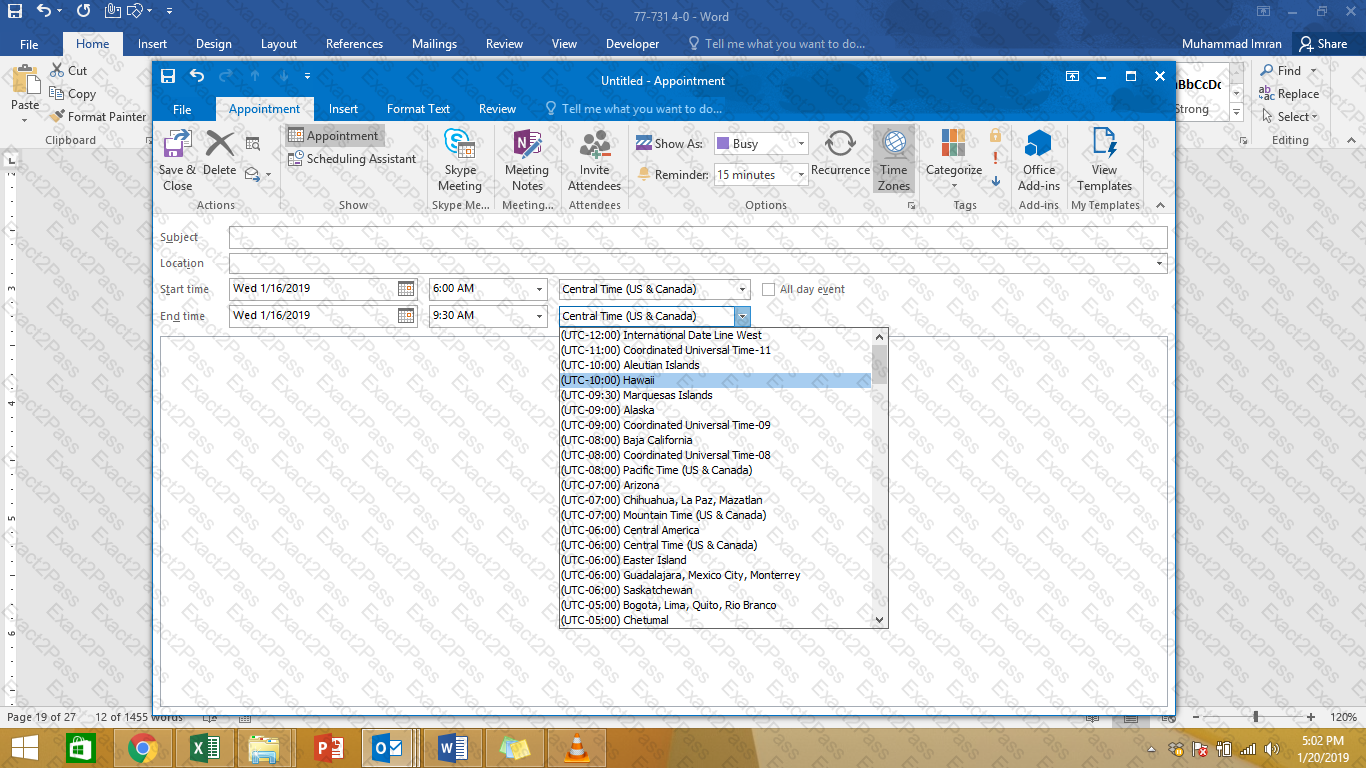
On the Calendar, locate the “Flight ' ' appointment that occurs on Friday. Change the time so that the appointment begins at 6:00 AM Central Time (US and Canada.) and ends at 9:30 Am Hawaii time. Do not change the date. Save and close the appointment.