Exact2Pass

Last Update 12 hours ago Total Questions : 89
The VMware Horizon 8.x Professional content is now fully updated, with all current exam questions added 12 hours ago. Deciding to include 2V0-51.23 practice exam questions in your study plan goes far beyond basic test preparation.
You'll find that our 2V0-51.23 exam questions frequently feature detailed scenarios and practical problem-solving exercises that directly mirror industry challenges. Engaging with these 2V0-51.23 sample sets allows you to effectively manage your time and pace yourself, giving you the ability to finish any VMware Horizon 8.x Professional practice test comfortably within the allotted time.
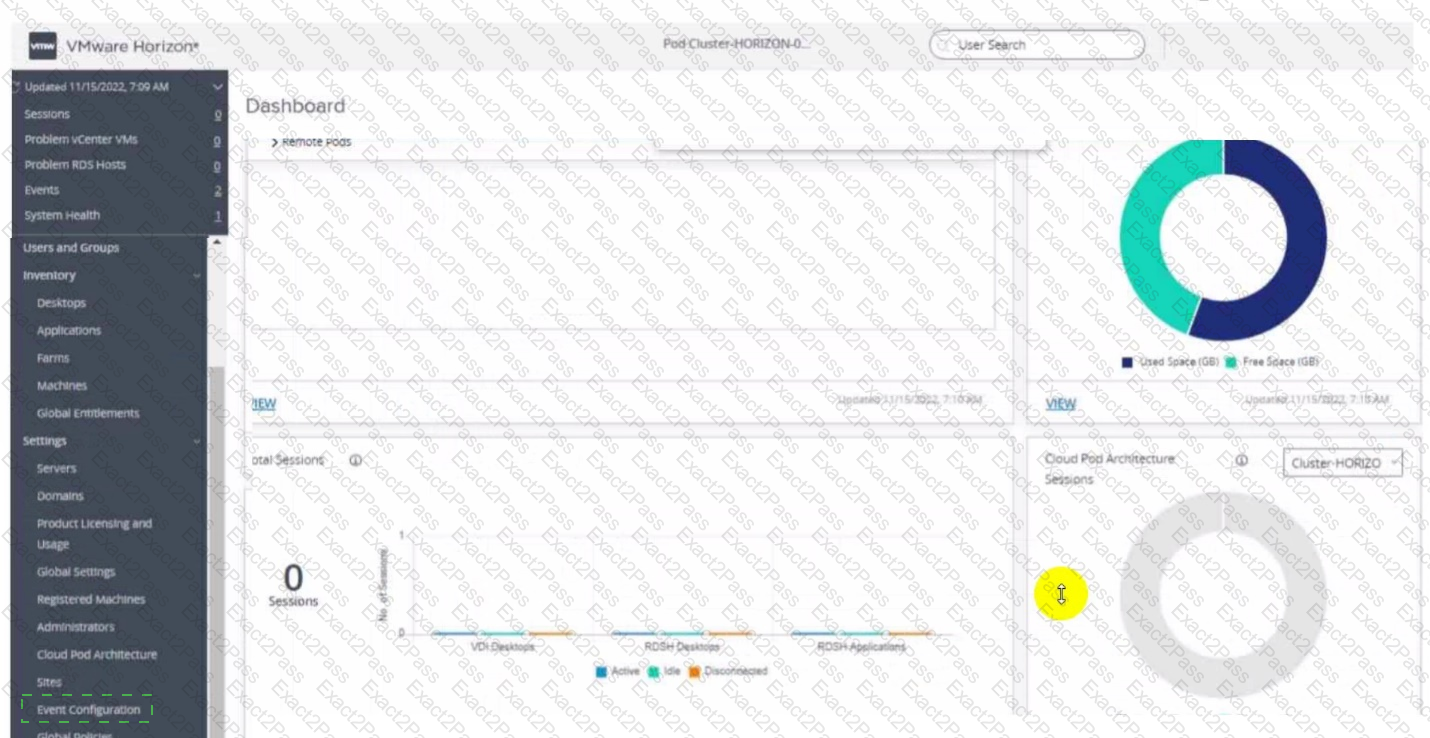
Refer to the exhibit.
An administrator wants to configure a central SYSLOG server.
Mark the correct menu option by clicking on it.
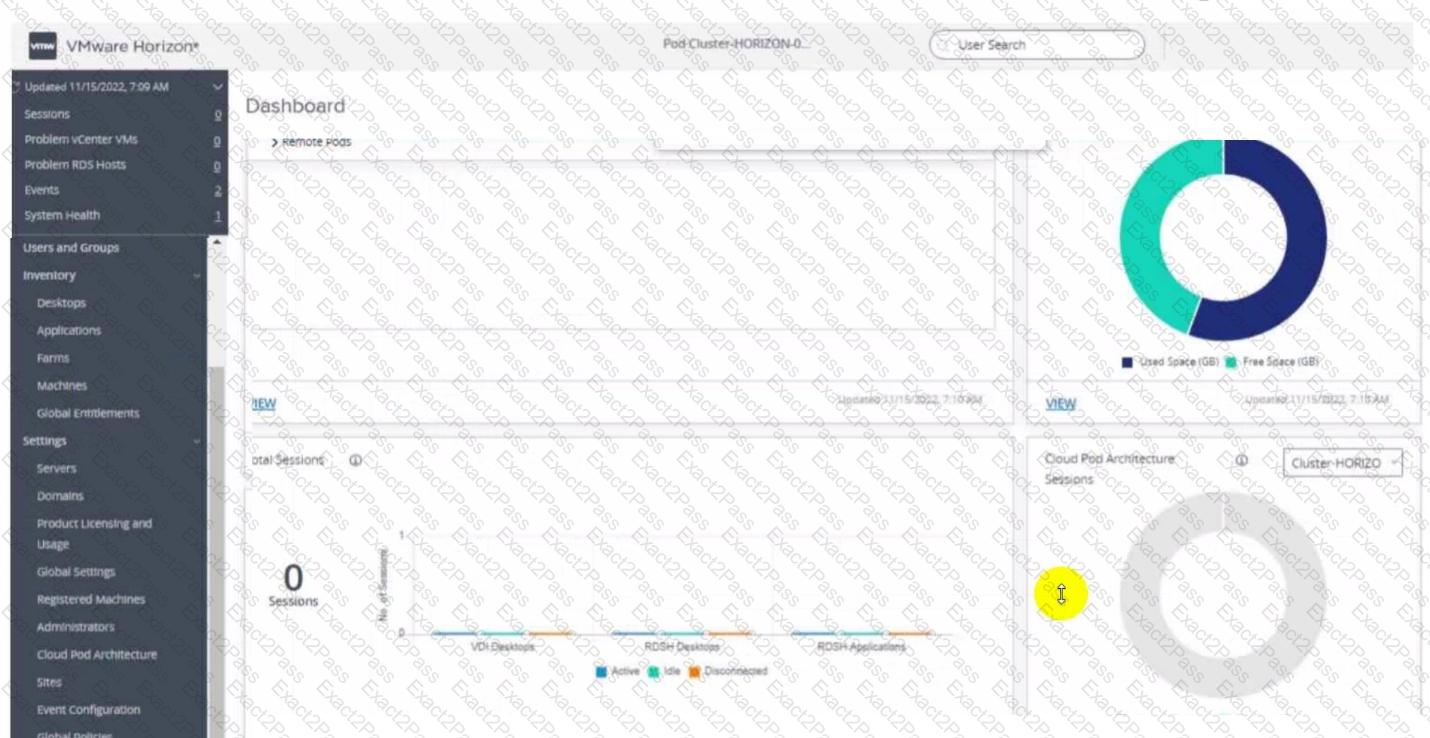
A senior Horizon administrator is tasked with enabling two-factor authentication for other Horizon administrators to login to the Horizon Console.
Which option will the administrator use that supports two-factor authentication?
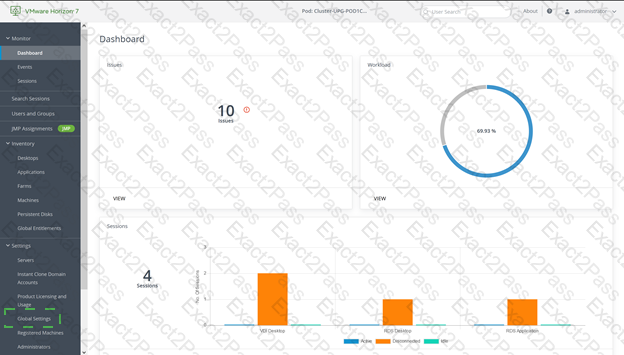
Refer to the exhibit.
An administrator prepared a golden image based on a Windows Server Operating System. They plan to use this image to create a single-session virtual desktop pool. The installation is completed, the virtual machine is turned off, and the snapshot has been created. When the administrator creates the desktop pool, they are unable to select the created image and snapshot. They do see other previously created golden images, based on Desktop Operating Systems.
The administrator has opened the Horizon Console.
Mark the correct menu option where the administrator can enable Windows Server Operating Systems to be used as single-session desktops by clicking on it.
Which two capabilities are supported by VMware Dynamic Environment Manager Application Profiler? (Choose two.)
An administrator has added a supported PCI graphics accelerator to a virtual machine configuration. When the administrator tries to power on the virtual machine, an error is displayed and the virtual machine remains powered off.
Which of the following virtual machine configuration settings needs to be applied to enable the virtual machine to power on?
An administrator wants to deploy a RDS farm which can be patched in a rolling process with zero downtime. Which of the following statements is true in this scenario?
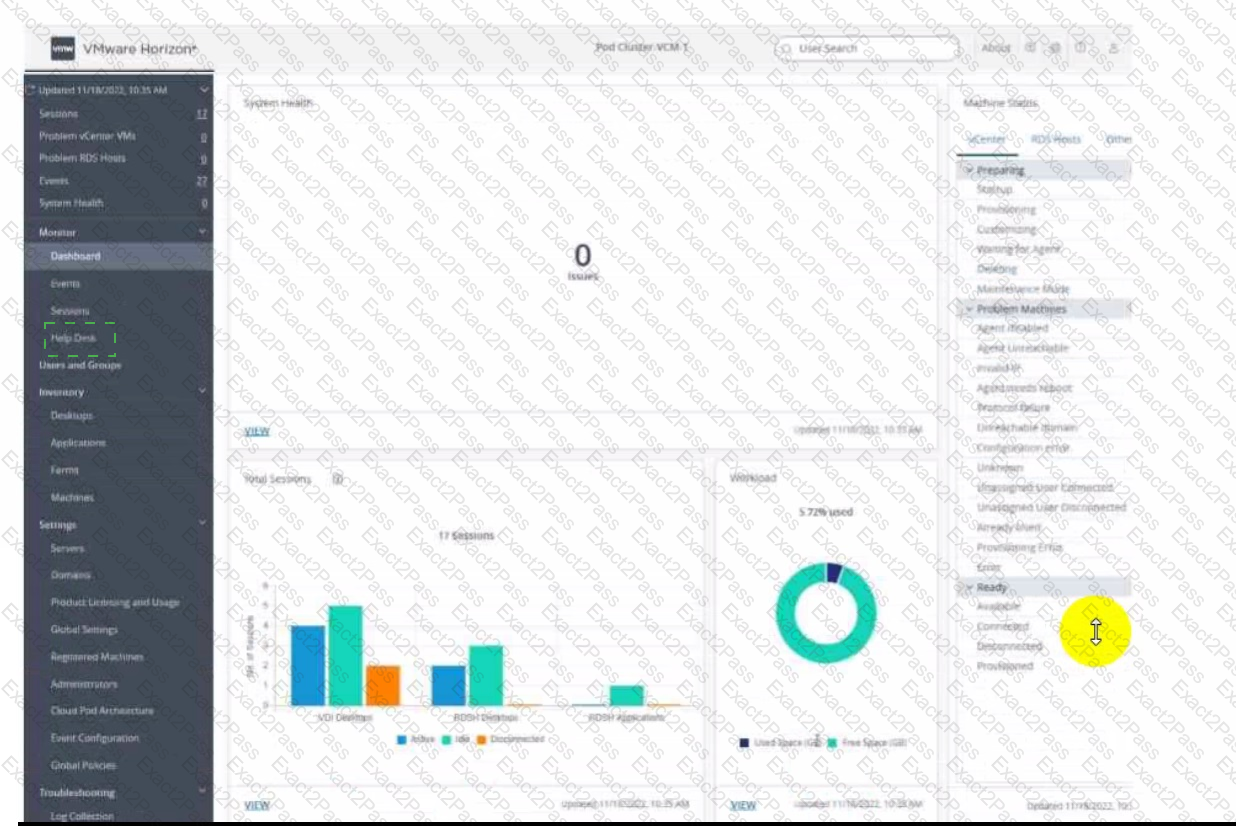
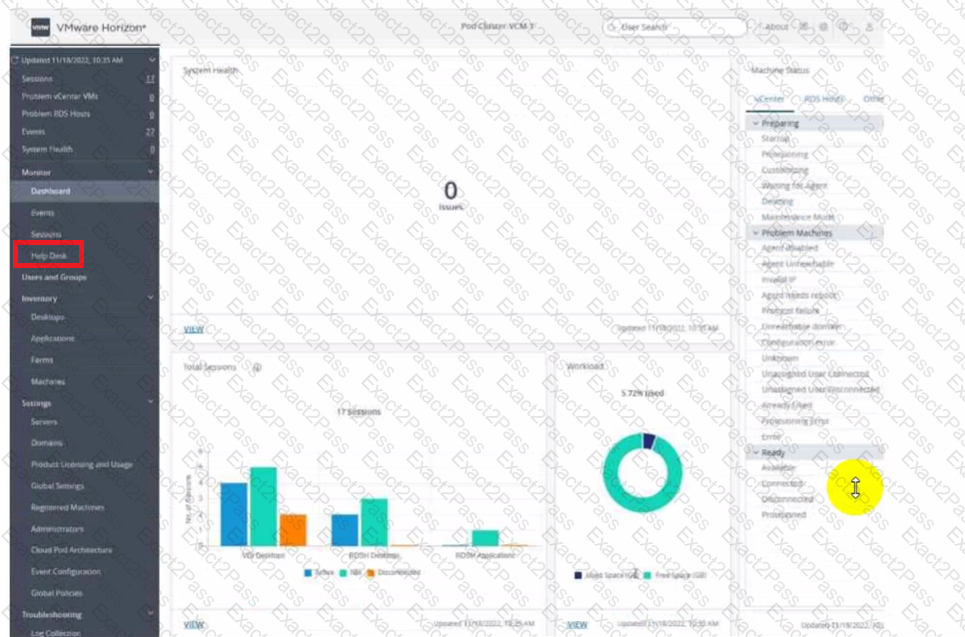
Refer to the exhibit.
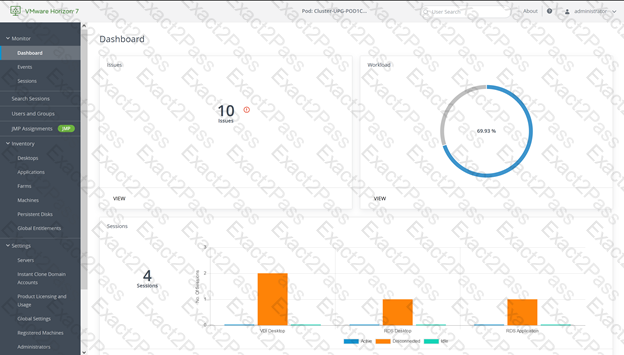
An administrator needs to monitor the advanced metrics of desktop sessions in Horizon Console.
Mark where the administrator would navigate in the Horizon Console by clicking on it.
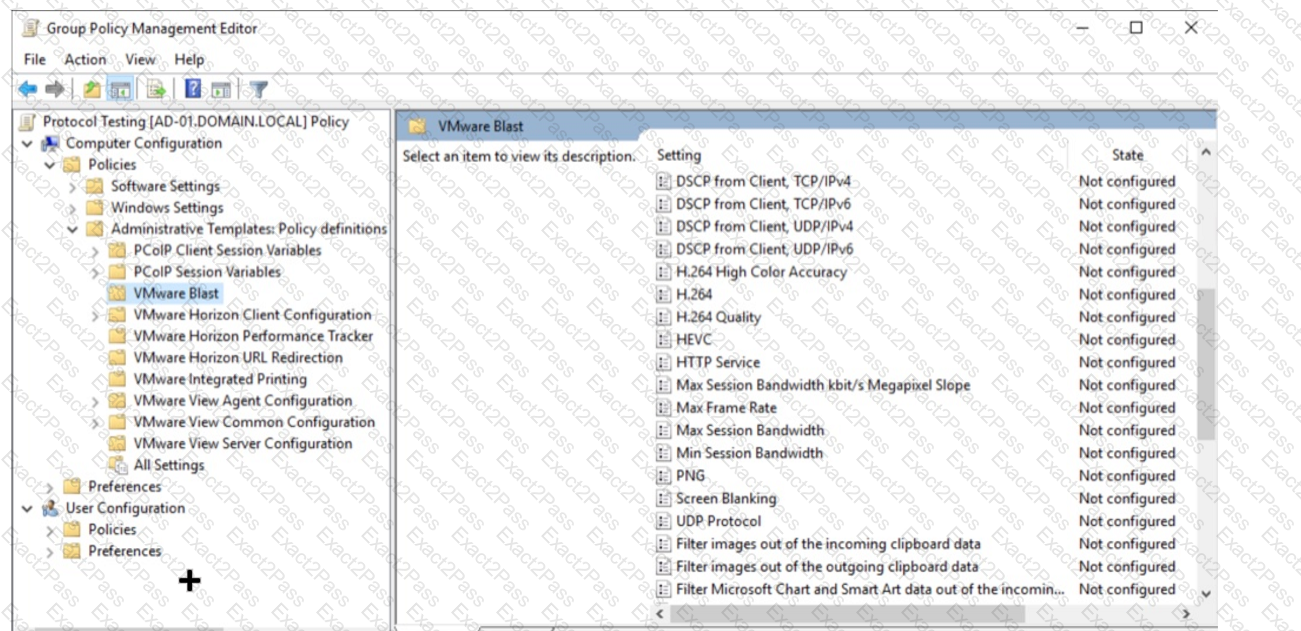
Refer to the exhibit.
An administrator wants to be able to see the desktop VM ' s active session in vSphere Console.
In the Group Policy Management Editor window, mark the correct VMware Blast setting to be configured by clicking on it.
Adobe Acrobat 11 has been assigned to a user. VM25 already has Adobe Acrobat 11 and is natively installed. What happens when the user logs on to VM25?
Which storage product allows the pooling of resources to create datastores in a software defined datacenter?