Exact2Pass

Last Update 6 hours ago Total Questions : 212
The Salesforce Certified Tableau Data Analyst content is now fully updated, with all current exam questions added 6 hours ago. Deciding to include Analytics-DA-201 practice exam questions in your study plan goes far beyond basic test preparation.
You'll find that our Analytics-DA-201 exam questions frequently feature detailed scenarios and practical problem-solving exercises that directly mirror industry challenges. Engaging with these Analytics-DA-201 sample sets allows you to effectively manage your time and pace yourself, giving you the ability to finish any Salesforce Certified Tableau Data Analyst practice test comfortably within the allotted time.
You publish a dashboard tut uses an attract. The extract refreshes every Monday at 10:00.
You need to ensure that the extract also refreshes on the last day of the month at 18:00.
What should you do?
You connect to a database server by using Tableau Prep. The database server has a data role named Role1.
You have the following field in the data.

You need to apply the Role1 data role to the Material field.
Which two actions should you perform? Choose two.
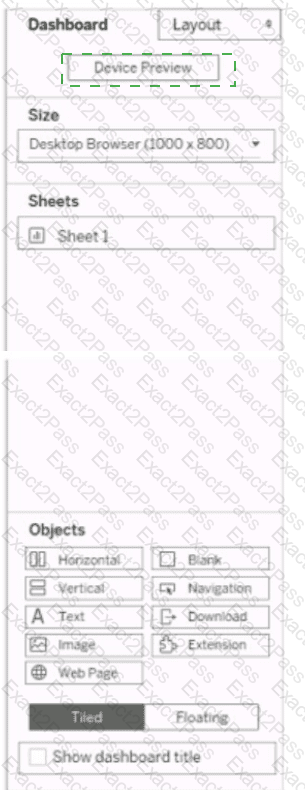
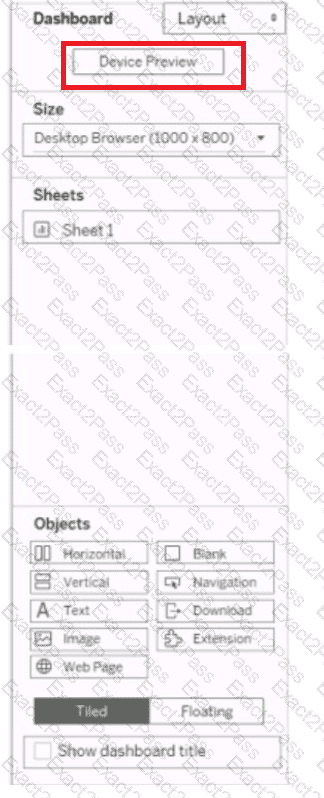
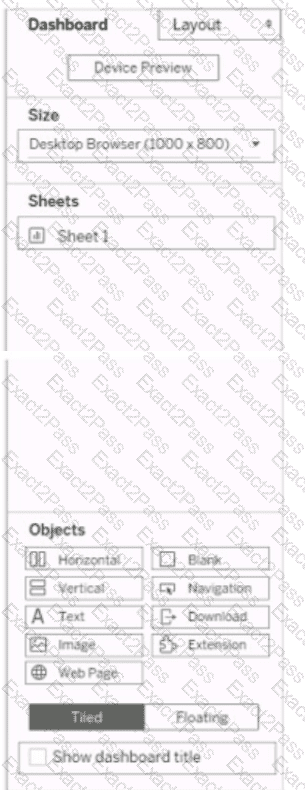
You have a dashboard that is configured for desktop browsers.
You want to customize a layout for mobile users.
Which option should you select first? (Click the appropriate Option in the Answer Area.)
What happens within Tableau Prep Builder when a Data Analyst selects Publish as Data Source for a flow output step?
Which syntax should a Data Analyst use to find the first purchase date per customer when Customer is not in the view?
You have two tables named Employeelnfo and DepartmentInfo. Employeelnfo contains four fields named Full Name, Department ID, Start Date, and Salary.
DepartmentInfo contains four fields named Department Name, Size, Department ID, and VP.
You want to combine the tables to meet the following requirements:
. Each record in Employeelnfo must be retained in the combined table.
. The records must contain the Department Name, Size, and VP fields.
· Every record must have a full name.
Which type of join should you use?
You create the following worksheet
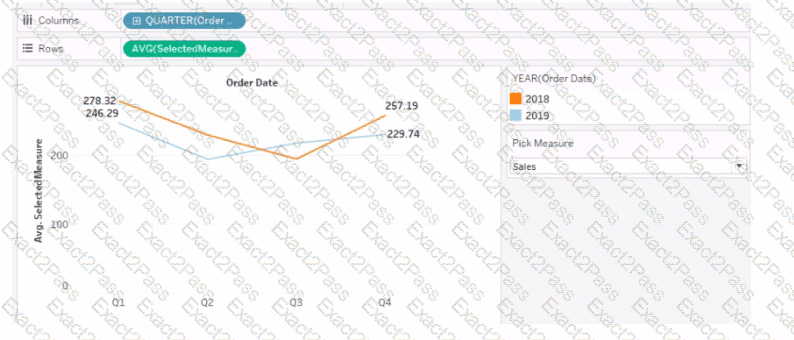
The Pick Measure parameter contains the following list of values
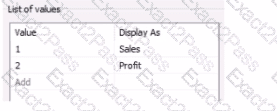
Users can select a value from Pick Measure to change the visualization to show either the Sales measure or the Profit measure.
Which formula is used in the Selected Measure calculated field lo switch between measures?
You have the following chart that shows profits and discounts over time.
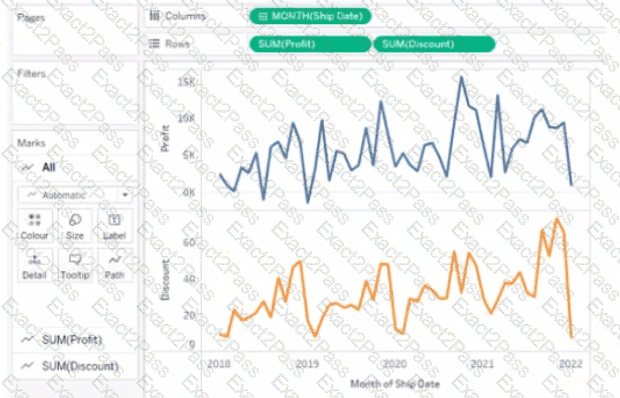
You need to combine the lines to appear as shown in the following chart.
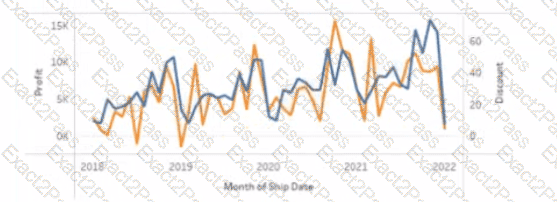
What should you do?
You want to create the following table in a view.
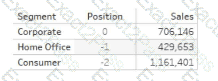
Which function should you use to create the Position column?
A Data Analyst creates a worksheet named Sales by Region and hides the title of the worksheet.
The analyst prints the worksheet as a PDF file and notices that the worksheet title appears.
The analyst needs to prevent the title from appearing when printing the worksheet as a PDF.
Which setting should the analyst configure from the File menu in Tableau Desktop?